A call forwarding scam turns your own phone against you. The caller tricks you into switching on call forwarding, and from then on the calls meant for you, including verification calls, go to the scammer.
Google has just announced that Android will warn you when someone tries to set this up. Until that arrives, here is how the scam works, how to check your phone in under a minute, and how to switch forwarding off on Pixel and Galaxy phones.
A call forwarding scam tricks you into dialling a code that sends your incoming calls to a scammer, who can then receive verification calls and one-time passcodes. To check, open the Phone app, go to Settings, and look at Call forwarding for each SIM. Turn off anything you did not set up, then call your carrier and bank.
Table of Contents
ToggleHow the call forwarding scam works
The scammer calls pretending to be your bank, a government agency, or your mobile carrier. They say there is an urgent problem with your account and ask you to dial a short code to “fix” or “verify” it.
According to a credit union scam alert, the code is usually *72 followed by a phone number. Dialling it turns on call forwarding and sends your incoming calls to that number. Verification calls and one-time passcodes then reach the scammer instead of you, and they may try to use them to access your accounts.
Nothing looks wrong at first. Your phone still works for outgoing calls, and you may not notice that incoming calls are being diverted until a bank or friend says they could not reach you.
No bank, carrier, or government agency will ask you to dial a call forwarding code. If anyone does, hang up. It is a scam, however professional they sound.
What Google is changing in Android
Google announced several anti-scam features on October 14. Android Authority reports that apps will no longer be able to silently turn on call forwarding in the background. Instead, your phone will warn you if a scammer tries to get you to forward your calls.
The report says the warning is planned for early December 2026 on Pixels and some other phones. It is a warning the phone gives you, not an opt-in setting. That means you should not wait: check your phone now and treat the warning as a second line of defence when it arrives.
Step 1: Check whether call forwarding is on
Look at the status bar at the top of your screen. AT&T’s Pixel instructions say a phone receiver with an arrow appears in the status bar when forwarding is on. Not every phone shows this, so check the settings anyway.
On a Google Pixel
AT&T’s Pixel guide gives the menu path for call forwarding settings: open the Phone app, open the sidebar or menu, select Settings, choose Calling accounts, pick your SIM, then select Call forwarding. Check each option and look for a number you do not recognise.
On a Samsung Galaxy
- Open the Phone app.
- Tap the three-dot More options menu.
- Tap Settings, then Supplementary services.
- Choose Call forwarding for SIM 1 or SIM 2.
- Tap Voice calls and look at each option: Always forward, When busy, When unanswered, and When unreachable.
That path comes from Samsung’s support page, which notes that steps may vary by model and One UI version.
Menu names change between phone makers, carriers, and Android versions. If you cannot find the setting, search for “call forwarding” inside Phone settings, or ask your carrier to check it for you.
Step 2: Turn call forwarding off
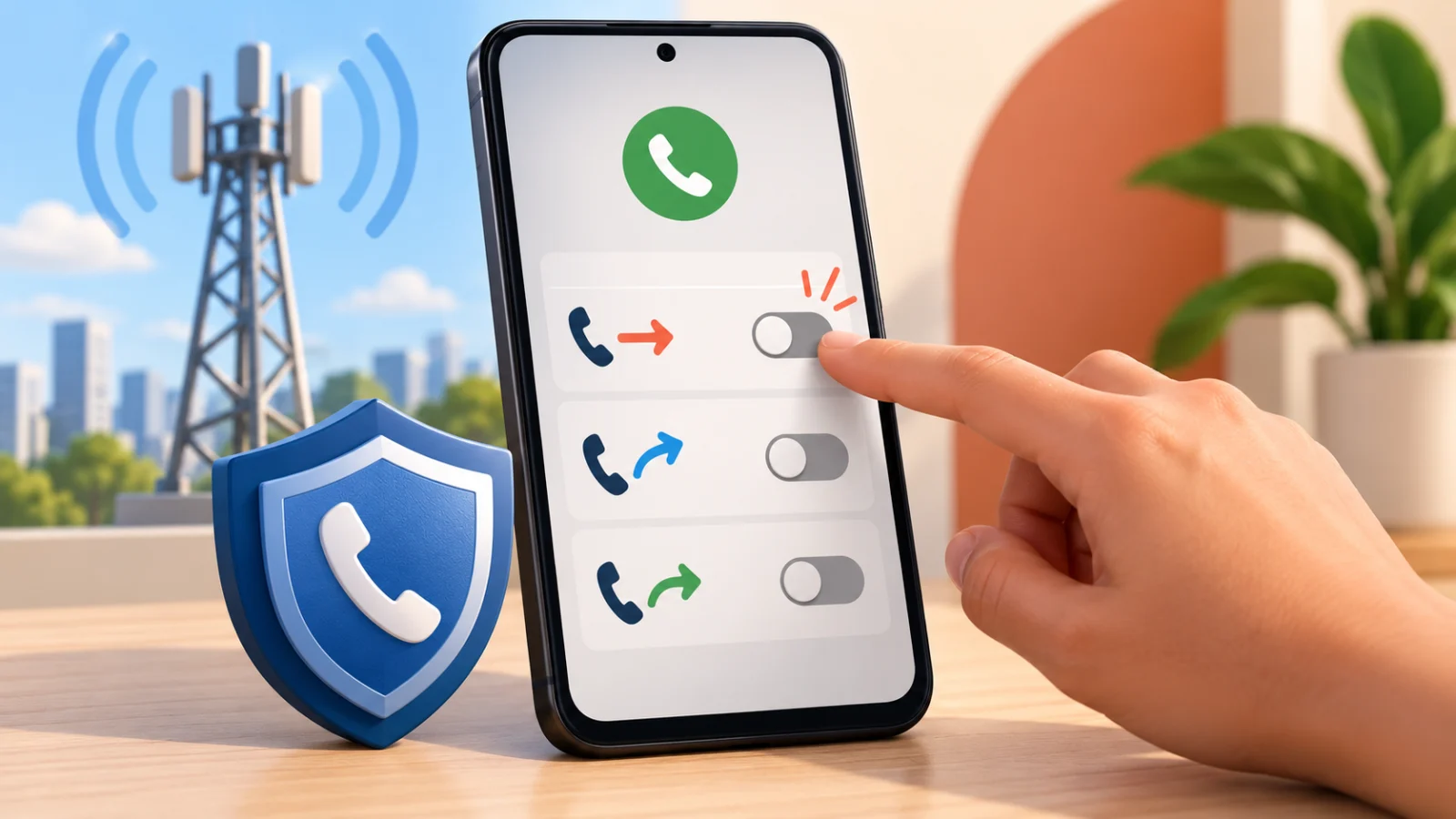
On a Galaxy, tap the active option and choose Disable. On a Pixel, open the same Call forwarding screen and switch off any option you did not set up. Do this for every option and for both SIMs if your phone has two.
Then place a test call to your phone from another number and make sure it rings. If forwarding was on, you may see missed calls on someone else’s phone or reports from friends that your phone went straight to another number.
If you use call forwarding on purpose, such as to a work phone, keep a note of the number you set. Anything different is a red flag.
Step 3: Call your carrier
Ask your carrier to confirm that no forwarding is active on your line and to remove it if it is. The credit union alert advises contacting your carrier, explaining that the forwarding was part of a scam, and asking them to disable it.
Use the number on your carrier’s official website, your bill, or your SIM packaging, not a number the caller gave you. Ask them to add a note on your account, and ask what extra protections they offer against SIM swapping and port-out fraud.
Step 4: Protect your bank and email accounts
If you already dialled a code, treat your accounts as exposed. The same source recommends contacting your financial institution so it can review your account for suspicious activity, then changing account passwords and watching them closely.
- Call your bank using the number on your card or the bank’s official site.
- Change your email password first, then banking and shopping passwords.
- Turn on two-factor authentication using an authenticator app rather than text messages.
- Review recent logins and sign out of unknown devices.
Our guide on two-factor authentication explains why text codes are the weakest option, and our passkeys guide shows a safer way to sign in.
Why one-time passcodes by call are risky
Some services offer to read your passcode by phone call. If your calls are forwarded, that voice message goes to the scammer. A passcode sent by text can be intercepted in other ways too. That is why security experts push app-based codes and passkeys over phone-based codes.
Never read a passcode aloud to anyone who called you, even if they say they are from your bank. Hang up and call back using a number you trust. Our guide to AI voice cloning scams explains why even a familiar voice is not proof of who is calling.
Spot the common warning signs and know what to do before you lose money.
Other signs your phone may be compromised
Call forwarding is one trick among many. If you see unknown apps, unusual battery drain, or strange account alerts, read our guide on checking for spyware on your phone. Keeping your phone updated also helps, so check your Android security patch level regularly.
Simple rules that stop this scam
Never dial a code or press a key sequence because a caller told you to. Treat urgency as a warning sign. End the call and contact the organisation yourself. Tell family members, especially older relatives, because these scams often target them.
Frequently Asked Questions
What is a call forwarding scam?
A scammer persuades you to dial a code that forwards your incoming calls to their number. They can then receive verification calls and one-time passcodes meant for you.
How do I know if call forwarding is on?
Check the Phone app settings under Call forwarding for each SIM. Some phones also show a forwarding icon in the status bar. If you see a number you did not set, turn it off.
Will Android warn me about this scam?
Android Authority reports a warning is planned for early December 2026 on Pixels and select phones, and apps will no longer be able to enable forwarding silently. Check your phone now rather than waiting.
What should I do if I dialled the code?
Disable forwarding, call your carrier and your bank using numbers you trust, change passwords, and turn on app-based two-factor authentication.
Can a bank ask me to dial a forwarding code?
No. Legitimate institutions do not ask customers to dial call forwarding codes. Treat the request as a scam and hang up.