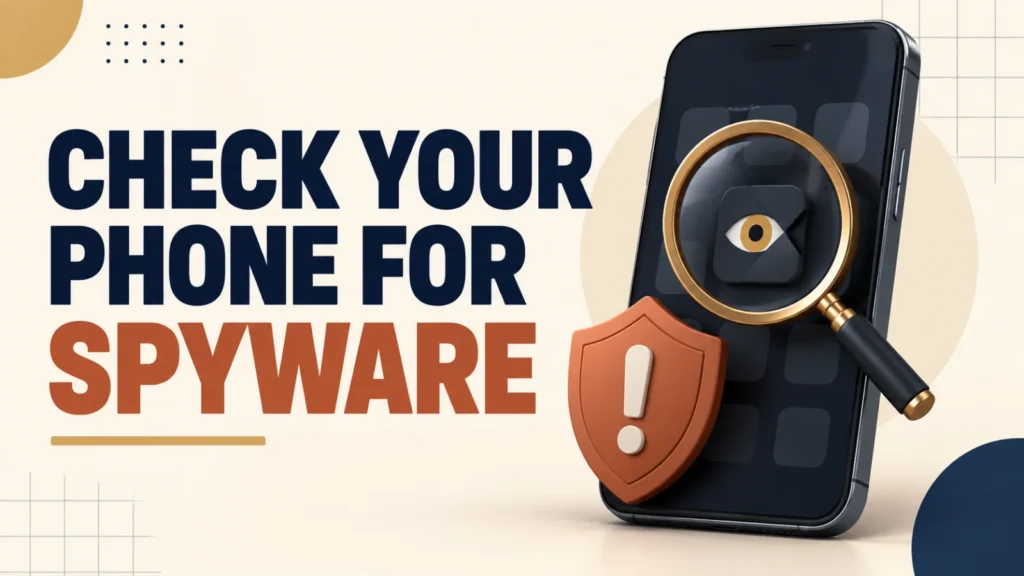
Spyware on phone devices can expose location, messages, account access, or private activity. But battery drain or heat alone does not prove surveillance. Look for several signs, review apps and permissions, and consider your personal safety before removing anything.
To check for spyware on a phone, review unfamiliar apps, recent permission access, device-management settings, and signed-in account devices. On Android, run Google Play Protect and inspect the Privacy dashboard. On iPhone, use Safety Check and review VPN & Device Management. If a partner may be monitoring you, use a safer device to get help before making changes.
Table of Contents
ToggleWhat Is Stalkerware?
Stalkerware is software used to secretly monitor another person’s device or accounts. It may expose location, communications, photos, browsing, or microphone access. Consumer stalkerware often requires physical access to install, but monitoring can also come from shared cloud accounts, location sharing, or device-management profiles.
The key issue is knowledge and consent. Legitimate family-safety or workplace-management tools are disclosed and used within clear legal and ownership boundaries. Secret surveillance of an adult’s personal device is different and may be unlawful.
Spyware on Phone: 5 Warning Signs on Android
- Several unfamiliar apps, especially apps with vague names or icons you do not remember installing.
- Unexpected camera, microphone, location, SMS, notification, accessibility, or usage-access activity.
- Google Play Protect is disabled, reports a harmful app, or has not scanned recently.
- “Install unknown apps” is enabled for a browser, messaging app, or file manager without a reason.
- Unexplained battery, heat, performance, or data-use changes occurring together with other warning signs.
Spyware on Phone: 4 Warning Signs on iPhone
On iPhone, monitoring may involve an Apple Account, location sharing, an unknown configuration profile, or a managed device—not only a hidden app. Apple’s Safety Check can review people, apps, connected devices, and sharing access on iOS 16 or later.
- An unfamiliar profile appears under Settings > General > VPN & Device Management.
- Safety Check shows people or apps with access you did not expect.
- Your Apple Account lists a device you do not recognize.
- Find My, Family Sharing, Screen Time, or location sharing is configured in a way you did not choose.
How to Check for Spyware on Android
- Open the Play Store, tap your profile picture, choose Play Protect, and run a scan. Keep Scan apps with Play Protect enabled.
- Open Settings > Security & privacy (wording varies by manufacturer) and resolve any alerts.
- Open the Privacy dashboard and review recent camera, microphone, and location access.
- Review all apps and special access such as device admin, accessibility, display over other apps, notification access, and install unknown apps.
- Review devices and security events in your Google Account from a device you trust.
How to Check for Spyware on iPhone
- Open Settings > Privacy & Security > Safety Check. On iOS 16 or later, use Manage Sharing & Access to review people, apps, and connected devices.
- Open Settings > General > VPN & Device Management. A legitimate work or school profile may be expected; do not delete it without checking with the administrator.
- Tap your name in Settings and review every device connected to your Apple Account.
- Review Find My, Family Sharing, Screen Time, and app privacy permissions for access you did not approve.
Pause before removing suspected stalkerware if another person may become dangerous. Changes can alert the person, escalate abuse, or erase evidence. Use a different trusted device to read the Safety Net Project’s phone safety plan and contact a trusted local support service. In the United States, the National Domestic Violence Hotline is available at thehotline.org or 800-799-SAFE.
How to Remove Spyware or Stalkerware Safely
- When it is safe, record the app name, profile, unusual permissions, and relevant dates before changing anything if you may need evidence.
- Revoke elevated access before uninstalling an Android app. On iPhone, remove an unknown profile only after considering safety and whether the phone belongs to an employer or school.
- From a device you trust, change your Google or Apple Account password, email password, and recovery details; then turn on two-factor authentication.
- Install operating-system and security updates and run another security check.
- If concerns remain, back up essential photos and documents, then consider a factory reset and set up the phone as new. A reset does not secure an account that someone else can still access.
How to Prevent Phone Spyware
Reduce the risk of spyware on phone devices with these habits:
- Use a strong screen-lock code that other people do not know and avoid sharing account passwords.
- Keep Google Play Protect enabled and review Android’s Privacy dashboard periodically.
- Use Apple Safety Check when sharing or account access changes.
- Keep the operating system and apps updated, and install apps only from trusted sources.
- Review signed-in devices, recovery contacts, location sharing, and account security alerts regularly.
Security updates close known vulnerabilities and strengthen built-in protection. Use this guide to verify your Android patch date and available updates.
Frequently Asked Questions
Can stalkerware be installed remotely without touching my phone?
Most stalkerware requires brief physical access to install directly on the device. Remote compromise is possible but far less common for consumer-grade stalkerware than for other types of malware.
Will a factory reset definitely remove stalkerware?
A full factory reset followed by a clean setup removes almost all consumer stalkerware, since it wipes installed apps and admin permissions. Restore only your photos and files, not a full app backup, to avoid reinstalling it.
Do antivirus apps detect stalkerware?
Many reputable mobile security apps can detect known stalkerware, though some sophisticated or custom tools may not be flagged. A manual permissions check is a useful second layer.
Is checking someone else's phone for stalkerware legal?
Checking your own device is not a legal concern. Installing stalkerware on someone else’s phone without their consent is illegal in many jurisdictions, regardless of the relationship.
What should I do if I cannot safely remove the app myself?
Contact the National Domestic Violence Hotline or a local support organization for guidance before taking action, especially if your safety could be affected by the person noticing.