Latest guide
Xbox Error 0x87DD0005 on Windows 11? 7 Proven Fixes
Seeing Xbox error 0x87DD0005 in Windows 11 games? Here is what it means, what is confirmed so far, and seven fixes to try in order.

Guides category
Windows is where most of our guides live, and this section is your home for making it run better. You will find clear, step-by-step help for Windows 10 and Windows 11 — from fixing update errors, blue screens, and slow performance to freeing up disk space, managing files, and mastering built-in tools. Every guide is written in plain English and checked against Microsoft’s official documentation. Browse the latest Windows tips, fixes, and how-tos below; we add new guides regularly and keep older ones up to date as Windows changes.
Seeing Xbox error 0x87DD0005 in Windows 11 games? Here is what it means, what is confirmed so far, and seven fixes to try in order.
Mouse stutter in games on Windows 11 has an official fix in the October update. Here is how to confirm it and eight more…

Mark of the Web is how Windows flags downloaded files. Learn what it does, what the exploited October flaw means, and how to stay…

If a scammer got remote access to your PC, act fast. Nine steps to cut them off, clean the computer, and protect your accounts.

KB numbers, builds, fixes and known issues for the October 13, 2026 Windows 11 update.
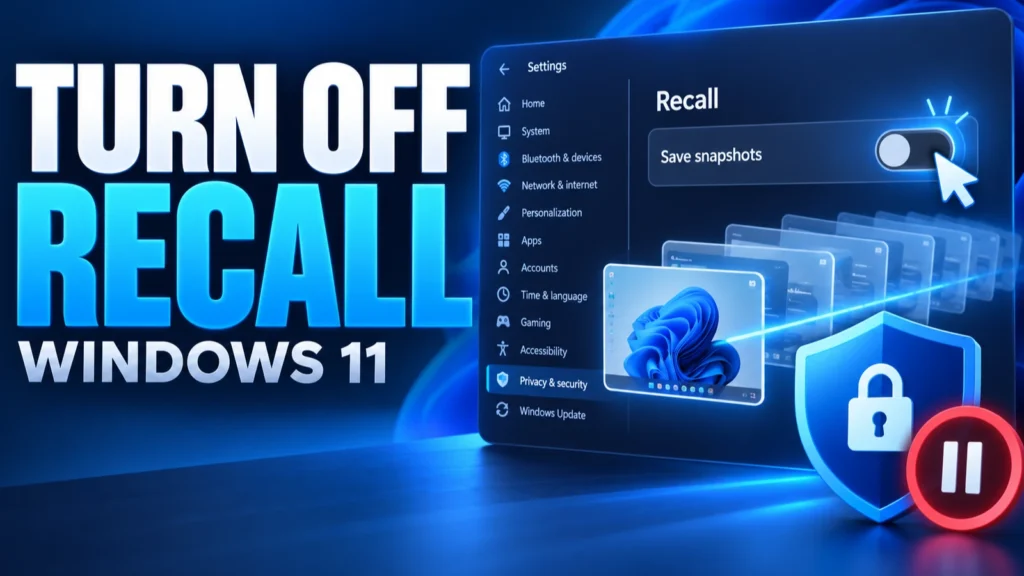
How to turn off Recall in Windows 11, delete saved snapshots, limit what it captures, and remove it using Microsoft’s documented settings.
Why Windows 11 games and apps crash after KB5124010, how to confirm the AC-3 audio bug, and the safest fixes to try first.
Current Windows 11 updates, open known issues and fix guides for every common update problem, updated monthly.
Why Windows 11 26H2 may not appear in Windows Update yet, how to check eligibility, and safe ways to get it.
Remote Desktop not connecting after a Windows update usually means one of four things: the host is unavailable, the RDP listener is not responding,…