Windows 11 games crashing right after an update is frustrating, especially when the same game ran fine yesterday. This time the cause may not be your game at all.
Microsoft has confirmed that some apps and games that use the built-in AC-3 (Dolby Digital) audio decoder can crash after the September 2026 preview update, KB5124010. This guide explains what is going on, how to check if it is your problem, and the safest fixes to try first.
If your game or app closes without warning on Windows 11 after KB5124010, you may be hitting a known AC-3 audio decoder bug. Microsoft says a fix is coming in a future update but has not given a date. Until then: restart, install the latest Windows update, avoid changing audio settings while the app runs, repair the game files, and uninstall the preview update only as a last resort.
Table of Contents
ToggleWindows 11 games crashing: what the AC-3 audio bug does
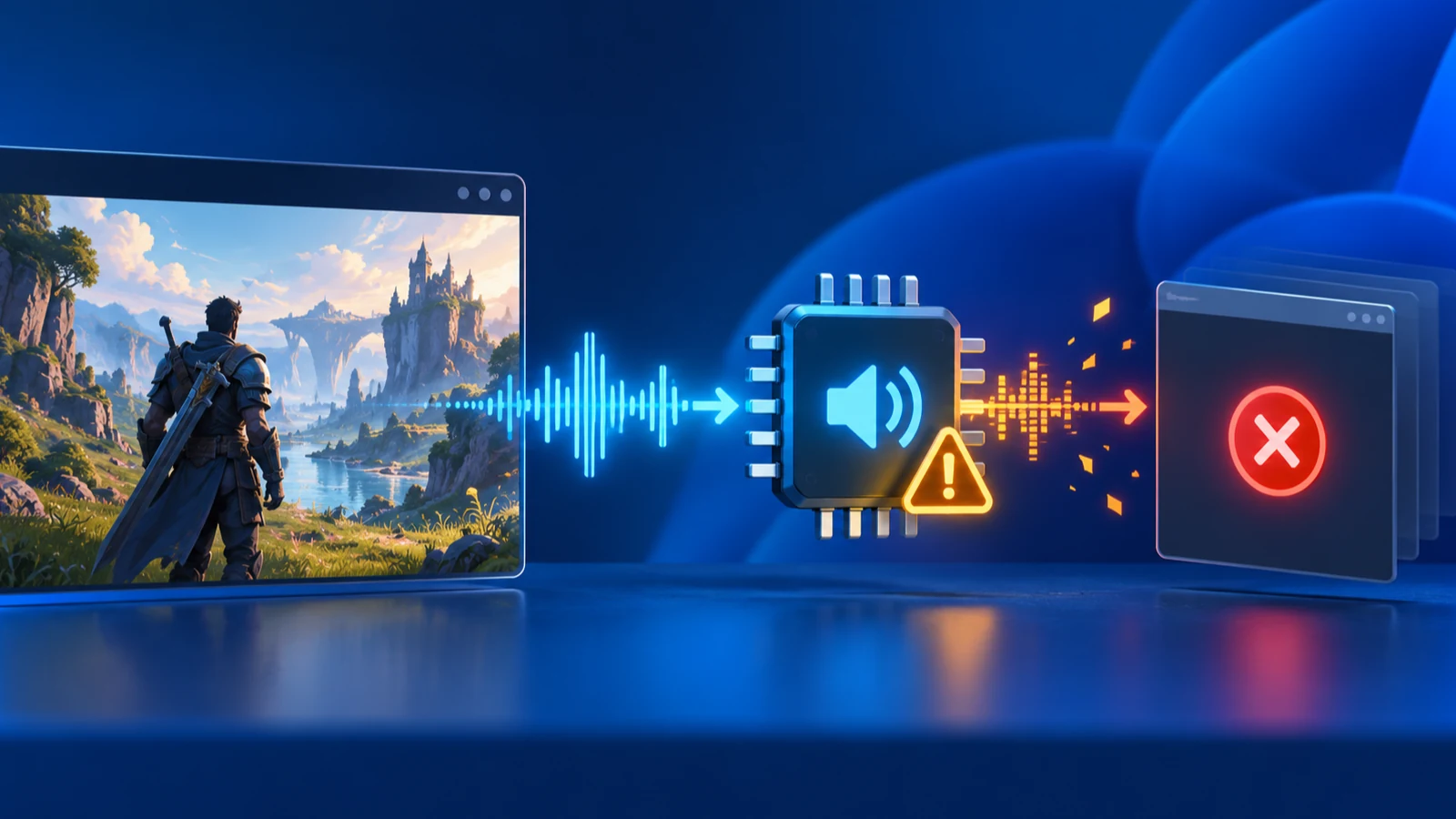
Windows includes a built-in decoder for AC-3 audio, the format also known as Dolby Digital. Older games and media players often rely on it to play sound.
Microsoft’s release health notes say affected programs can fail to launch or close without warning. Crashes may also appear when you raise the volume, change audio settings, or use a certain audio feature. Microsoft does not name specific titles. It says affected applications may vary and can include games, media players, and some productivity apps.
Most modern apps should not be affected, because they bring their own audio code. Older games and software that lean on the Windows decoder are the likeliest to crash.
We have not reproduced this bug on our own PCs. The details here come from Microsoft’s published statement as reported by Windows Latest. Check the official Windows 11 26H2 release health page for the current status.
Which Windows versions and updates are affected
The reported problem appears after installing KB5124010, an optional preview update released on September 22, 2026. It covers Windows 11 versions 24H2, 25H2, and 26H2. Microsoft’s KB article lists OS builds 26300.9550, 26200.9550, and 26100.9550.
If you installed the update on 25H2 and later upgraded to 26H2, you can still be affected, because the versions share the same underlying code.
| Item | What to know |
|---|---|
| Update | KB5124010 (optional preview update, September 22, 2026) |
| Windows versions | Windows 11 24H2, 25H2, and 26H2 |
| Cause named by Microsoft | Apps using the built-in AC-3 (Dolby Digital) audio decoder can crash |
| Official fix | Not yet released when this was written. Microsoft says it is coming in a future update |
This is a different problem from the September USB audio bug. If your headset or DAC stopped working entirely, read our guide to USB audio not working after a Windows 11 update instead.
How to check if this bug is causing your crashes
A crash can have many causes, so confirm the pattern before you change anything.
- Open Settings, go to Windows Update, then Update history. Look under Quality updates for KB5124010. If it is not there, this bug is unlikely to be your cause.
- Press the Windows key, type reliability history, and open View reliability history. A red X on the day of the crash with your game’s name confirms it is closing unexpectedly.
- Note what you were doing when it closed. Raising the volume, opening audio settings, or playing music in the app points toward this bug.
- Press Windows + R, type winver, and note your build number so you can compare it with the KB article.
If crashes started long before September 22, the cause is something else. Our Windows 11 update problems guide lists other known issues and fixes.
7 fixes to try, safest first
Microsoft has not published an official workaround. Fixes 1 to 6 are cautious, reversible steps. Fix 7 changes your update setup, so treat it as a last resort.
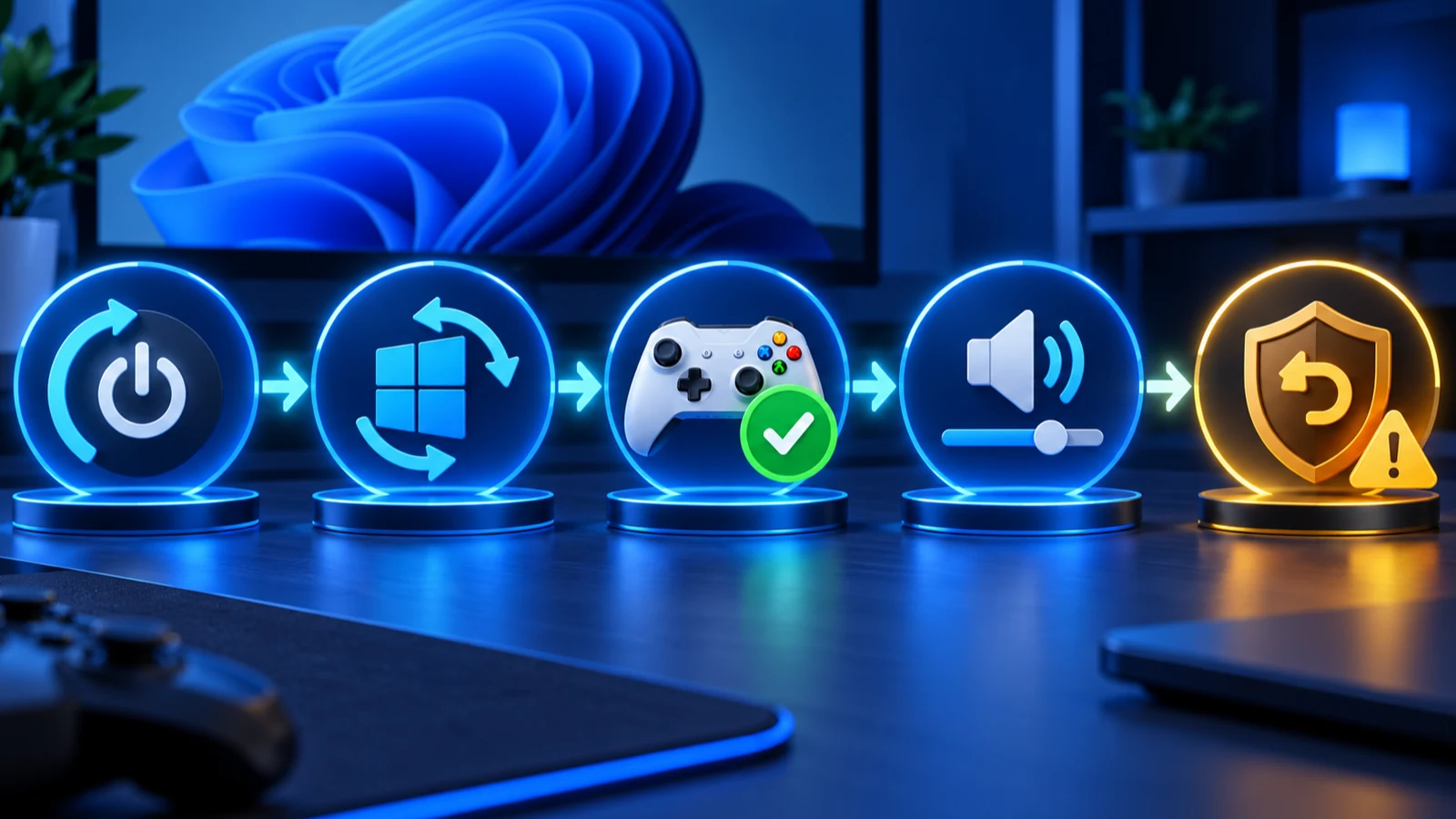
1. Restart and install the latest Windows update
Restart your PC, then open Settings > Windows Update and select Check for updates. Microsoft says a fix will arrive in a future update, so the newest cumulative update may already include it. Check the release notes for the update before you assume it does.
2. Update the game and your audio driver
Open your game launcher and install any pending patch. Then check Settings > Windows Update > Advanced options > Optional updates for audio driver updates. You can also download the latest driver from your PC or sound card maker.
3. Set your audio before you launch the app
Microsoft says crashes can happen when you change audio settings or raise the volume inside an affected app. Set your volume and output device first, then start the game.
Use your keyboard volume keys or the system volume slider instead of in-game audio menus while you test. This is a cautious habit, not a Microsoft-confirmed cure.
4. Turn off spatial sound and audio enhancements
- Open Settings > System > Sound.
- Select your speakers or headphones under Output.
- Set Spatial audio to Off, and turn off Audio enhancements if the option appears.
- Launch the game again.
This removes extra audio processing from the chain. It will not fix the decoder bug itself, but it can rule out other audio add-ons.
5. Repair or verify the game files
In Steam, right-click the game, choose Properties > Installed Files, then Verify integrity of game files. For Microsoft Store apps, go to Settings > Apps > Installed apps, open the app’s menu, choose Advanced options, then Repair.
6. Try another media player for audio files
If a media player is the app that crashes, test a different player that ships its own audio codecs. This avoids the Windows decoder for that file. It is a workaround for media, not for games.
Do not reinstall Windows over this. The bug sits in a system component, so a clean install of the same update would bring it back.
7. Uninstall KB5124010 as a last resort
- Open Settings > Windows Update > Update history.
- Scroll down and select Uninstall updates.
- Find KB5124010, select Uninstall, and restart when prompted.
- Go back to Windows Update and choose Pause updates for a short period while you wait for the official fix.
Removing an update also removes its fixes. KB5124010 is a preview update, which means it contains non-security changes ahead of the next monthly security release, but rolling back leaves you on older code. Back up important files first, and reinstall updates once Microsoft confirms the crash is fixed.
A different update with its own game crash fixes, in case your problem started earlier.
How to avoid preview-update surprises
KB5124010 is optional. Windows does not have to install it on your PC unless you choose to get the latest updates as soon as they are available.
To keep that control, open Settings > Windows Update and check the Get the latest updates as soon as they are available toggle. Leave it off if your PC is for gaming or work and you want fixes to settle first. Regular monthly security updates still install normally.
It also helps to create a restore point before big updates. Our KB5124008 guide shows what the earlier September security update changed.
What to expect from Microsoft next
Microsoft says it is working on a resolution in a future Windows update and has not published a date. Patch Tuesday for October 2026 lands on October 13, and the following optional preview update arrives later in the month. Watch the release health page rather than waiting on rumors.
If your crashes continue after you install a new update, note the exact build number and the app name. That helps you search Microsoft’s release notes and report the problem through the Feedback Hub app.
Other reasons a game can crash after a Windows update
Not every crash after an update is the AC-3 bug. Updates can also change graphics drivers, overlays, and system files, so rule out the common causes before you blame Microsoft.
Graphics driver problems
If crashes come with a black screen, flickering, or a driver reset message, the graphics driver is the likelier cause. Update it from your GPU maker or from Windows Update. Owners of AMD cards should read our guide to AMD graphics issues after a Windows update.
Overlays and background apps
Screen recorders, chat overlays, and performance monitors hook into games and can crash them after a system change. Close them one by one, or turn their in-game overlays off, and test again.
Security software and corrupted files
Antivirus tools sometimes block a game file after an update. Add the game folder to your security tool’s exclusion list only if you trust the game, and verify the game files first. Run sfc /scannow in an administrator Terminal window if several different apps crash.
How to report the crash to Microsoft
Feedback helps Microsoft see how widespread a problem is. It takes a minute.
- Press Windows + F to open the Feedback Hub.
- Describe the problem and name the app or game that closes.
- Mention that it started after KB5124010 and that you use the built-in audio decoder path, if you know it.
- Select Submit.
Keep notes on the app name, build number from winver, and the time of each crash. They also help if you contact the game’s support team.
Frequently Asked Questions
Why is my game closing with no error message on Windows 11?
Silent closes are a common crash pattern. After KB5124010, Microsoft says affected apps can fail to launch or close without warning when they use the built-in AC-3 audio decoder. Check Reliability Monitor to confirm the timing.
Does this bug affect every game?
No. Microsoft says affected applications may vary and most modern apps should not be affected. Older games and programs that rely on the Windows decoder are the most likely to crash.
Should I uninstall KB5124010?
Only if the crashes are serious and you cannot work around them. Uninstalling removes the update’s fixes, so back up first and reinstall updates after Microsoft releases a fix.
Is this the same as the USB audio problem?
No. Microsoft treats the AC-3 decoder crash as a separate issue from the September USB audio bug. USB audio problems mean your headset or DAC stops working, while this bug makes apps close.
When will Microsoft fix it?
Microsoft has said a resolution is coming in a future Windows update but has not given a date. Check the official release health page for updates.