Xbox error 0x87DD0005 is the message that says you could not be signed in to Xbox Live. Since the October Windows 11 updates arrived, a growing number of players have reported it in Solitaire, Mahjong, and other Microsoft Store games even though their account works fine everywhere else.
This guide explains what the error means, what is and is not confirmed about the cause, and the fixes worth trying in a sensible order, from the safest to the most drastic. Nothing here needs a paid tool.
Xbox error 0x87DD0005 means a game could not sign you in to Xbox Live. Start with a full restart, check the Xbox status page, sign out and back in to the Xbox app, then set the Microsoft Account Sign-in Assistant service to Automatic and restart it. If nothing works, wait for Microsoft to confirm a fix before removing security updates.

Table of Contents
ToggleWhat Xbox error 0x87DD0005 means
The code is a sign-in failure. The game asks Xbox Live to confirm who you are, and the answer never comes back. On a console or PC it usually points to your account, your network connection, or the Xbox service itself.
The current wave looks different from the usual causes. BetaNews reports that players on Windows 11 see the error in Microsoft Solitaire & Casual Games, Microsoft Mahjong, and Gears of War 4, while sign-in through the browser and the Xbox app still works with the same accounts. That pattern suggests the problem sits between Windows and the game, not with your password.
What is confirmed and what is not
Reports began around the October 13 Patch Tuesday. Two updates are named in user posts: the cumulative update KB5127648 and the .NET Framework update KB5127694. Neither update’s release notes list an Xbox sign-in problem, and Microsoft has not confirmed a cause or published a fix, according to BetaNews.
Treat the update link as a lead, not a verdict. Many people report the timing, but timing alone does not prove an update caused the error. Check the Windows release health page and the Xbox status page before assuming.
That matters for how you fix it. If Microsoft has not identified a bug, the safest approach is to rule out your own setup first and avoid drastic steps like removing security updates.
Fix 1: Check that Xbox Live is actually up
Open the Xbox Live status page and look for any service that is not running. If Microsoft reports a sign-in outage, no setting on your PC will help, and you can stop here and try again later.
Players on the affected thread say the status page showed no issue, so this check often comes back clean. It still takes ten seconds and saves a lot of wasted effort when it does show a problem.
Fix 2: Restart properly and switch accounts
- Close the game and the Xbox app completely.
- Select Start > Power > Restart. Do not use Shut down, because Fast Startup can keep the same session alive.
- When the game shows the error screen, choose Switch account and pick your Microsoft account again if the option appears.
This clears a stuck sign-in session. It fixed the error for some people in older cases, though it did not help most players in the current wave.
Fix 3: Sign out and back in to the Xbox app
- Open the Xbox app on Windows 11.
- Select your profile picture in the top corner and choose Sign out.
- Close the app, reopen it, and sign in with the same Microsoft account.
- Launch the game again and let it sign in on its own.
Signing in fresh gives the game a new token to work with. If the Xbox app itself will not sign in, jump to the service fix below.
Fix 4: Restart the Microsoft Account Sign-in Assistant
One user on the BetaNews thread reported success after changing this service. It is a single report, not an official Microsoft fix, but it is low risk and easy to undo.
- Press Windows + R, type services.msc, and press Enter.
- Find Microsoft Account Sign-in Assistant in the list.
- Double-click it. Set Startup type to Automatic.
- Select Start (or Stop and then Start if it is already running), then select OK.
- Reopen the Xbox app and then the game.
If you change the service and nothing happens, set it back to its original startup type so you leave your PC as you found it. Note the original setting before you change it.
Fix 5: Check the date, time, and network
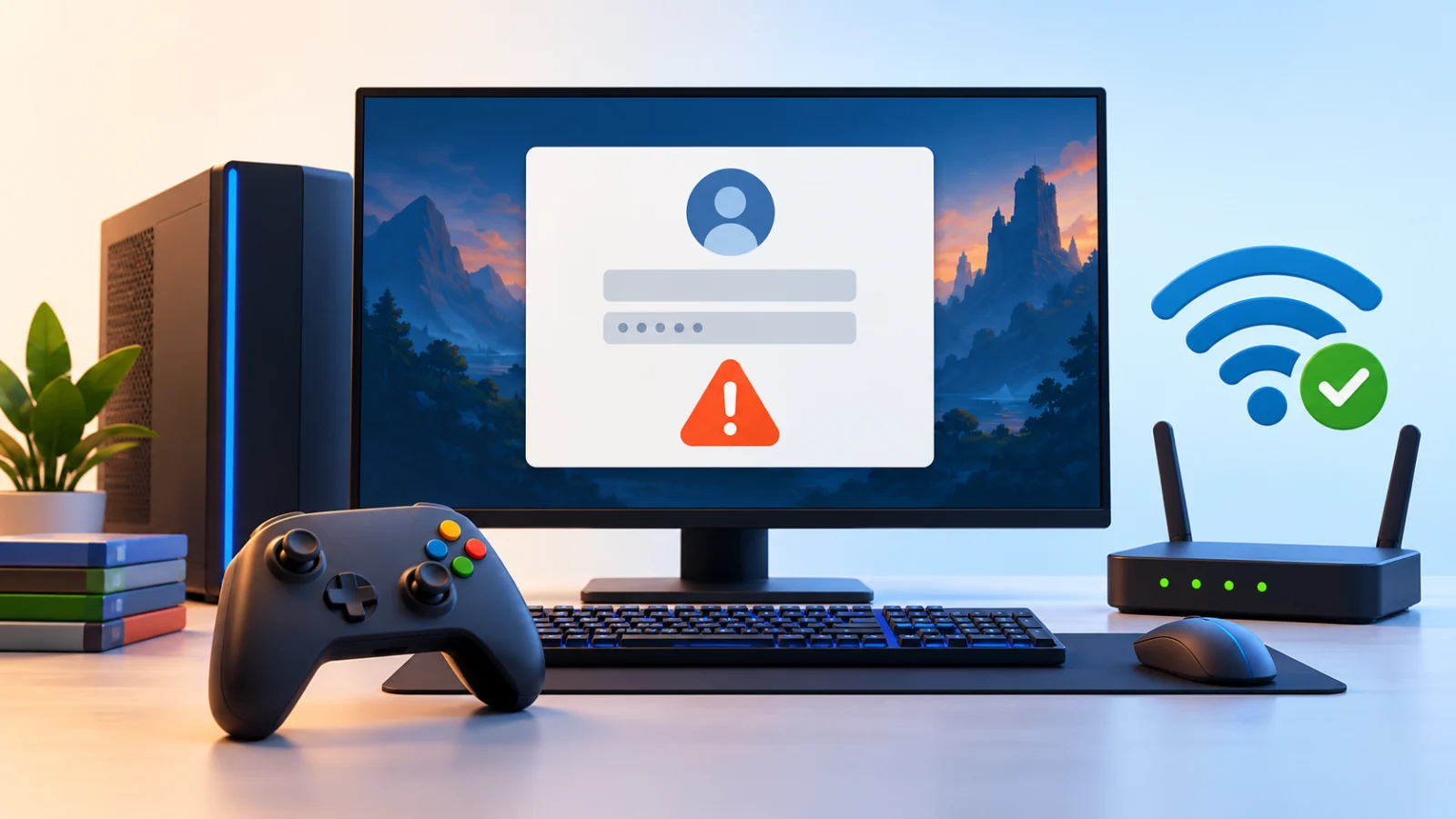
Sign-in checks fail when the clock is wrong. Go to Settings > Time & language > Date & time and make sure Set time automatically and Set time zone automatically are on.
Then restart your router and test on a different network, such as a phone hotspot. If the game signs in on the hotspot, your home network or a VPN is the problem. Turn off any VPN while you test. Our guide on Wi-Fi connected but no internet covers network faults in more detail.
Fix 6: Reset or reinstall the game
Reset the app first, since it keeps your game files. Open Settings > Apps > Installed apps, find the game, select the three-dot menu, choose Advanced options, and select Repair. If that does nothing, select Reset.
Reinstalling is the last step in this group. Uninstall the game, restart, and install it again from the Microsoft Store. Windows Report’s guide lists the same uninstall-and-reinstall approach for Xbox sign-in errors, with a warning that some Play Anywhere titles may need to be bought again if they are not eligible for reinstall.
Resetting a game can remove local settings and, for games that do not sync to the cloud, saved progress. Subscribers who play as a guest after a failed sign-in can also lose progress, preferences, and perks, so avoid guest play if your progress matters.
Fix 7: Should you uninstall the October update?
Some players rolled back the updates or restored a pre-update disk image. Results were mixed: it helped some people, and at least two said the error stayed. That is not strong evidence either way.
Be careful here. The same October update that people suspect also carries security fixes. Our Mark of the Web guide explains one exploited flaw patched in that release. Removing the update leaves that hole open.
If you decide to roll back anyway
- Back up your important files first.
- Open Settings > Windows Update > Update history > Uninstall updates.
- Select the update, choose Uninstall, and restart.
- Pause updates only briefly and plan to reinstall as soon as Microsoft publishes a fix.
For most people the better choice is to wait. If you only need the game for casual play, using another device or the browser version while Microsoft investigates is safer than running an unpatched PC.
If your games crash instead of failing to sign in, start with this guide.
What does not seem to help, and how to track a real fix
Several common fixes failed for most players in the thread: resetting the app, clearing the cache and saved credentials, reinstalling the games and the Xbox app, and plain reboots. If you already tried those, do not repeat them endlessly.
Check the other documented October issues if your symptoms differ. Some users report Smart App Control greyed out and unable to be turned back on, and non-admin Remote Desktop users may get error 0xC000000D on machines running Administrator protection. These are separate problems from the Xbox sign-in error.
Watch Microsoft’s Windows release health page and the known issues list for the October update. If Microsoft adds an Xbox sign-in entry, follow its instructions rather than community workarounds.
Also keep Windows updated afterward, because a later optional update may contain the correction. Our Windows 11 update problems guide shows how to check for new updates and handle failed installs.
Quick troubleshooting order
| Step | What to do | Risk |
|---|---|---|
| 1 | Check the Xbox status page | None |
| 2 | Restart, then switch account | None |
| 3 | Sign out and in to the Xbox app | None |
| 4 | Set Microsoft Account Sign-in Assistant to Automatic | Low |
| 5 | Fix date, time, and network | None |
| 6 | Repair, reset, or reinstall the game | Possible loss of local data |
| 7 | Uninstall the October update | Removes security fixes |
Frequently Asked Questions
What does Xbox error 0x87DD0005 mean?
It means a game could not sign you in to Xbox Live. It is usually tied to your account, your network, or the Xbox service, though current reports point to a Windows-side issue.
Did KB5127648 cause the Xbox sign-in error?
It is not confirmed. Users name KB5127648 and KB5127694 because the errors started around the same time, but Microsoft has not published a cause or fix.
Will resetting my Xbox app fix it?
It did not help most affected players. It is still safe to try, since resetting keeps your account. Avoid resetting games that store progress only on your PC.
Is it safe to uninstall the October update?
It is possible, but it removes security fixes, including a patched exploited flaw. Only do it if you must, and reinstall the update when a fix is available.
Can I play offline while this is broken?
Some games allow guest play, but progress, preferences, and subscriber perks may not be saved. Check the game before relying on guest mode.