Windows 11 26H2 is Microsoft’s 2026 feature update, and it has been rolling out to eligible 24H2 and 25H2 PCs since September 29, 2026. Most people will not see dramatic changes on day one, because the update switches on features that monthly updates have already delivered.
This Windows 11 26H2 review looks at what the update really changes, which features matter for everyday users, the known issues to weigh, and who should install it now or wait. If you just want the installation steps, see our Windows 11 26H2 release date and installation guide.
If you skipped last year’s release, here is what Windows 11 25H2 added.
Windows 11 26H2 is a small enablement update built on the same platform as 24H2 and 25H2, so it installs in minutes with one restart. Its main value is a fresh support window and a handful of long-requested Start, taskbar and search options. If you are on 24H2, update now because support ended October 13, 2026. On 25H2, check the current KB5127648 issues before installing, especially if you use USB Audio Class 1.0 hardware or enterprise Remote Desktop.
Table of Contents
ToggleWhat Windows 11 26H2 Actually Is
Unlike 24H2, which was a full platform upgrade, 26H2 arrives as an enablement package (KB5121794). It shares the same code base, codenamed Germanium, with 24H2 and 25H2. The package switches on features that monthly updates have already installed and moves the build number to 26300.
Microsoft has said that an issue affecting 26H2 also affects 25H2, and that the same monthly update fixes both. In practice, that makes 26H2 one of the lowest-risk feature updates Microsoft has shipped.
If you are still on Windows 10, read whether Windows 10 ESU is worth paying for.
Windows 11 24H2: Build 26100. Home and Pro support ended October 13, 2026.
Windows 11 25H2: Build 26200. Home and Pro support ends October 12, 2027.
Windows 11 26H2: Build 26300. Home and Pro get 24 months of support from the September 29, 2026 release, which runs into autumn 2028.
Microsoft confirmed at release that installing 26H2 resets the support lifecycle: 24 months for Home and Pro editions and 36 months for Enterprise and Education. You can check the exact dates for each version on Microsoft’s Windows 11 Home and Pro lifecycle page.
The New Features Worth Knowing
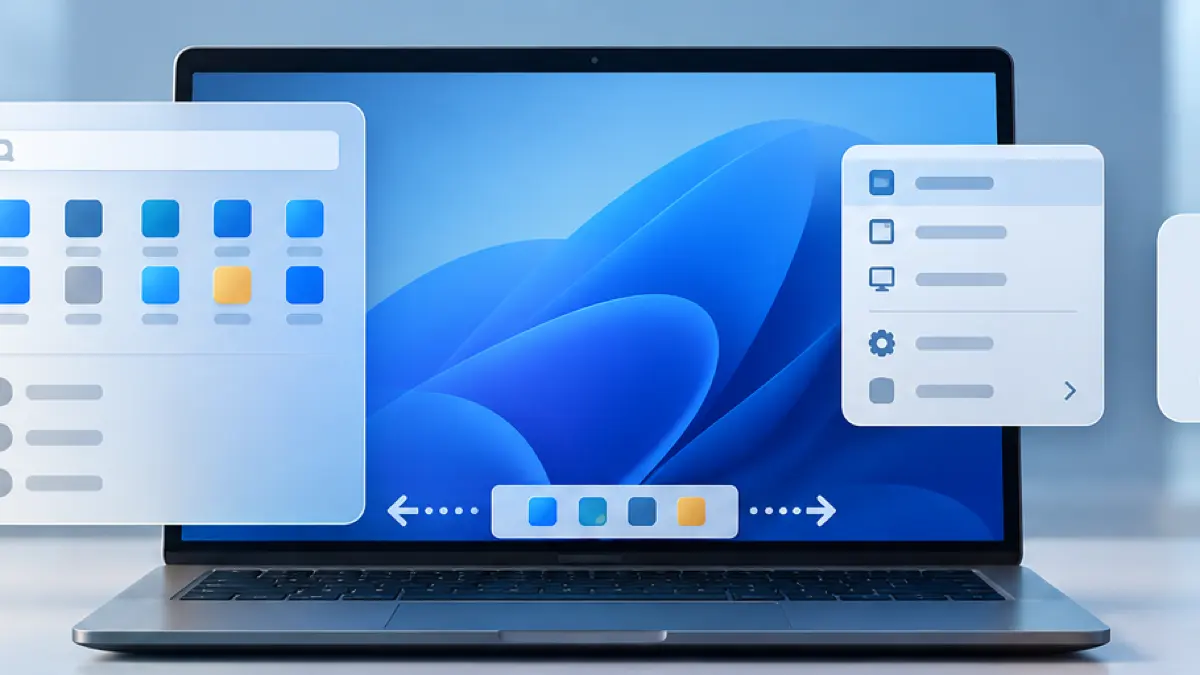
Most of these changes roll out gradually through monthly updates. Some may already be on your 24H2 or 25H2 PC, and others may take weeks to appear after 26H2 installs.
A Taskbar You Can Finally Move
You can place the taskbar at the top, left, or right of the screen from Settings > Personalization > Taskbar > Taskbar behaviors. A new Taskbar size option adds a Small setting that frees up space on compact laptops. For the full walkthrough, see how to move the Windows taskbar and resize Start.
A Resizable, Less Cluttered Start Menu
Start gets Small, Large, and Automatic size options. The Recommended section is renamed Recent, and you can show or hide the Pinned, Recent, and All sections independently. You can also hide your account name and picture.
A Right-Click Menu You Control
File Explorer’s context menu is redesigned and gains a Customize menu option. It opens a new Context menu page in Settings where you choose which commands appear, move OneDrive commands into their own submenu, and restore quick access to Show more options.
Search Without Web Results
Windows Search can now be set to skip web results and Microsoft Store suggestions entirely. For many people, this is the most welcome change, because it keeps Start searches fast and local.
Calmer Windows Update Behavior
A new calendar-based pause lets you postpone updates for up to 35 days at a time and extend the pause again. Microsoft is also bundling driver, .NET, and firmware updates with the monthly patch to cut extra restarts, and Restart and Shut down now always appear separately from the update options.
Stronger Recovery and Security Tools
Cloud Rebuild in the Windows Recovery Environment can reinstall Windows 11 by downloading a clean image and drivers, even when the PC will not start. It was still labeled as in development in preview builds. Recovery mode can also reuse saved Wi-Fi networks.
Administrator Protection adds an explicit authorization step before apps make system-level changes, which helps block silent changes by malware.
Accessibility and Smaller Touches
Screen Tint adds a customizable color overlay to reduce eye strain, Pointer Indicator helps low-vision users find the cursor, and Narrator can read math equations in Word and PowerPoint. There is also an optional modern Run dialog, new touchpad scrolling controls, and a more capable Sound settings page.
Two features shown in earlier previews have been pulled back. The Ask Copilot box that replaced taskbar search was disabled in August 2026, and the redesigned account flyout with subscription badges appears to have been dropped. Do not expect either in 26H2.
If you would rather switch Copilot off altogether, see how to turn off Copilot in Windows 11.
Known Issues and Who Should Wait
Because 26H2 shares monthly updates with 24H2 and 25H2, it also shares their current issues. As checked on October 19, 2026, Microsoft’s KB5127648 release notes list:
- Smart App Control: some devices cannot turn it on because the option is grayed out. Already-enabled devices are unaffected.
- Remote Desktop: non-admin users can receive error
0xC000000Dwhen connecting to hosts with Administrator protection enabled. The issue remains open. - USB Audio Class 1.0: partly resolved. Some Code 10 and no-sound symptoms remain.
The October update resolved the earlier AC-3 audio app crashes and virtual-desktop File Explorer failures. The earlier domain-trust issue was resolved by KB5124010. Check our Windows 11 update problems tracker before installing.
Windows 11 26H2 Review: Pros and Cons
Pros
- Installs in minutes with a single restart on up-to-date 24H2 and 25H2 PCs.
- Resets support for two more years on Home and Pro.
- Delivers long-requested changes: a movable taskbar, a resizable Start menu and local-only search.
- Low compatibility risk, because the underlying platform does not change.
Cons
- Features roll out gradually, so the update can feel like nothing changed at first.
- It shares current KB5127648 issues, including Smart App Control being grayed out, open Remote Desktop failures and partly resolved USB Audio Class 1.0 failures.
- PCs on Windows 11 23H2 or Windows 10 face a full upgrade, not the quick package.
Should You Update to Windows 11 26H2?

Update Soon If You Are on 24H2
Windows 11 24H2 Home and Pro stopped receiving routine security updates on October 13, 2026. Moving to 25H2 or 26H2 keeps the PC on a supported release. Both are small enablement packages for an up-to-date 24H2 PC. Our guide to the 24H2 end-of-support deadline explains the upgrade paths.
Waiting a Few Weeks Is Fine on 25H2
Version 25H2 is supported until October 12, 2027, so there is no rush. Waiting two to four weeks after release lets early problems surface, which matters most on work PCs or machines you cannot afford to troubleshoot.
Planning a Clean Install
If you plan to reinstall Windows anyway, use Microsoft’s official 26H2 installation media so the fresh install starts with the newest support window. Our 26H2 installation guide explains where to get it safely.
If 26H2 is not being offered on your PC yet, see Windows 11 26H2 not showing in Windows Update.
Before any feature update, make a recent backup, install pending monthly updates, and free up space on drive C:. The enablement package only appears once your PC is fully up to date.
After the update, you can delete the previous version of Windows to get that space back.
Step-by-step installation, the phased rollout, safeguard holds and official ISO downloads for Windows 11 26H2.
Frequently Asked Questions
Is Windows 11 26H2 out yet?
Yes. Microsoft made Windows 11 26H2 generally available on September 29, 2026. It is rolling out in phases through Windows Update, so some PCs will see it before others.
Is Windows 11 26H2 a big update?
No. It is an enablement package on the same platform as 24H2 and 25H2. Most features arrive through monthly updates, and the package mainly switches them on and resets the support clock.
Does 26H2 change the hardware requirements?
Microsoft has not announced new minimum requirements for 26H2. Because it uses the same platform as 24H2 and 25H2, a PC that runs those versions should be offered 26H2.
Will 26H2 install automatically?
Not right away. It appears as an optional feature update that you choose to install. PCs whose current version is nearing end of support, such as 24H2 Home and Pro, are eventually moved to a supported version automatically.
Will I lose files or apps when I update to 26H2?
The enablement package does not reinstall Windows, so your files, apps, and settings stay in place. Keep a backup anyway, as you should before any update.