Windows 11 25H2 is the current Windows 11 feature update for Home and Pro PCs, and it arrives through Windows Update as a small enablement package rather than a full reinstall. The timing now matters: Windows 11 24H2 Home and Pro stop getting security updates on October 13, 2026.
Here is what 25H2 changes, how to check your version, how to install it safely, and which known issues are still open.
Yes, upgrade now if you are on 24H2. Windows 11 25H2 is a light update built on the same code as 24H2, installs with one restart, and keeps Home and Pro PCs supported until October 12, 2027. 24H2 Home and Pro updates end on October 13, 2026. Back up first, then install it from Settings > Windows Update.
Table of Contents
ToggleWhat Is Windows 11 25H2?
Windows 11, version 25H2 (OS build 26200) was released on September 30, 2025. It shares its code and monthly updates with 24H2, so most of its files are already on an up-to-date 24H2 PC. An enablement package simply switches the new features on, which is why it usually needs only one restart.
According to Microsoft’s release information, 25H2 Home and Pro get updates until October 12, 2027, while Enterprise and Education editions get them until October 10, 2028.
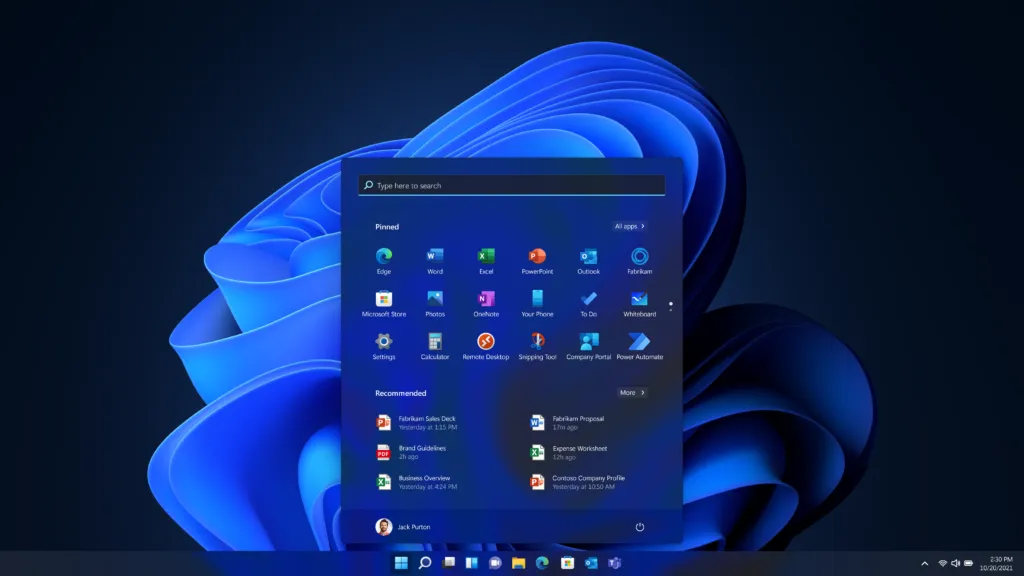
What Is New in Windows 11 25H2
Many 25H2 features first arrived through monthly updates and were switched on by this release. Based on Microsoft’s official 25H2 notes, the changes are below.
Features you will notice
- Quick Machine Recovery: if the PC repeatedly fails to start, Windows can find and apply a fix from the cloud.
- File Explorer: a New Folder option in the navigation pane, reopening previous folders at sign-in, and faster extraction of .7z and .rar archives.
- Task Manager: memory speed shown in MT/s and quicker process shutdown.
- Taskbar and privacy prompts: icons shrink to fit more apps, and camera, microphone, and location prompts are clearer.
- Windows Hello and passkeys: a redesigned sign-in screen that makes each sign-in option clearer.
Changes for businesses
Enterprise and Education editions can remove preinstalled Store apps by policy, Wi-Fi 7 enterprise access points are supported, and Windows Backup for Organizations is generally available. Home users do not need to do anything.
What was removed
PowerShell 2.0 is no longer included, and WMIC is removed by default. Update any old scripts that still use them. Recall, Click to Do, and other AI features remain exclusive to Copilot+ PCs; 25H2 does not add new AI features to standard PCs.
Why 24H2 Users Should Upgrade Before October 13, 2026
After October 13, 2026, Windows 11 24H2 Home, Pro, Pro Education, and Pro for Workstations get no more security updates. Because 25H2 uses the same code, moving to it is the quickest way to stay protected. Enterprise and Education editions of 24H2 are supported until October 12, 2027.
See what the 24H2 end-of-support deadline means for your PC.
How to Check Your Windows 11 Version
- Settings: open Settings > System > About and check Version under Windows specifications.
- winver: press Windows + R, type winver, and press Enter. OS build 26100 is 24H2; 26200 is 25H2.
How to Install Windows 11 25H2
Back up important files to OneDrive or an external drive, install any pending monthly updates, and leave a few gigabytes of free space so Windows can create a rollback point.
- Open Settings > Windows Update and select Check for updates.
- If offered, select Download and install under Windows 11, version 25H2.
- Restart when prompted.
If it is not offered, your PC may have a compatibility hold for a known driver or hardware problem. Wait for Windows Update rather than forcing it. When no hold applies, the official Windows 11 Installation Assistant from Microsoft’s download page can install 25H2 immediately, including on an eligible Windows 10 PC.
Still on Windows 10? See how Extended Security Updates work.
Known Windows 11 25H2 Issues Right Now
These come from the September 2026 updates and Microsoft’s 25H2 release health page. Checked September 25, 2026:
- USB audio devices fail or show Code 10 after KB5124008: mitigated.
- File History cannot create or update backups after KB5124008: fixed in the optional KB5124010 preview update. See our File History fix guide.
- Black screen or desktop not loading after sign-in, mainly on Azure Virtual Desktop: mitigated. Launching explorer.exe from Task Manager works around it.
- Domain-joined PCs losing trust with the domain on Credential Guard devices: mitigated; affects business PCs.
- Remote Desktop instability and false “Defender is turned off” alerts: resolved.
Most of these affect specific hardware or managed business PCs. They are a reason to back up and check release health, not a reason to stay on 24H2 past its deadline.
Windows 11 25H2 vs 24H2 vs 26H2
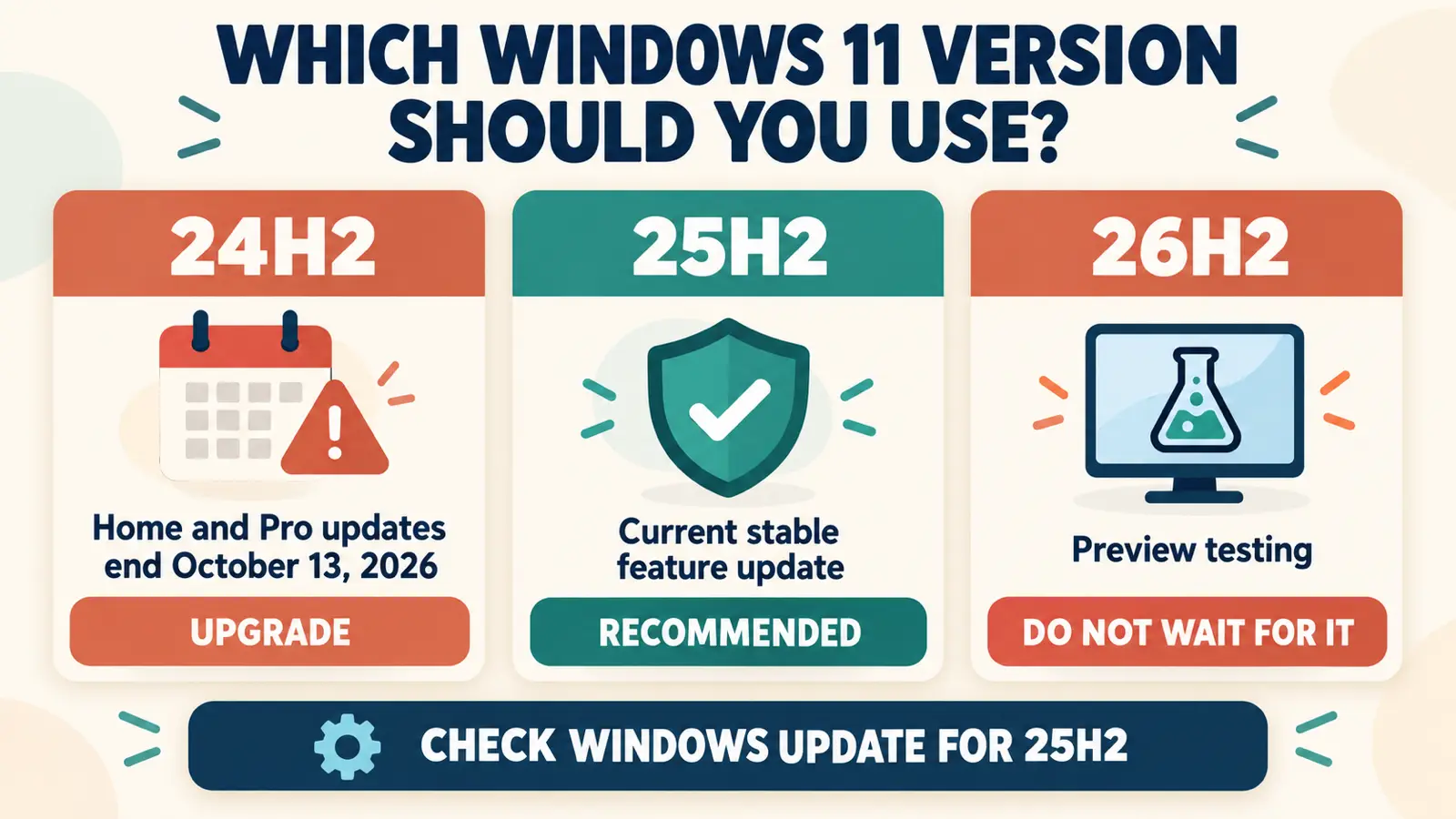
- 24H2 (build 26100): Home and Pro support ends October 13, 2026.
- 25H2 (build 26200): the current release, supported for Home and Pro until October 12, 2027.
- 26H2 (build 26300): in the Release Preview Channel since August 27, 2026, delivered as another enablement package on the same code. Microsoft has not announced a general release date yet.
Moving to 25H2 now does not stop you from getting 26H2 later; it will install the same quick way.
Track the Windows 11 26H2 release and what it adds.
Frequently Asked Questions
Is Windows 11 25H2 worth installing?
Yes for most Home and Pro users, especially on 24H2. It installs quickly, adds useful fixes, and keeps you supported until October 12, 2027.
When does Windows 11 24H2 support end?
October 13, 2026 for Home, Pro, Pro Education, and Pro for Workstations. Enterprise and Education editions are supported until October 12, 2027.
Will upgrading to 25H2 delete my files or apps?
No. It is an in-place feature update that keeps files, apps, and settings. Back up important files anyway before any feature update.
What build number is Windows 11 25H2?
Windows 11 25H2 is OS build 26200. Windows 11 24H2 is build 26100, and 26H2 is build 26300.
Should I wait for Windows 11 26H2 instead?
No. 26H2 has no announced release date, and 24H2 support ends on October 13, 2026. Install 25H2 now; 26H2 will arrive later as another quick enablement package.