Pixel 6 end of support is close, and many owners are asking the same thing: will the phone stop working? It will not. Google’s guaranteed five-year update period reaches its endpoint in late October 2026, so the important question is how safely the phone fits your needs after guaranteed updates end.
This guide explains Google’s official policy, what the October 2026 update delivers, and seven practical steps to take whether you keep the phone or replace it.
The Pixel 6 and Pixel 6 Pro were promised five years of OS and security updates from their US Google Store launch, which puts the end of that window in October 2026. Your phone will keep working afterward, but new security holes may go unpatched. Install the latest update, back up your data, and plan to replace the phone if you handle banking or sensitive work on it.
Table of Contents
ToggleWhat Google has promised for the Pixel 6
Google’s Pixel update policy page places the Pixel 6, Pixel 6 Pro, and Pixel 6a in the group that gets five years of OS and security updates. The clock starts when each device first became available on the Google Store in the US. The Pixel 7, 7 Pro, and 7a are in the same five-year group, while the Pixel 8 and later get seven years.
The Pixel 6 end of support window is tied to the phone’s launch timing. Google announced that the Pixel 6 and Pixel 6 Pro would reach US store shelves on October 28, 2021. Because the five-year update window starts from first US Google Store availability, the guaranteed period reaches late October 2026. Google has not labelled the October patch as the final Pixel 6 update, so avoid treating any specific build as the confirmed last one.
Google’s policy page links to a separate list with exact availability dates for each phone. Check that list for your model, because this article reports what was published when it was written.
The October 2026 Pixel update and why it matters
Google began rolling out the October 2026 Pixel update on October 6. The official announcement lists Pixel 6 and Pixel 6 Pro build CP3A.261005.002.A1. Google’s Pixel Update Bulletin gives the release a security patch level of October 5, 2026.
Pixel 6 end of support is close, but Google has not said the October release is the final update. Install every update offered through Settings and judge support status from Google’s policy page and future official bulletins, not from a prediction about the last monthly patch.
Pixel 6 end of support: what actually changes
When guaranteed support ends, these things stop:
- Monthly Android security patches for new vulnerabilities
- Pixel software fixes and bug fixes
- Feature updates delivered in Pixel Drops
- Newer Android versions and quarterly releases
After Pixel 6 end of support, your phone keeps working and apps can continue to run. Google Play system updates may still update some modular parts of Android, but they do not replace full device security patches.
The risk builds gradually. Each new flaw that stays unpatched adds a little more exposure, especially if you browse risky sites, open unknown links, or install apps from outside Google Play.
Other Pixel phones and their dates
Google measures support from first US Google Store availability. The approximate windows below combine that official policy with each model’s launch timing; Google may release updates beyond the minimum commitment.
- Pixel 6 and Pixel 6 Pro: five years from late October 2021, reaching late October 2026.
- Pixel 6a: five years from its later 2022 availability, so it is not on the same October 2026 endpoint.
- Pixel 7, Pixel 7 Pro, and Pixel 7a: five years from each model’s first US Google Store availability.
- Pixel 8 and later: seven years from first US Google Store availability.
7 steps to take before and after support ends
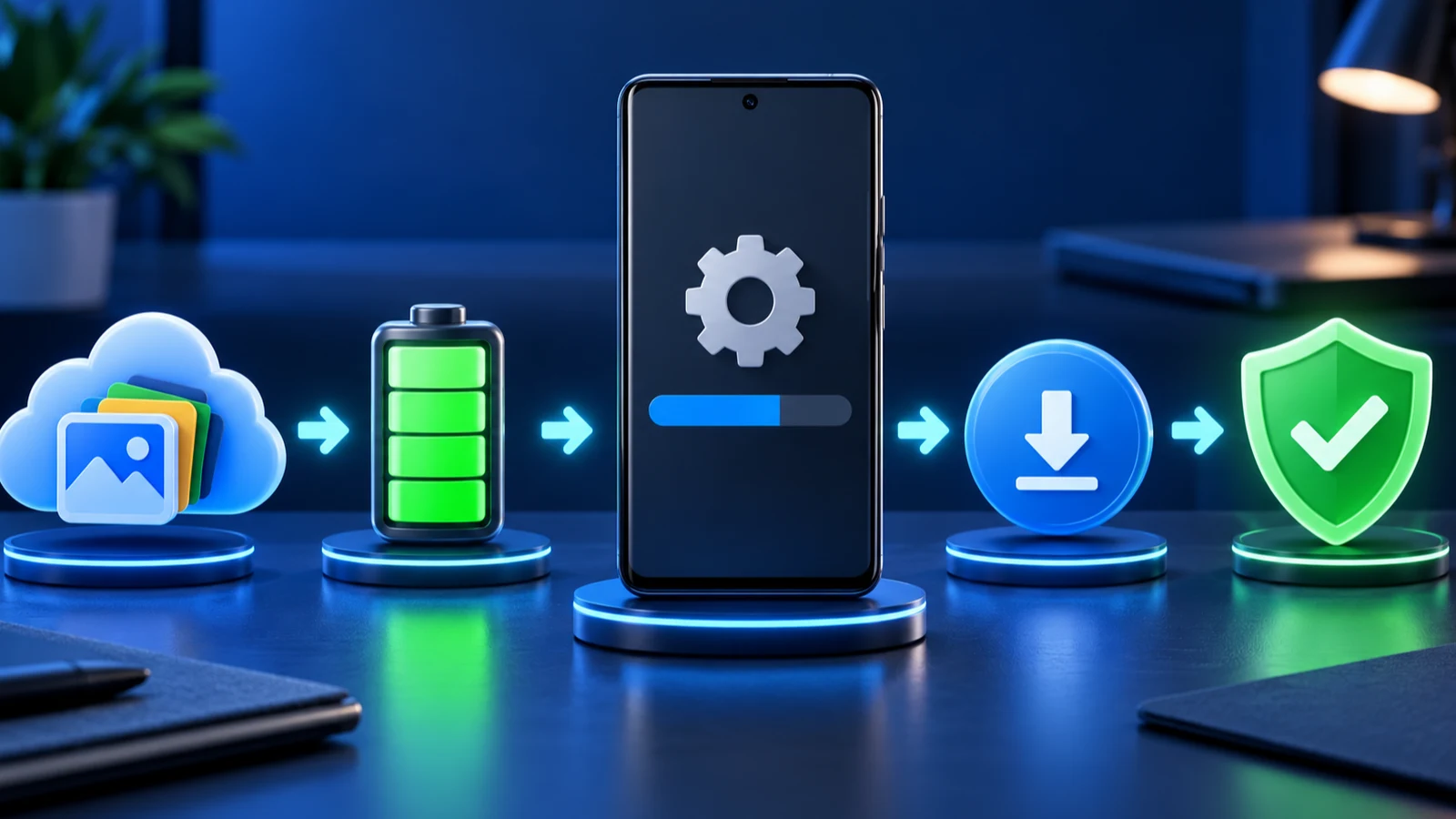
1. Install the last update
- Open Settings > System > Software update.
- Tap Check for update and install anything offered.
- Open Settings > About phone > Android version and check the Android security update date.
Google says Pixel updates roll out gradually and can depend on the carrier and device. Its bulletin page notes that an OTA can take about one and a half calendar weeks to reach every supported Google device. Our guide to checking your Android security patch level explains what the date means.
2. Back up your phone
Open Settings > System > Backup and make sure backup is on and recent. Copy photos and files you cannot replace to a computer or cloud storage too. This protects you whether you keep or sell the phone.
3. Turn on every built-in protection
Open the Play Store, tap your profile picture, select Play Protect, and make sure scanning is on. Keep a screen lock and Find Hub enabled. Install apps only from Google Play, and remove apps you no longer use.
4. Keep apps and browsers updated
App updates come from the Play Store, not Google’s Pixel schedule. Chrome and other major apps keep receiving security fixes after Android patches stop, which helps reduce your exposure.
5. Be careful with money and logins
Use strong, unique passwords and turn on two-factor authentication. Consider a passkey for your Google account. Avoid doing high-value tasks, such as large banking transfers, on a phone that no longer gets patches.
Some banking and work apps may refuse to run on devices that are no longer updated. Check your main apps before you decide how long to keep the phone.
6. Decide whether to keep it or replace it
After Pixel 6 end of support, keep the phone for lower-risk uses such as calls, music, maps, offline media, or a backup camera if you understand the limits. Replace it for banking, work email, password management, or authentication codes once guaranteed security updates end. Compare replacement phones by their written support commitment, not only price and camera specifications.
7. Prepare the old phone for its next job
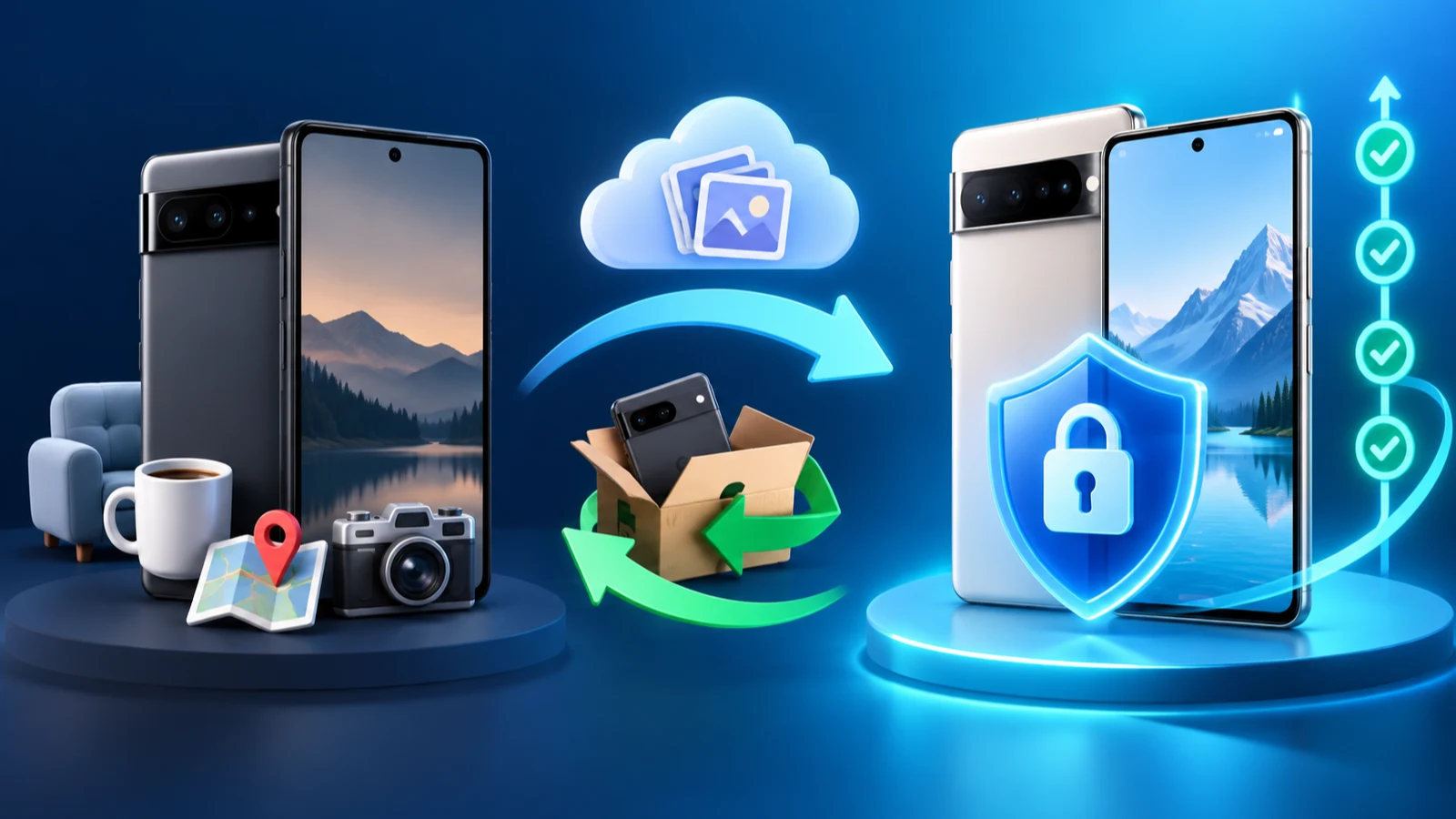
Do not throw away a working Pixel 6. Before you sell, trade in, or give it away, remove your accounts and erase it.
- Back up everything you want to keep.
- Remove your Google account under Settings > Passwords, passkeys & accounts.
- Open Settings > System > Reset options > Erase all data (factory reset).
- Confirm with your PIN and wait for the phone to restart.
An old Pixel can still be useful offline as a Wi-Fi-only music player, a kitchen timer, or a camera for family photos. Keep it off sensitive accounts if you do.
A full set of safety habits that matter more when a phone stops getting updates.
What about custom ROMs?
Pixel 6 end of support may lead advanced users to consider community Android builds. This can erase data, break banking apps, and introduce new risks if the build or update process is not trusted. We do not recommend custom ROMs for beginners, and we have not tested one on the Pixel 6.
How to plan your next phone
Look for a clear, written update commitment. Google gives seven years for Pixel 8 and later. Check the maker’s official policy rather than a store listing. Also think about battery health and storage. Our guides to mobile battery management and the Pixel 11 September 2026 update help you see how current Pixel software works.
Buying a used phone? Check the update window first
Older flagship phones look like bargains, but a cheap price can hide a short remaining update life. Before you buy any used Android phone, check how many years of updates are left.
- Find the exact model and its first US Google Store availability date.
- Read the manufacturer’s official update policy and estimate the remaining support period.
- Ask the seller to show Settings > About phone so you can confirm the current security patch date.
- Avoid unsupported phones for banking, work, password storage, or authentication codes.
A phone with several years of support left is usually a better buy than a slightly faster phone with only months remaining.
Pixel 6 vs Pixel 6a: do not mix them up
Pixel 6 end of support timing does not apply to the Pixel 6a. The Pixel 6 and Pixel 6 Pro share the same five-year policy and 2021 availability period, while the Pixel 6a became available later and therefore has a later support window. Check the exact model under Settings > About phone > Model before you assume the October 2026 timing applies.
Frequently Asked Questions
Will my Pixel 6 stop working in October 2026?
No. The phone keeps working, and apps keep running. What ends is Google’s guaranteed OS and security update support.
Is the October 2026 update the last one for the Pixel 6?
It is likely the last monthly update, but Google has not confirmed that it is final. Check Software update each month to see whether more arrive.
Is it safe to keep using a Pixel 6 after support ends?
It can be reasonably safe for light use if you stay careful, but risk grows over time. Avoid sensitive tasks such as banking on it if you can use another device.
How do I check when my Pixel stops getting updates?
Open Google’s Pixel update policy page and its linked availability list for exact dates. On the phone, go to Settings, System, Software update to check your current status.
What should I do with my old Pixel 6?
Back it up, remove your Google account, and factory reset it before selling, trading in, or reusing it. You can also keep it as a basic offline device.