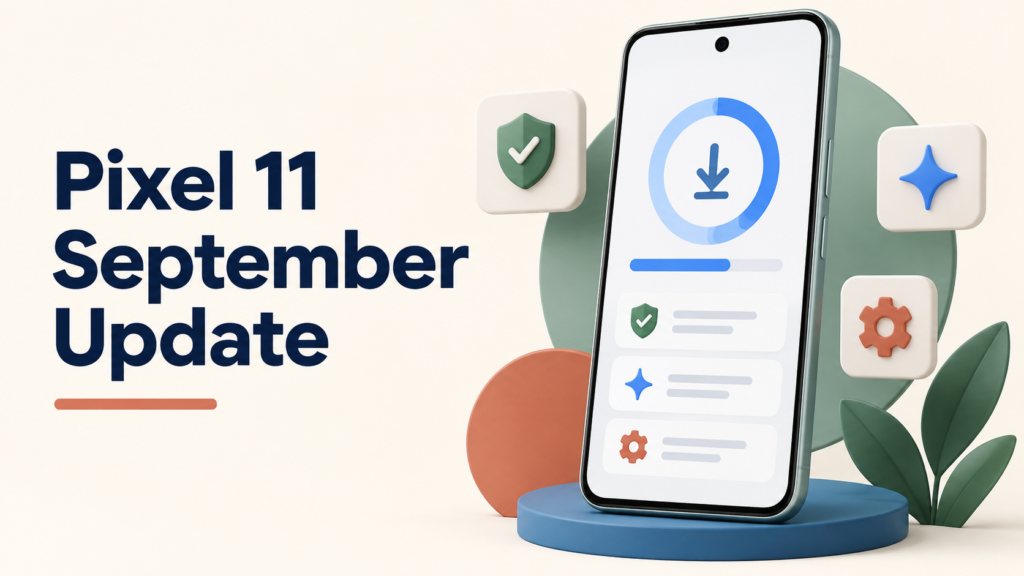
The Pixel 11 September 2026 update is part of Google’s September Pixel Drop. It brings selected new and expanded features to supported Pixel phones, while regular updates continue to deliver security and stability improvements.
Google rolls updates out in phases, so the update can reach Pixel 11 owners at different times depending on the model, carrier, country, and language.
Google’s September 2026 Pixel update includes Pixel Drop features and regular improvements. On a Pixel 11, open Settings > System > Software update to check for it. Google lists the Pixel 11, 11 Pro, 11 Pro XL, and 11 Pro Fold among phones receiving ongoing updates.
Table of Contents
TogglePixel 11 September 2026 Update: What It Includes
The Pixel 11 September 2026 update is part of Google’s regular September Pixel Drop, not evidence of a separate emergency patch. Feature availability depends on the Pixel model, country, language, carrier, and account settings.
Google’s September Pixel Drop highlights new and expanded features, while the normal update process also delivers security improvements and bug fixes. See Google’s official Pixel update information for current support and rollout details.
Which Pixel Phones Can Get It
Pixel 11, Pixel 11 Pro, Pixel 11 Pro XL, and Pixel 11 Pro Fold are eligible for ongoing Pixel updates. The September Pixel Drop also reaches other supported Pixel models, but individual features can differ by device.
Why the Update May Arrive at Different Times
Google uses Pixel Drops to release selected features beyond the base Android release. The September update rolls out gradually, which is normal for Pixel software updates and helps Google manage carrier and device differences.
How to Check for and Install the Update
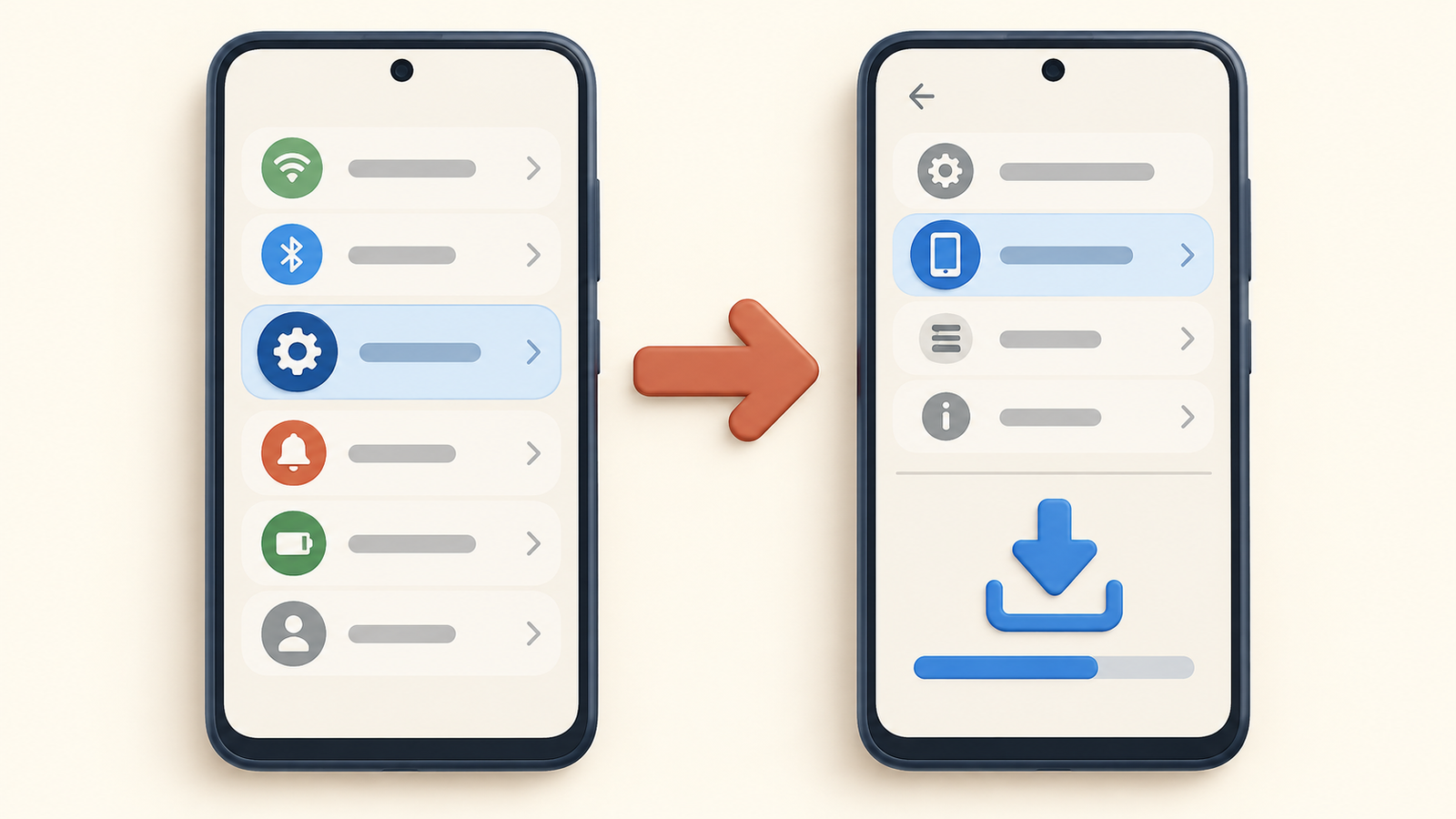
Download the update when your Pixel offers it.
- Open Settings.
- Tap System, then Software update.
- Tap Check for update.
- Download and install the update when it is offered, then restart if prompted.
If the update does not appear immediately, wait and check again later. Google says Pixel updates can take a few weeks to reach every eligible device because rollout timing depends on the carrier and device.
Should You Install It?
Install it when it is available, ideally while connected to Wi-Fi with enough battery charge. Updates include fixes and security improvements, but read the on-screen notes if you rely on a specific feature or carrier service.
For a broader view of upcoming Android platform changes, see our Android update guide.
Checking Your Current Security Patch Level
After the update, open Settings > About phone > Android version to check your Android version, Android security update, Google Play system update, and build number.
Checking these details helps you confirm that the update installed successfully and makes it easier to troubleshoot a problem later.
Before You Install the Pixel 11 September 2026 Update
Before installing the Pixel 11 September 2026 update, back up important files and keep the phone charged. A Wi-Fi connection is useful for a larger download, although Google can also offer updates over mobile data depending on your settings and carrier.
After the restart, give the phone a few minutes to finish background app optimization. If a feature shown in a Pixel Drop announcement is not visible, check that your apps are current and remember that features may be limited by device, language, country, or account. The update can still be installed even if a specific feature is unavailable in your region.
If the download fails, restart the phone, confirm that it has free storage, and try again from Settings > System > Software update. For persistent problems, use Google’s support guidance rather than repeatedly forcing the download.