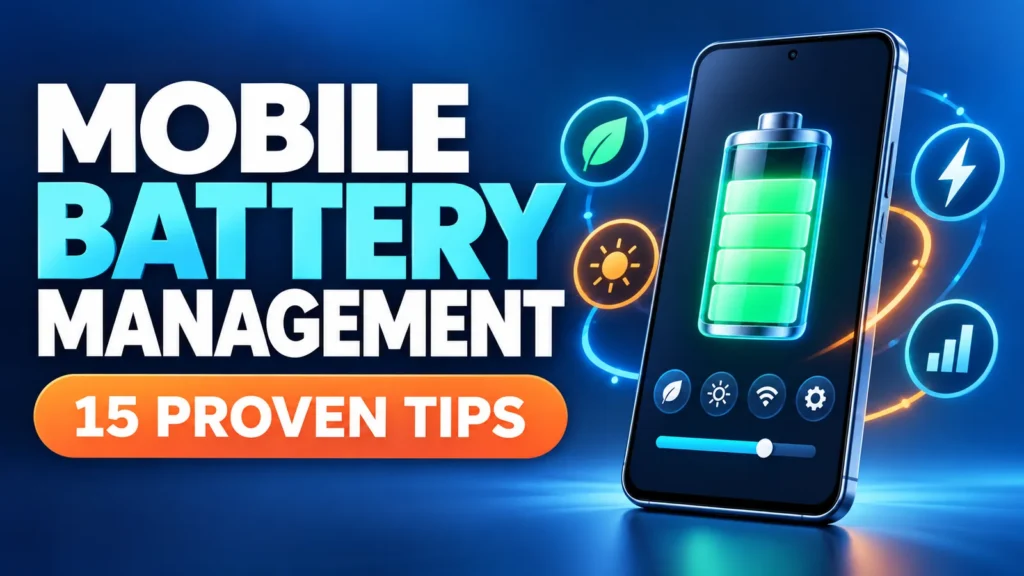
Mobile battery management is the difference between battery anxiety and a phone that lasts. Watching the percentage drop through the day is stressful, and an ageing battery only makes it worse.
The good news is that smart mobile battery management can make a big difference. A handful of settings and habits can stretch a single charge and slow how quickly your battery wears out.
This guide starts with the changes that save the most power, then covers charging habits and long-term care.
Good mobile battery management comes down to a few habits: lower your screen brightness, limit background activity, use battery saver when needed, and avoid extreme heat. Together these can add hours to a single charge and years to your battery’s overall life. This guide covers the most effective settings and charging habits for both Android and iPhone, starting with the changes that save the most power.
Table of Contents
ToggleWhy Mobile Battery Management Matters
Your battery is one of the few parts of a phone that wears out with normal use. How you treat it decides how long it lasts each day and how many years it stays healthy.
Good habits mean fewer mid-day charges, less time tied to a cable, and a phone that still holds a decent charge after two or three years.
Poor habits do the opposite, draining the battery quickly and ageing it faster than it should.
The best part is that better mobile battery management costs nothing and takes only a few minutes to set up.
Android’s own battery life guide has a few more manufacturer-specific tips worth checking.
How Phone Batteries Age
Modern phones use lithium-ion batteries, which slowly lose capacity as they go through charge cycles.
A charge cycle is one full charge worth of use, whether all at once or spread across a day.
Heat, very high charge levels, and very low charge levels all speed up this ageing.
Understanding this helps explain why the habits later in this guide protect your battery over the long term.
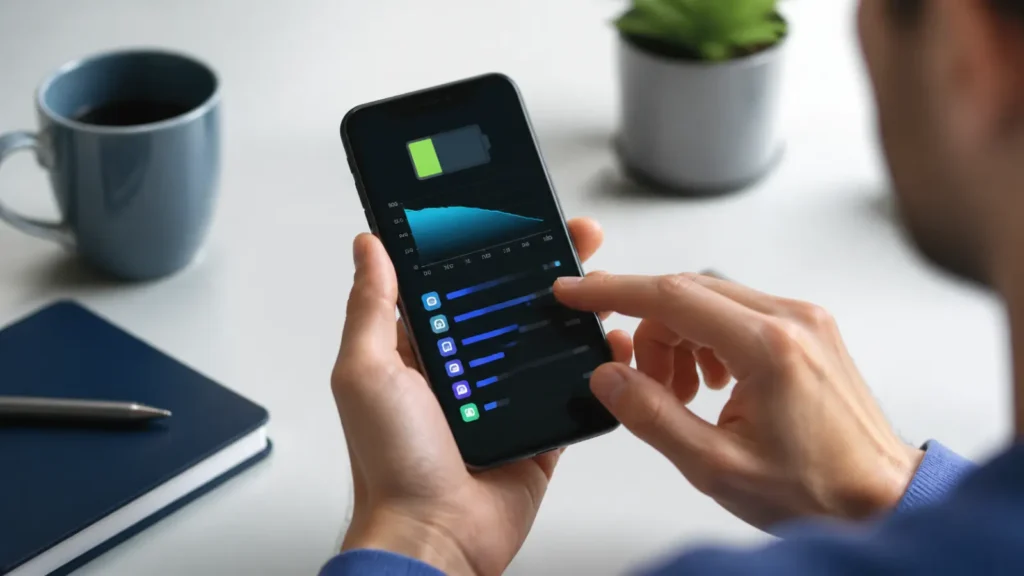
1. Lower Your Screen Brightness
The screen is by far the biggest drain on almost every phone, so this is the single most effective change you can make.
Turn brightness down to a comfortable level rather than maximum, and use auto-brightness to adapt to your surroundings.
Dark mode also helps on phones with OLED screens, since dark pixels use less power.
Just this one habit can noticeably extend how long a charge lasts.
Pull down your quick settings and nudge brightness to the lowest comfortable level. It is the fastest way to save power right now.
2. Shorten Your Screen Timeout
Every second your screen stays on after you stop using it wastes power.
Set the screen to turn off after 30 seconds or a minute of inactivity.
Over a full day of picking your phone up and putting it down, this adds up to real savings.
It is a small setting that quietly helps your mobile battery management every time.
3. Limit Background Apps and Refresh
Apps that update in the background use power even when you are not looking at them.
On iPhone, limit Background App Refresh to only the apps that truly need it.
On Android, use adaptive battery and restrict background activity for apps you rarely open.
Cutting needless background work is one of the most effective parts of mobile battery management.
4. Use Airplane Mode When the Signal Is Weak
Wi-Fi and Bluetooth use little power while idle, so switching them off routinely makes only a small difference. Weak cellular reception, mobile hotspot use, long navigation sessions, and streaming consume much more.
If you are somewhere with no usable signal and do not need calls or data, turn on Airplane mode until coverage improves. Turn off the hotspot as soon as you finish using it.
5. Use Battery Saver or Low Power Mode
Every modern phone has a battery saver mode that reduces background activity and performance to stretch the remaining charge.
Turn it on when your battery gets low, or set it to switch on automatically at a chosen percentage.
It is the quickest way to buy extra hours when you cannot charge soon.
Many people leave it on all the time with little noticeable downside.
6. Limit Location Access
Apps that constantly track your location are a common hidden drain.
Review which apps have location access and set them to While Using rather than Always.
Turn off location entirely for apps that do not need it at all.
This protects both your battery and your privacy at the same time.
7. Reduce Unnecessary Notifications
Every notification wakes your screen and uses a little power, and dozens a day add up.
Turn off notifications for apps that do not need to interrupt you.
Fewer wake-ups mean better battery life and fewer distractions.
It is an easy win that improves your day as well as your mobile battery management.
8. Keep Apps and System Software Updated
Updates often include battery and efficiency improvements, so staying current genuinely helps.
Install system updates when they arrive, and keep your apps updated too.
A poorly behaved app can drain your battery, and an update frequently fixes it.
Current software is a simple foundation for good battery life.
9. Use Optimized Charging and Charge Limits
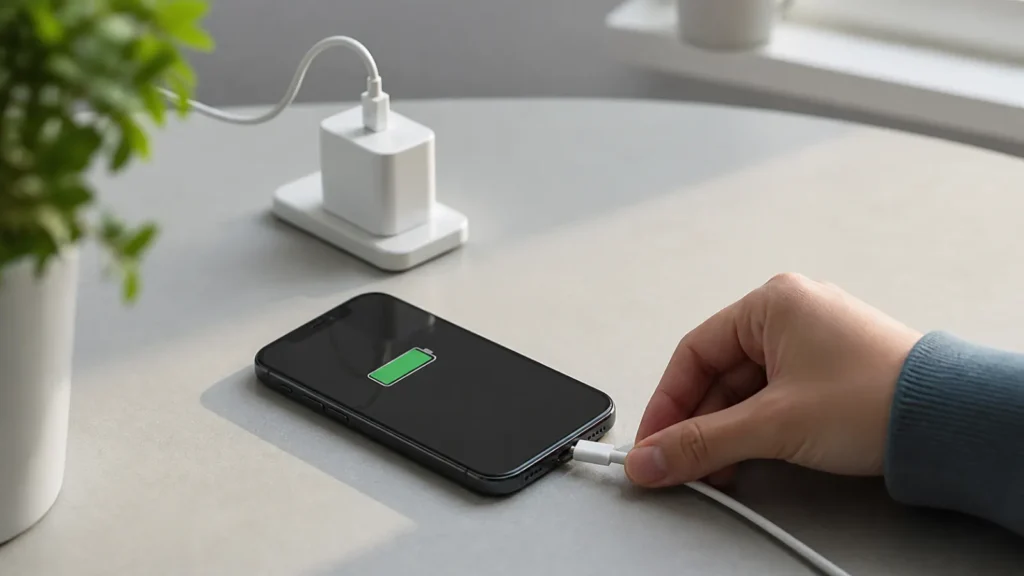
Modern phones manage charging automatically, and partial charging does not harm lithium-ion batteries. Overnight charging is generally safe because the phone stops drawing a full charge when the battery is full.
For better long-term battery health, enable your phone’s optimized charging feature. On iPhone 15 and later, you can also choose a charge limit under Settings > Battery > Charging. Apple explains how Charge Limit and Optimized Battery Charging reduce time spent fully charged.
10. Keep the Phone Away From Extreme Heat
Heat speeds up battery ageing. Keep your phone out of direct sunlight and parked cars, and avoid demanding games or video recording while it is already hot or charging.
If charging pauses because of temperature, let the phone cool naturally before reconnecting it. Cold can reduce battery life temporarily, while prolonged high heat can permanently reduce capacity.
Never leave your phone in a hot car or in direct sun for long. Sustained heat permanently reduces battery capacity.
11. Review Battery Settings on Android
Android menus vary by manufacturer, but start under Settings > Battery. Review the apps using the most power, keep Adaptive Battery and per-app battery optimization enabled, and schedule Battery Saver if your phone supports it.
Google notes that optimization can limit rarely used apps and that Battery Saver may delay background activity and notifications. See Google’s Android battery-life guidance for current options.
12. Review Battery Health and Charging on iPhone
Open Settings > Battery to review recent app usage. On iPhone 15 and later, charging controls are under Battery > Charging. On iPhone 14 and earlier, use Battery Health & Charging.
Keep Optimized Battery Charging enabled. Low Power Mode can extend a low charge, although mail fetching and some background tasks may be delayed while it is active.
13. Use a Compatible Charger and Cable
The charger and cable you use matter more than many people expect.
Stick to the charger that came with your phone or a reputable branded replacement that matches its charging standard.
Very cheap, uncertified cables can charge slowly, get hot, or even damage the port over time.
A good cable and charger deliver a safe, efficient charge that protects both your battery and your phone.
14. Control Heat From Fast and Wireless Charging
Fast and wireless charging are designed for normal use, but both can create extra heat. Use compatible, reputable chargers and place wireless chargers on a hard, ventilated surface.
If the phone becomes unusually hot, remove a thick case, stop demanding apps, or switch to a slower wired charger. Convenience matters more than following a rigid charging rule, but repeatedly charging in high heat can shorten battery lifespan.
15. Replace a Worn Battery When Needed
Every rechargeable battery eventually loses capacity. Consider service when the phone shuts down unexpectedly, becomes unreliable away from a charger, or shows a battery-service warning.
On iPhone, Battery Health can show maximum capacity and service information. Around 80% capacity is a common point to consider replacement, but actual symptoms matter. On Android, use the manufacturer’s diagnostics or an authorized service centre rather than an unverified battery app.
Battery and speed go together. Give your phone a full tune-up alongside these battery tips.
A tidy phone runs more efficiently. Clear space to help both speed and battery.
Frequently Asked Questions
What is the best way to improve mobile battery management?
Lower your screen brightness, limit background app refresh, and use battery saver mode. These three changes save the most power for the least effort.
Should I let my phone battery drain to zero?
No. Modern lithium-ion batteries prefer to stay between about 20 and 80 percent. Regularly draining to zero puts more strain on the battery and ages it faster.
Is it bad to charge my phone overnight?
On most modern phones it is fine, especially with optimised or adaptive charging turned on, which holds the charge below full until just before you wake.
Does dark mode save battery?
On phones with OLED screens, yes, because dark pixels use less power. On older LCD screens the saving is minimal, but there is no downside to trying it.
Why is my battery draining so fast all of a sudden?
A recent update, a misbehaving app, weak signal, or high screen brightness are common causes. Check your battery settings to see which app is using the most power.
When should I replace my phone battery?
Consider a replacement when capacity drops below about 80 percent, or if you notice rapid draining, sudden shutdowns, or any swelling. A replacement is much cheaper than a new phone.