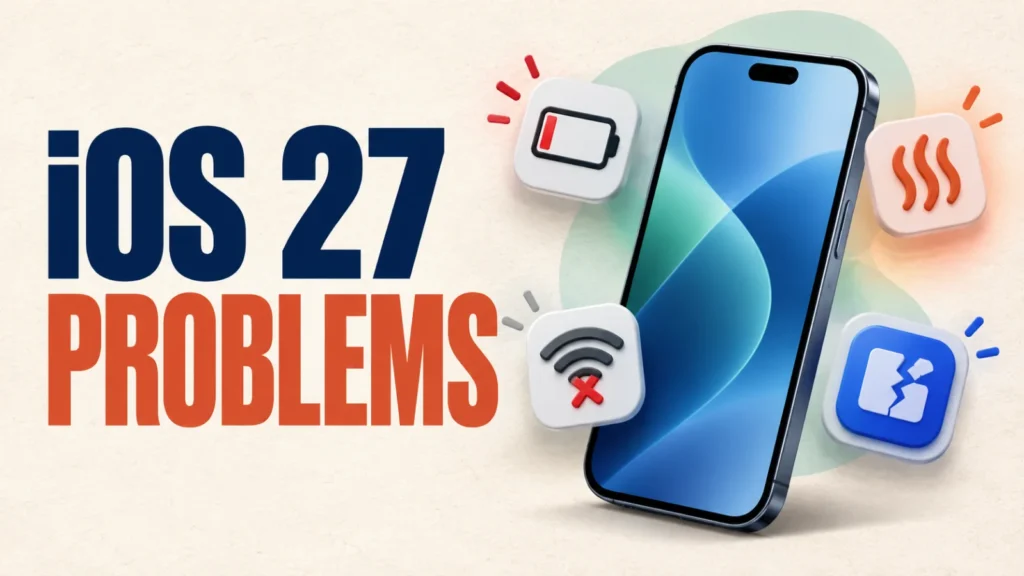
Apple released iOS 27 on September 14, 2026. This guide explains what to check if battery life drops, the iPhone feels warmer, Wi-Fi stops connecting, or an app will not open after installation.
Apple has confirmed the release and published its security content, but it has not confirmed a system-wide iOS 27 defect causing all battery, Wi-Fi, or app symptoms. The steps below separate Apple-documented update behavior from general troubleshooting.
Start here: restart the iPhone, install available iOS and app updates, and open Settings > Battery. Apple says an Ongoing iOS Update insight means update tasks are still finishing in the background and may temporarily affect battery life and heat. For Wi-Fi, forget and rejoin the network before resetting network settings. For one crashing app, update or offload that app first.
Haven’t updated yet? This is the guide to read first — compatibility, backing up, and freeing up storage before you install iOS 27.
Table of Contents
ToggleiOS 27 Release Status and Confirmed Information
Updated September 14, 2026: Apple lists iOS 27 as released for iPhone 11 and later and iPhone SE (2nd generation and later). Apple also published the iOS 27 security-content document.
That document describes vulnerabilities fixed by the release; it is not a list of post-installation bugs. Apple has not confirmed a broad iOS 27 battery-drain, overheating, Wi-Fi, or app-crash defect. Check Settings > General > Software Update to see the version currently offered to your device.
Credible User Reports — September 14, 2026
At the time of this update, no consistent battery, Wi-Fi, or app-crash pattern had been confirmed by Apple. Early individual reports should be treated as observations, not proof of a system-wide defect. This section will be updated with dated, reproducible reports and Apple acknowledgements when reliable evidence becomes available.
Apple says update-related background work can temporarily affect battery life and thermal performance. In Settings > Battery, look for the Ongoing iOS Update insight. Apple recommends waiting a few days and checking again.
Battery Drain or Overheating After Installing iOS 27
Battery use and warmth can increase while an update finishes background tasks. This is documented update behavior, but it does not explain every case. Start with these low-risk checks.
- Restart the iPhone. Do this after installation has completed.
- Check Battery insights. Open Settings > Battery and look for Ongoing iOS Update, suggestions, and unusually high use by one app.
- Install current updates. Check Settings > General > Software Update, then update apps in the App Store.
- Use Low Power Mode temporarily. Turn it on in Settings > Battery if needed.
- Wait a few days and reassess. Apple says update-related tasks may continue in the background. See Apple’s battery guidance.
If the iPhone shows a temperature warning, repeatedly shuts down, becomes too hot to handle, or remains unusually hot while idle after several days, stop charging it, move it away from direct heat, and contact Apple Support. Do not rapidly cool it in a refrigerator or freezer.
Wi-Fi Keeps Dropping or Won't Connect After iOS 27
Three separate things can cause this after a major update, and each needs a different fix.
Wi-Fi Assist quietly switches you to cellular the moment Wi-Fi looks weak — which looks exactly like a dropped connection.
A saved network record can also be left half-updated by the upgrade, or your router’s stored details may no longer match your phone’s new fingerprint.
- Turn off Wi-Fi Assist. Go to Settings > Cellular, scroll to the bottom, and switch it off. This stops iOS from silently switching to cellular data whenever your Wi-Fi signal dips, which is often mistaken for the Wi-Fi itself dropping.
- Forget the network and reconnect. Go to Settings > Wi-Fi, tap the info icon next to your network, choose Forget This Network, then reconnect and re-enter the password. This rebuilds the connection record from scratch.
- Restart your router and modem. Unplug both, wait about 30 seconds, plug the modem back in and let it fully start up, then reconnect the router.
- Turn off Private Wi-Fi Address for that network if the connection still drops after your phone wakes from sleep. You’ll find this on the same network info screen under Settings > Wi-Fi.
Only reset network settings if nothing above helps: Settings > General > Transfer or Reset iPhone > Reset > Reset Network Settings.
This restores Wi-Fi and cellular defaults, but it erases every saved Wi-Fi password, VPN, and APN setting on the phone.
Apps Crash or Will Not Open After Installing iOS 27
An affected app may need its own compatibility update, have damaged local data, lack storage, or need a permission change. Troubleshoot the affected app before resetting the iPhone.
- Close and reopen the app. If it freezes again, restart the iPhone.
- Update the app. Open the App Store, tap your profile picture, and install available updates.
- Check storage and permissions. Use Settings > General > iPhone Storage, then review the app’s settings.
- Offload the app. In iPhone Storage, select it and tap Offload App.
- Delete and reinstall only if necessary. Confirm important local data is synced or backed up first.
- Contact the developer. If one fully updated app still fails while others work, report the exact symptoms and iOS version.
Broader phone troubleshooting steps that go beyond this specific update, covering both Android and iPhone.
Which iPhones Support iOS 27
Apple lists iOS 27 for iPhone 11 and later, plus iPhone SE (2nd generation and later). The list includes the iPhone 12 through iPhone 17 families, iPhone Air, iPhone 18 Pro models, and iPhone Duo. Feature availability varies by model, language, and region. Check Apple’s current iOS 27 compatibility list.
Frequently Asked Questions
When was iOS 27 released?
Apple released iOS 27 on September 14, 2026. Check Settings > General > Software Update for availability on your compatible iPhone.
Is the iOS 27 battery drain permanent?
Not necessarily. Apple says update-related background tasks can temporarily affect battery life and thermal performance. Check Battery insights, wait a few days, and investigate persistent or severe drain.
Should I reset network settings to fix Wi-Fi problems?
Not first. Restart the iPhone and router, forget and rejoin the network, update iOS, and check VPN or filtering software. Network reset removes saved networks and some VPN settings.
Why do some apps crash right after installing iOS 27?
The app may need a compatibility update, have damaged local data, lack storage, or need a permission change. Update it first, then offload or reinstall it if necessary.
Will Apple release a bug-fix update for iOS 27?
Apple has not announced a specific iOS 27 bug-fix version or date. Install only updates shown in Settings > General > Software Update.