
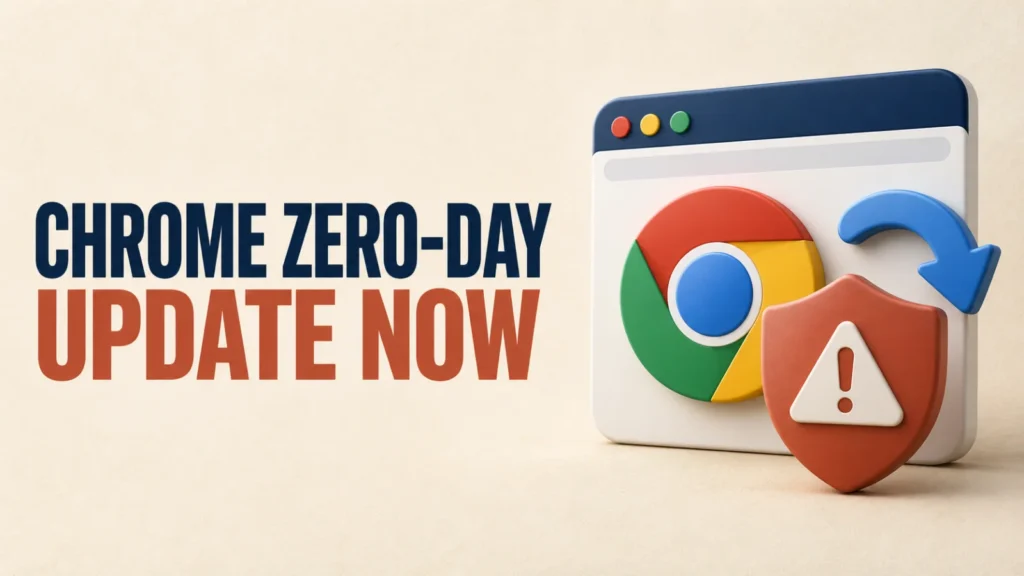
Chrome downloads updates in the background, but an update only takes effect after the browser restarts. If Chrome stays open for days, you can still be running an old version with known security flaws.
This guide shows how to update Chrome on a computer, an Android phone and an iPhone, how to confirm the update is applied, and what to do when Chrome will not update.
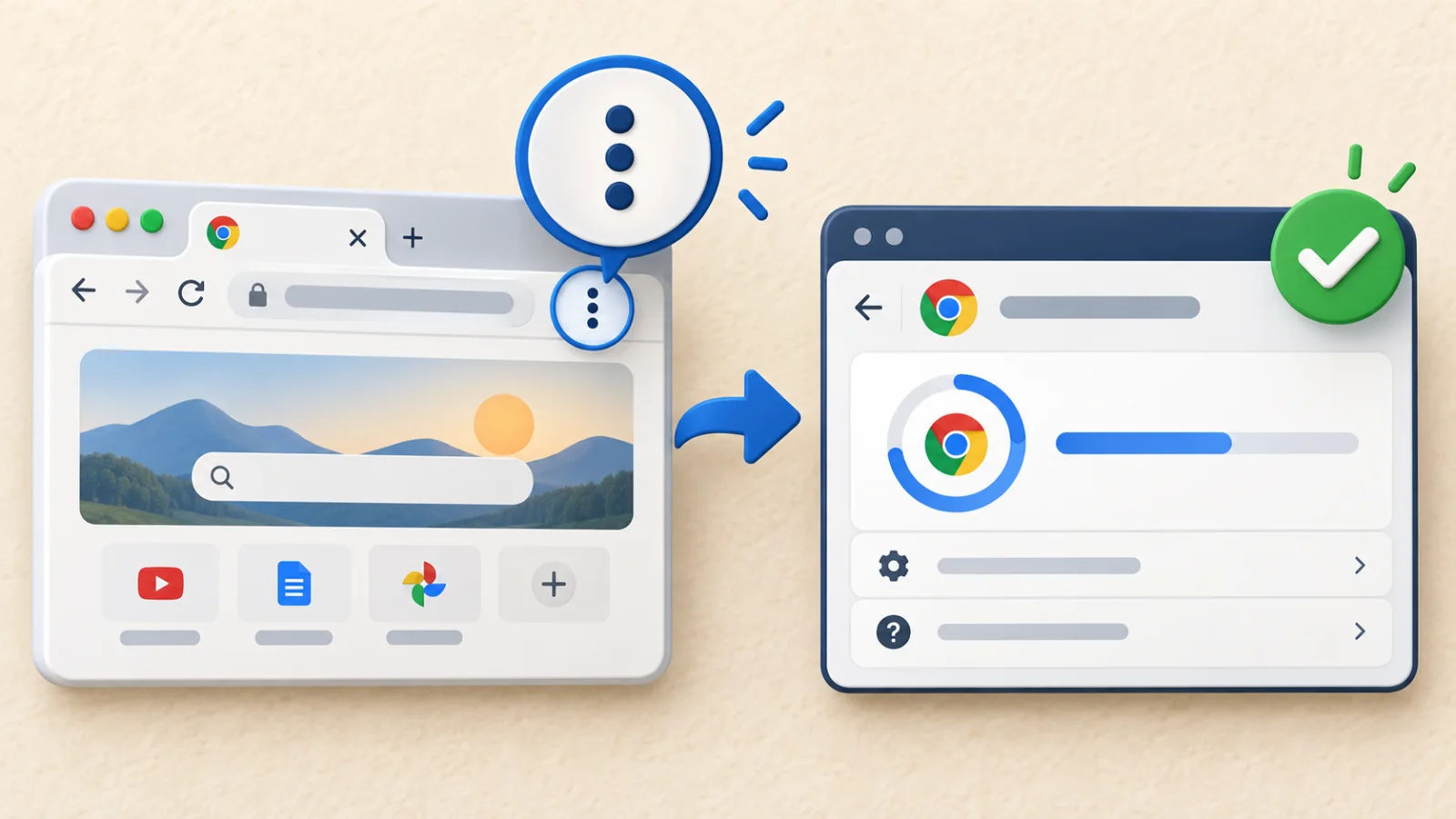
On a computer, open Chrome’s three-dot menu and select Help > About Google Chrome. Let Chrome install any update, then select Relaunch. On Android and iPhone, update Chrome from the Play Store or App Store.
Chrome is up to date when the About page says so after a relaunch. You do not need to match a particular version number.
Table of Contents
ToggleWhy Chrome Updates Matter: The CVE-2026-85046 Example
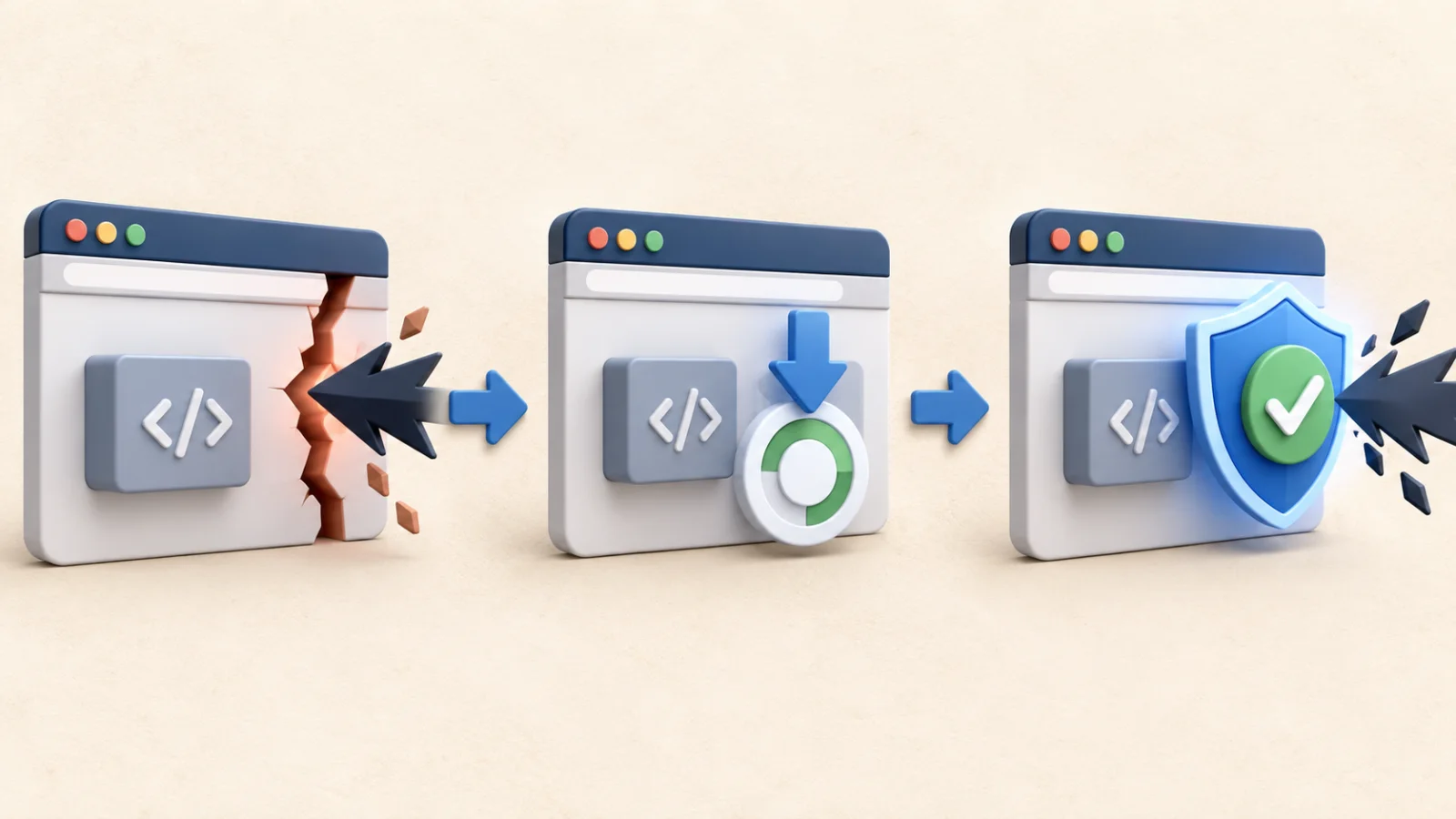
Chrome security fixes often close flaws that attackers are already using. In September 2026, for example, Google fixed CVE-2026-85046, a high-severity type-confusion flaw in Chrome’s V8 JavaScript engine, and said an exploit for it existed in the wild when it published the 3 September 2026 Stable Channel update.
“In the wild” means attackers were already using it outside a controlled research setting. A fix like this only protects you once the update is installed and Chrome has been relaunched.
Which Chrome Version Fixed CVE-2026-85046?
For CVE-2026-85046, Google’s advisory lists these first patched versions:
- Windows and macOS: Chrome 152.0.7977.82 or 152.0.7977.83
- Linux: Chrome 152.0.7977.82
- Android: Chrome 152.0.7977.82 received the corresponding desktop security fixes unless Google noted otherwise
Chrome has had many releases since then. The practical test is always whether About Google Chrome reports that Chrome is up to date after a relaunch, not whether your number matches an old minimum.
How to Update Chrome and Check Your Version
- Open Google Chrome.
- Select the three-dot menu in the upper-right corner.
- Choose Help > About Google Chrome.
- Wait while Chrome checks for and installs the available update.
- Select Relaunch to finish applying it.
- Return to About Google Chrome and confirm that it says Chrome is up to date.
Google’s official Chrome update instructions note that normal updates happen in the background, but restarting the browser is required to apply a pending update.
How to Update Chrome on Android
- Open the Google Play Store.
- Tap your profile picture, then Manage apps & device.
- Under available updates, find Chrome and tap Update.
- Open Chrome, go to Settings > About Chrome, and check the displayed version.
If the update is not offered immediately, keep Play Store automatic updates enabled and check again. Rollouts can take place over several days.
How to Update Chrome on iPhone and iPad
- Open the App Store.
- Tap your profile picture in the top-right corner.
- Scroll to the list of available updates, find Chrome and tap Update.
To install app updates automatically, open the iPhone Settings app, tap App Store and turn on App Updates. Close and reopen Chrome after it updates.
Update Microsoft Edge and Other Chromium Browsers Too
Many Chrome security fixes are in Chromium code that other browsers share, so those browsers need the same fix. For CVE-2026-85046, Microsoft’s Edge security release notes say Microsoft Edge 152.0.4191.62 contains the fix.
- Microsoft Edge: open Settings and more (…) > Help and feedback > About Microsoft Edge, let it install the update, then select Restart.
- Brave, Opera, Vivaldi and other Chromium browsers: open the browser’s About page, install any update it offers, and restart it. The browser maker’s release notes show when a Chromium security fix was included.
Updating Chrome does not update any other browser. Each one has its own updater, so check every Chromium-based browser installed on the computer.
What to Do If Chrome Will Not Update
First, save important work and restart Chrome. Then reopen About Google Chrome. On a managed work or school computer, an administrator may control browser updates.
Linux users should update Chrome through their distribution’s package manager. If an update repeatedly fails on a personal Windows or Mac computer, use Google’s official installer rather than downloading Chrome from an unofficial software site.
Until Chrome is updated and relaunched, reduce unnecessary browsing and avoid opening unfamiliar links or attachments. Incognito mode, antivirus software, and clearing browser history do not replace the security patch.
Add another layer of local privacy when other people can access your computer.
Frequently Asked Questions
Was CVE-2026-85046 actively exploited?
Yes. Google said it was aware that an exploit for CVE-2026-85046 existed in the wild.
Which Chrome version is safe?
The latest version Chrome offers. After installing it and relaunching, About Google Chrome should say Chrome is up to date. For CVE-2026-85046, the first fixed desktop versions were 152.0.7977.82/.83 on Windows and macOS and 152.0.7977.82 on Linux.
Does Chrome update automatically?
Chrome normally downloads updates automatically, but you must relaunch the browser to apply a pending update.
Does Incognito mode protect against browser security flaws?
No. Incognito mode limits locally saved browsing data; it does not patch vulnerabilities in the browser engine.
Bottom Line
Chrome only applies an update after a relaunch, so restart the browser regularly. Open About Google Chrome, install the newest version offered, relaunch, and confirm that it reports Chrome is up to date. Then update any other Chromium-based browser you use.