
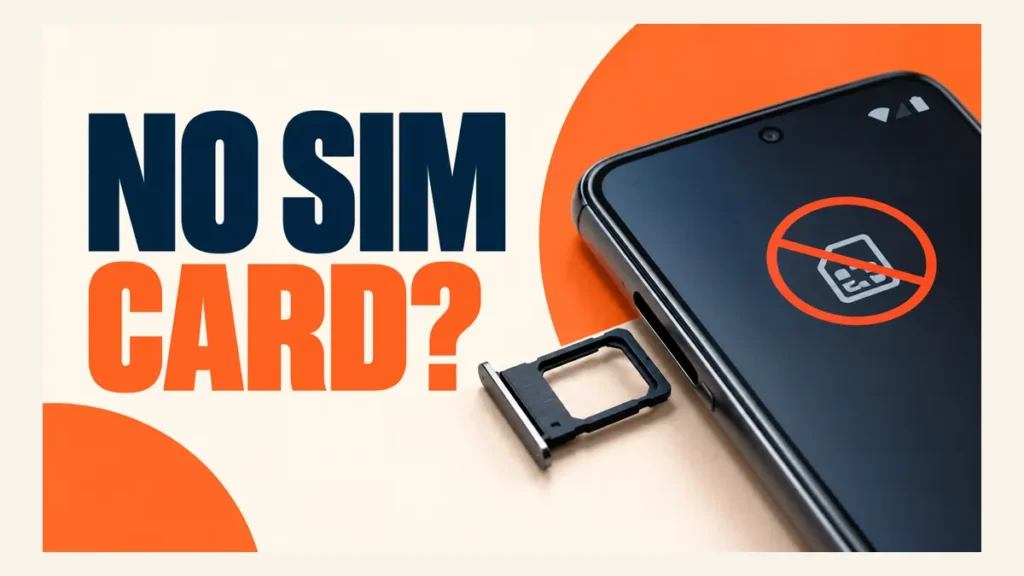
An Android no SIM card error means the phone cannot read the SIM, so calls, texts and mobile data stop working. The cause is usually simple: a loose SIM, a SIM that has been switched off in settings, or a network setting that went wrong after an update.
Work through the fixes below in order. They go from quick checks to steps that need your carrier.
Restart the phone, then remove the SIM tray, clean the SIM and reinsert it. Check that the SIM is turned on: Settings > Network & internet > SIMs on Pixel, or Settings > Connections > SIM manager on Samsung. Turn airplane mode off, reset mobile network settings, and test the SIM in another phone. If another phone cannot read it either, ask your carrier for a new SIM.
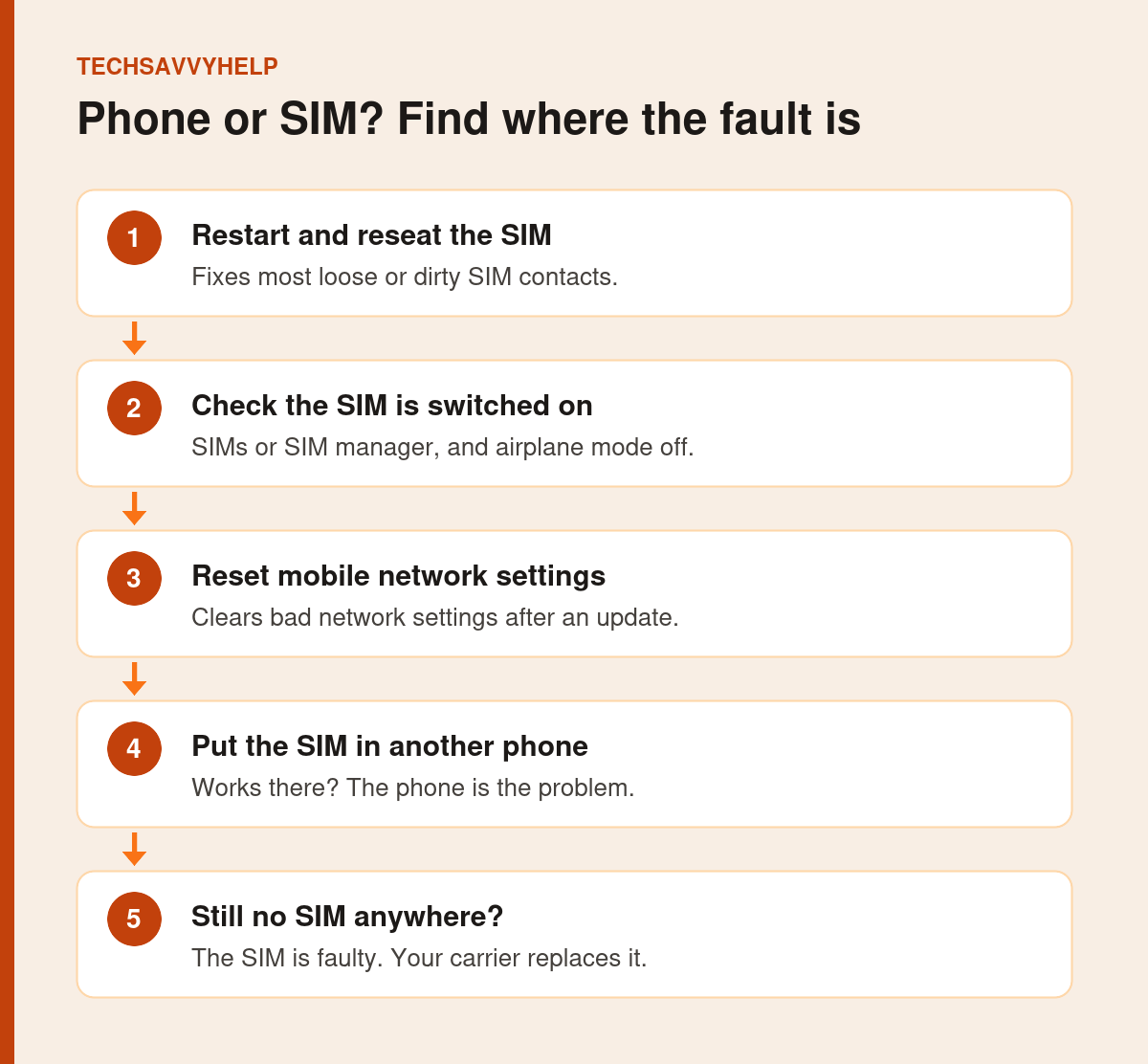
Table of Contents
ToggleFix 1: Restart the Phone
A restart reloads the phone’s radio and makes it read the SIM again. Google suggests powering the phone off fully, waiting 30 seconds and switching it back on, rather than choosing Restart.
On Samsung, press and hold the Side key and Volume down for about 7 seconds, then tap Restart.
Fix 2: Remove, Clean and Reinsert the SIM
- Power the phone off.
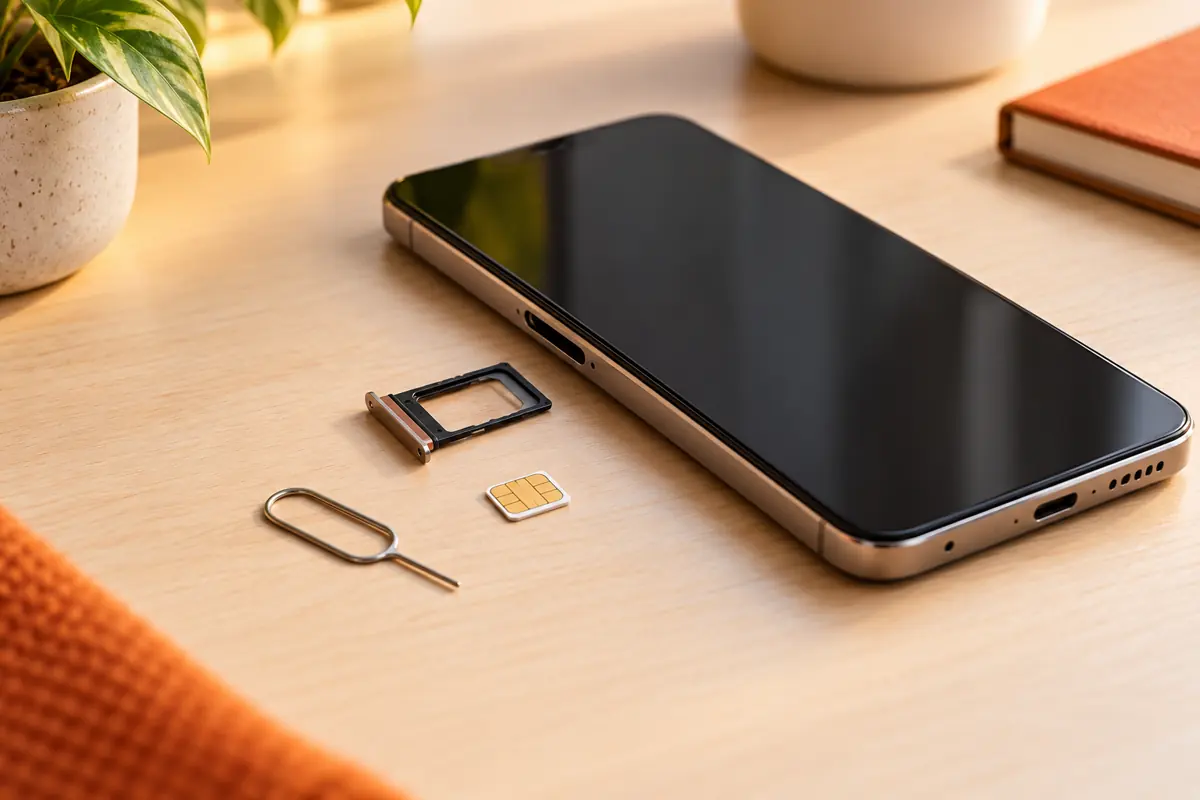
- Push the SIM eject tool or a straightened paperclip into the small hole beside the tray until it pops out.
- Check the SIM for scratches, bends or cracks.
- Wipe the gold contacts gently with a soft, dry cloth. Do not touch them with your fingers or metal.
- Place the SIM back in the tray the right way round and push the tray fully in.
- Switch the phone on.
Push the eject tool straight in and do not force the tray. Samsung warns that a bent tray can stop the SIM from sitting correctly.
Fix 3: Check the SIM Is Turned On
Android lets you switch a SIM off without removing it. A SIM that is turned off shows as No SIM or greyed out.
Google Pixel
Open Settings > Network & internet > SIMs, select your carrier and turn on Use SIM. Make sure Mobile data is on as well. These steps come from Google’s Pixel connectivity guide.
Samsung Galaxy
Open Settings > Connections > SIM manager and turn on the switch next to your SIM or eSIM. On dual-SIM phones, also check which SIM is set as primary for calls and data.
Fix 4: Turn Airplane Mode On and Off
Swipe down to open Quick Settings, tap Airplane mode, wait about ten seconds, then tap it again. This reconnects the phone to the network and often clears a temporary No SIM message.
Fix 5: Reset Mobile Network Settings
This resets mobile and network settings to their defaults. It does not delete photos, apps or messages.
- Pixel: Settings > System > Reset options > Reset mobile network settings.
- Samsung: Settings > General management > Reset > Reset mobile network settings > Reset settings.
Samsung notes this cannot be undone, and some networks need settings from your carrier before you reconnect. Have your carrier’s support number ready.
Fix 6: Install System Updates
Connect to Wi-Fi and install any Android and carrier updates. Updates fix modem bugs that stop SIMs being detected. If the error started straight after an update, check for a newer patch first.
Our guide to common mobile device problems covers other update-related faults.
Fix 7: Test the SIM in Another Phone
This is the most useful test in this guide. Put your SIM in another phone, and put a working SIM in yours.
- Your SIM works in the other phone: your phone has the fault. Keep going with Fix 8.
- Your SIM fails in the other phone too: the SIM is damaged. Ask your carrier for a replacement.
Samsung phones also include a SIM check in the Samsung Members app under Support > Get Started > SIM.
Fix 8: Contact Your Carrier
Some No SIM problems can only be fixed by the carrier:
- A network outage in your area.
- A SIM that has been deactivated, or an unpaid account.
- SIM protection or a SIM lock that blocks use in a new phone.
- An eSIM profile that needs to be reissued.
If you suddenly lose signal and get a No SIM message without touching your phone, call your carrier from another phone straight away. Criminals sometimes move a victim’s number to their own SIM to steal one-time codes. See our guide to the call forwarding scam for related tricks.
Android No SIM Card on an eSIM?
An eSIM has no tray to reseat. Check that the eSIM is switched on in SIMs or SIM manager. If it has disappeared after a reset or phone change, the profile usually needs to be downloaded again with a new QR code or activation from your carrier.
Quick fixes for signal, battery, storage and app problems.
Frequently Asked Questions
Why does my Android phone say no SIM card when one is inserted?
The SIM may be loose or dirty, switched off in settings, or blocked by a network settings error. Restart, reseat the SIM and check SIMs or SIM manager first.
Will resetting mobile network settings delete my data?
No. It resets mobile and network settings only. Your photos, apps and messages stay on the phone.
How do I know if my SIM card is damaged?
Put it in another phone. If that phone cannot read it either, the SIM is faulty and your carrier can replace it.
Can a software update cause an Android no SIM card error?
Yes, occasionally. Restart and install any newer update, then reset mobile network settings if the error remains.