
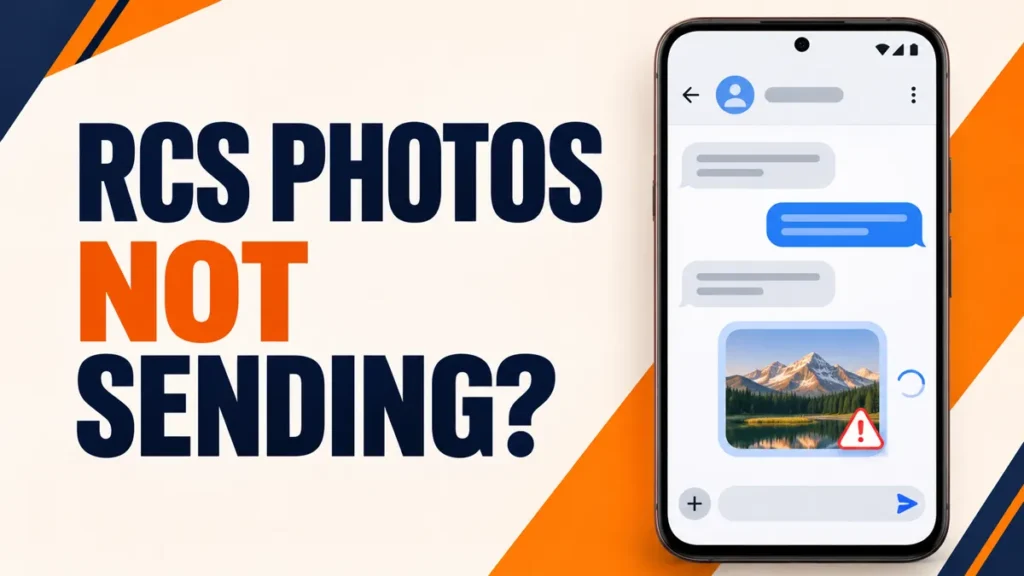
RCS not sending photos is a known problem in Google Messages right now. Text messages go through, but photos, videos or GIFs stay stuck on Sending or fail. In early October 2026, Google confirmed a bug that can stop some users sending RCS media and said a fix would roll out over the coming weeks.
Here is what you can safely do while that fix reaches your phone, and what to avoid.
Update Google Messages from the Play Store, then check RCS is connected in Messages settings > RCS chats. If media still fails, open RCS chats > Resend messages and choose an SMS/MMS fallback, or tap the timestamp on the failed message and choose Switch to text (SMS/MMS). Avoid repeated factory resets and turning RCS off and on, which affected users say did not fix it.

Table of Contents
ToggleWhat Google Has Said
Google told Android Authority on 2 October 2026 that it had identified a bug that can stop some Google Messages users sending RCS media such as photos and videos, with a fix rolling out to everyone over the coming weeks. As of late October, Gadget Hacks’ status tracker had not seen Google confirm the rollout was complete. If your media still fails, the fix may simply not have reached your account yet.
Fix 1: Update Google Messages
Open the Play Store, tap your profile picture, choose Manage apps & device and install updates for Messages and Carrier Services. Google’s Messages help page lists being on the latest version as the first check for any sending problem.
Fix 2: Check RCS Chats Are Connected
- Open Google Messages and tap your profile picture.
- Tap Messages settings > RCS chats.
- Check the status says Connected.
- If it says Not supported, your operator does not offer RCS, and media goes by MMS instead.
Fix 3: Confirm It Is the Media Bug
Send a short text in the same chat. If text sends but photos fail, you are seeing the RCS media problem, not a general connection issue. If text fails too, check you have signal or Wi-Fi, airplane mode is off, and Google Messages is your default texting app.
Fix 4: Resend Photos as MMS When RCS Is Not Sending Photos
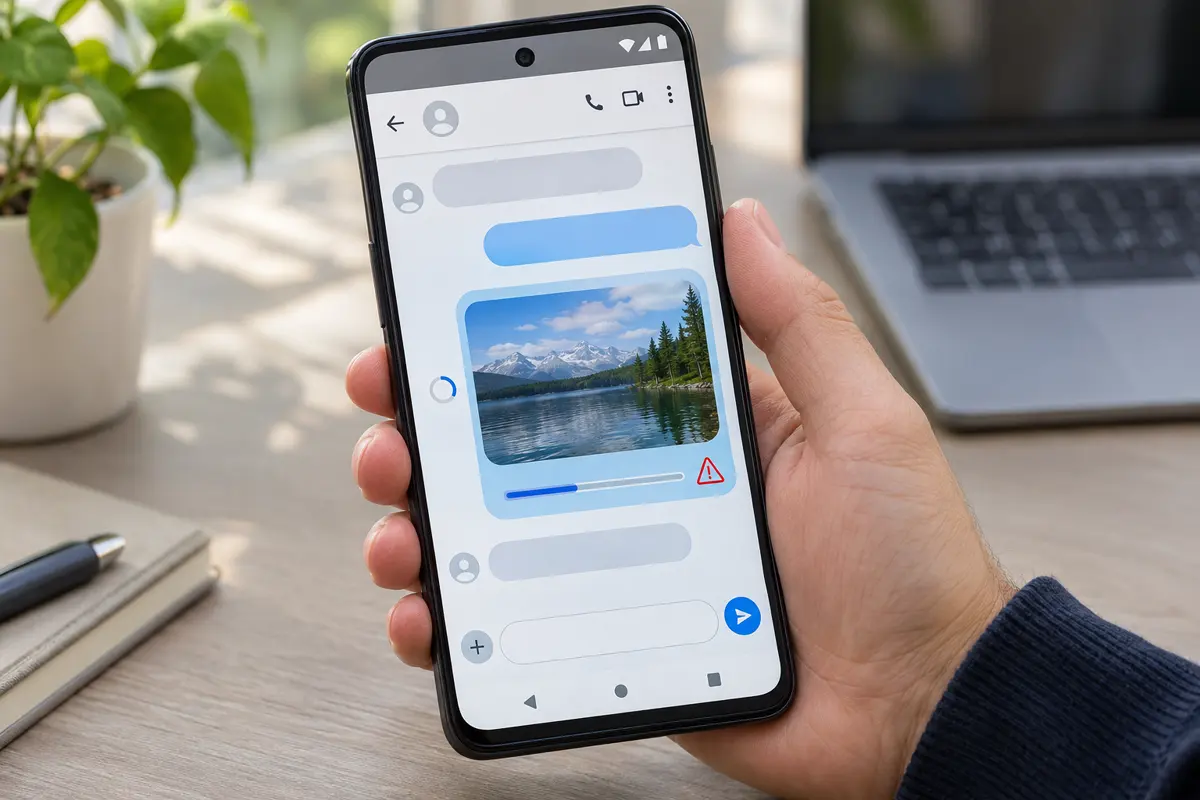
In Messages settings > RCS chats, tap Resend messages and choose an SMS/MMS fallback. For a specific failed message, tap its timestamp and choose Switch to text (SMS/MMS). MMS needs mobile data and compresses photos and videos, so quality drops, but the message can still arrive. On dual-SIM phones, make sure the SIM you text from is also the mobile data SIM, or MMS can fail.
Need full quality? Share a Google Photos or Google Drive link instead. Only share links with people you trust, because anyone with the link may be able to open it.
Fix 5: Free Up Storage
Google says Messages may not send or receive messages when the phone is low on storage. If you have less than about 1 GB free, clear space first with our guide to managing phone storage.
What Not to Do
Affected users reported that factory resets, clearing cache and restarting did not reliably fix the media bug. Turning RCS chats off and on repeatedly can also remove you from RCS group chats. Wait for Google’s fix rather than wiping your phone.
Do not factory reset your phone for this bug. You risk losing chats that are not backed up, and resets did not fix it for affected users.
Frequently Asked Questions
Why is RCS not sending photos in Google Messages?
Google confirmed in October 2026 that a bug can stop some users sending RCS media such as photos and videos, and said a fix would roll out over the coming weeks.
How do I send a photo if RCS fails?
Turn on Automatically resend as text (SMS/MMS) in Messages settings, RCS chats, or share a Google Photos or Drive link.
Will turning RCS off fix it?
It is not a reliable fix, and switching RCS off and on repeatedly can remove you from RCS group chats.
Why do my photos look worse as MMS?
MMS compresses photos and videos to fit carrier limits. RCS normally sends higher quality, which returns once the fix reaches you.