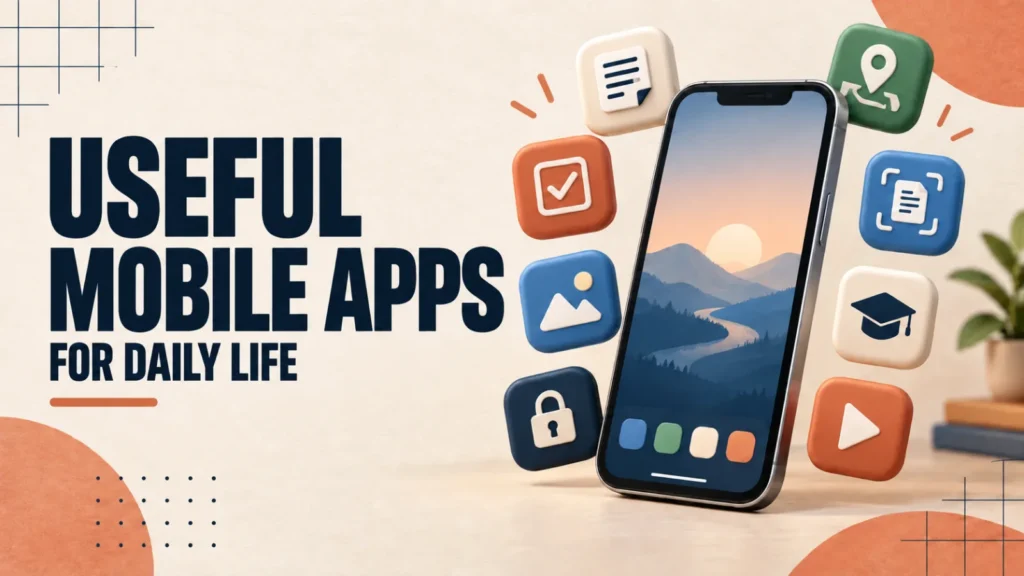
Useful mobile apps are the few you keep opening every week, not the ones you download once and forget. This list skips trending games and novelties and sticks to ten free tools for notes, photos, security, navigation, learning, and media.
Every pick is free to start, and paid upgrades are noted. All of them run on Android and iPhone except Files by Google, which is Android-only.
Start with Bitwarden for passwords, an authenticator app for two-factor codes, and Google Photos for backup. They protect the things hardest to replace. Then add Google Keep or Microsoft To Do for organisation and Google Maps for getting around.
Table of Contents
ToggleThe 10 Useful Mobile Apps at a Glance
- Google Keep: quick notes and checklists
- Microsoft To Do: tasks and reminders
- Google Photos: photo backup and search
- Files by Google: storage cleanup (Android only)
- Bitwarden: password manager
- Authenticator app: two-factor sign-in codes
- Google Maps: navigation and transit
- Adobe Scan: scan documents to PDF
- Duolingo: learn a language
- VLC: play almost any media file
You do not need all ten at once. Start with the two or three that solve a problem you have right now.

Useful Mobile Apps for Notes and Organisation
Google Keep
Google Keep is a fast note app for thoughts, checklists, and voice memos, synced across your phone, tablet, and computer. You can colour-code notes and attach photos. Time-based reminders are now managed through Google Tasks, and location-based reminders are no longer available. Free.
Microsoft To Do
Microsoft To Do turns scattered tasks into lists with due dates, recurring reminders, and a daily planner. It syncs with Outlook tasks and suits both shopping lists and bigger projects. It remains a simple option for personal lists and shared everyday tasks. Free.
Useful Mobile Apps for Photos and Files
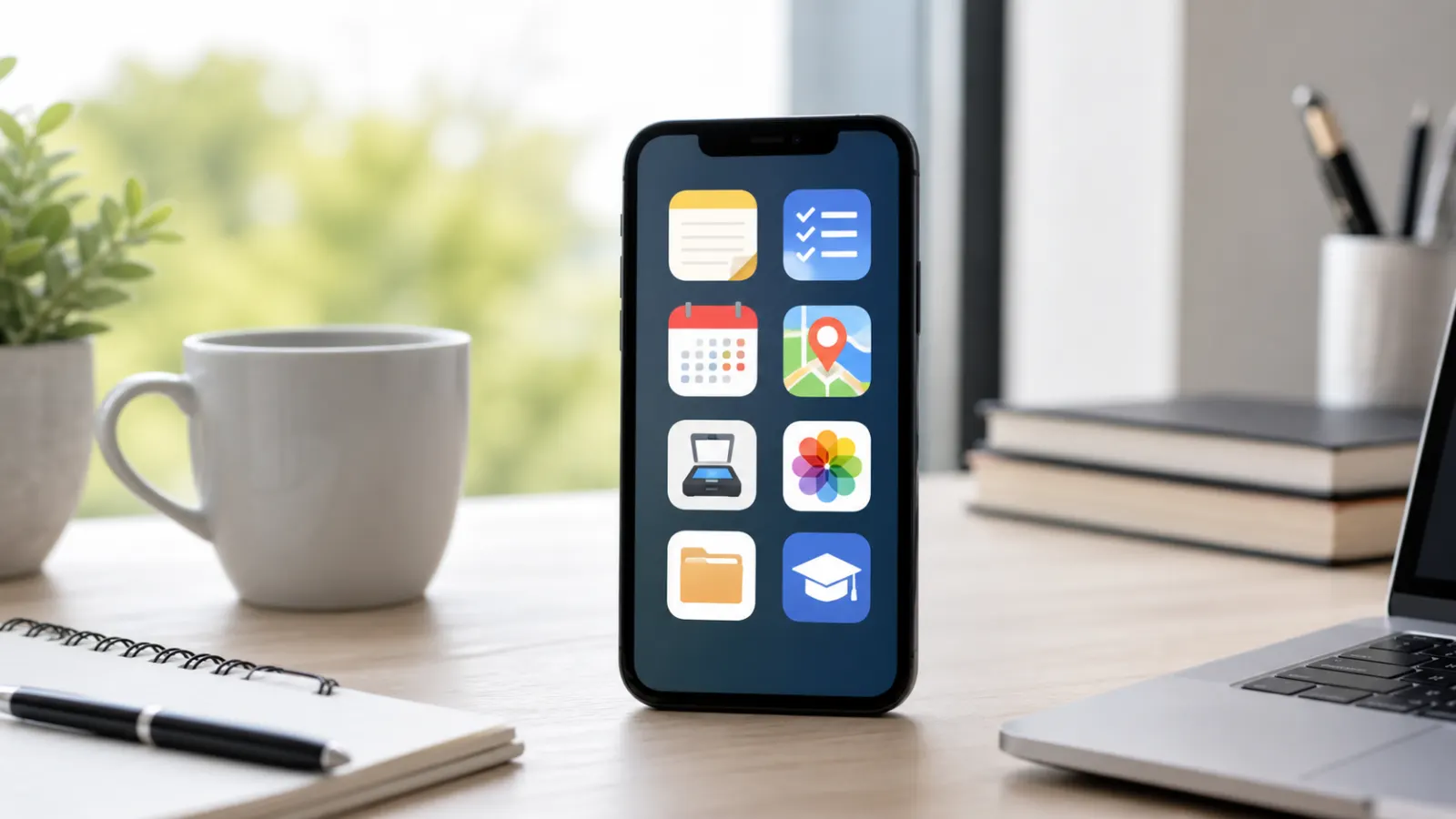
Google Photos
Google Photos backs up your pictures automatically and lets you search by place, object, or text in a photo. Some search features vary by region. Its Free up space tool removes local copies that are already backed up. Backup counts against your Google storage, with paid plans if you need more.
Files by Google
Files by Google is an Android file manager that finds junk files, duplicates, large downloads, screenshots, and unused apps. Review its suggestions before deleting, because removed files may be gone for good. It needs Android 8.0 or later. Free.
Keep your phone from filling up once the new apps are installed.
Useful Mobile Apps for Security and Privacy
Bitwarden
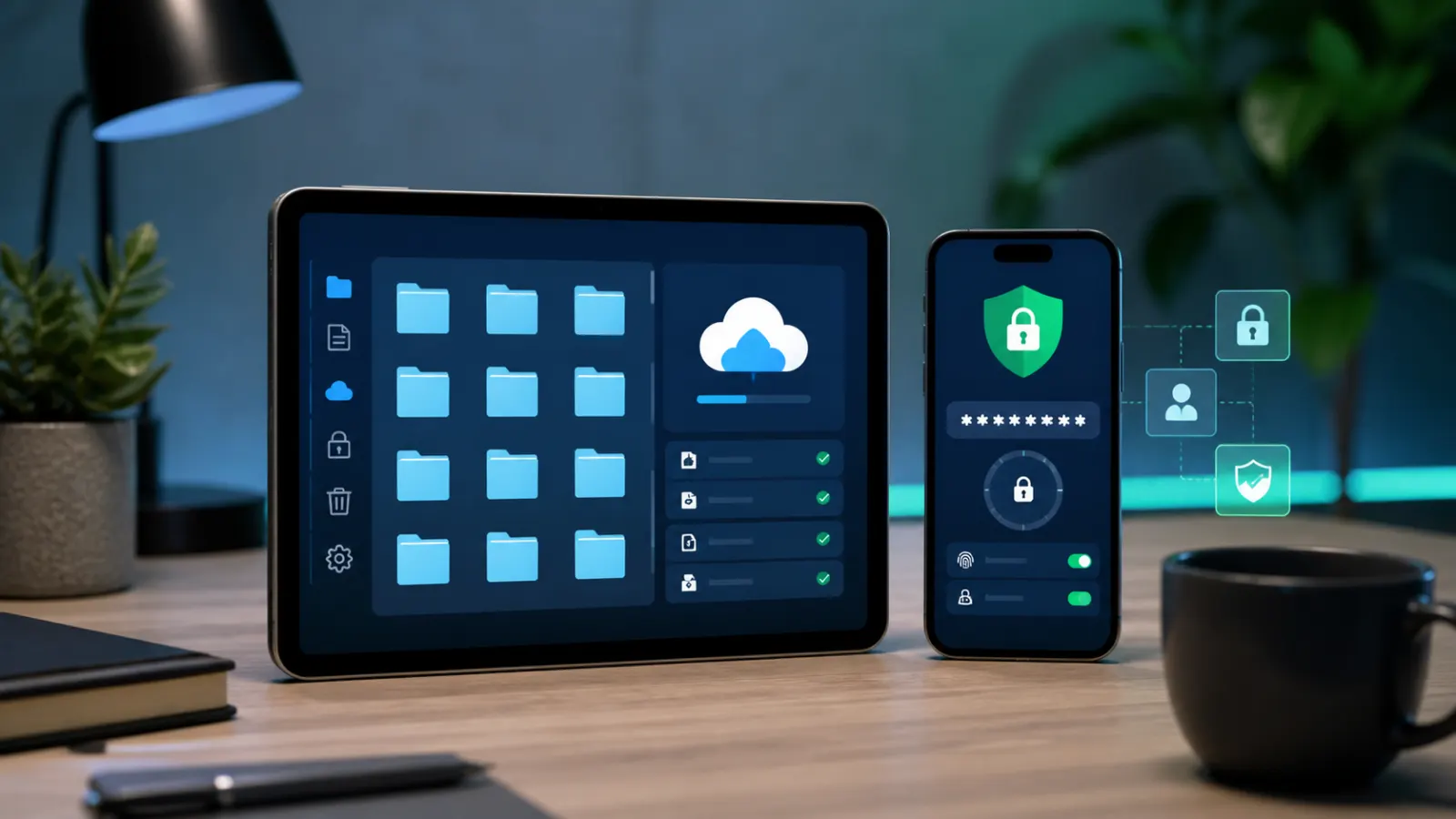
Bitwarden stores your passwords in an encrypted vault, fills them in for you, and generates long random passwords, so you never need to reuse a weak one. It syncs across devices. The core app is free, with an optional paid Premium tier.
An authenticator app
Google Authenticator or Microsoft Authenticator generates the one-time codes used for two-factor sign-in. The codes work without an internet connection and add a strong second layer to your important accounts. Both are free.
See which two-factor methods actually protect your accounts.
Useful Mobile Apps for Navigation and Paperwork
Google Maps
Google Maps covers navigation, live traffic, public transport, and saved places. Download offline maps before you travel somewhere with poor signal, and share your live location when you need to. Free.
Adobe Scan
Adobe Scan turns your camera into a document scanner. Point it at a receipt, form, or letter and it saves a straightened, sharpened PDF you can share straight away. The basic version is free.
Useful Mobile Apps for Learning and Entertainment
Duolingo
Duolingo turns language learning into short daily lessons that fit into five spare minutes, with streak reminders to keep you going. Free with ads; a subscription removes them.
VLC
VLC is a free, open-source media player that handles almost any video or audio file without extra codecs. It supports subtitles, playback speed control, and network streams, with no ads and nothing to pay.
How to Judge Whether an App Is Worth Installing
Before you install anything new, check that it:
- Solves a problem you actually have.
- Is free or fairly priced for what it does.
- Asks only for permissions it needs. A torch app that wants your contacts is a red flag.
- Is updated regularly and well reviewed.
- Comes from the Google Play Store or Apple App Store. On Android, Google Play Protect also checks installed apps for harmful behaviour.
Installing too many apps at once is the other common mistake. Unused apps take storage and clutter your home screen, so remove the ones you stop opening.
Speed up an older or sluggish phone with a few settings changes.
More Useful Mobile Apps Worth Adding
- Signal: private, end-to-end encrypted messaging. Free.
- Google Calendar: events synced across your devices, with shared calendars. Free.
- Raindrop.io: save and organise articles and bookmarks across phone and desktop.
- A local weather app: forecasts and severe-weather alerts where supported.
Frequently Asked Questions
What are the most useful mobile apps to install first?
Start with a password manager such as Bitwarden and a backup app such as Google Photos. They protect your accounts and your photos, the two things hardest to replace.
Are these useful mobile apps free?
Yes, every app on this list is free to start. Some, such as Bitwarden and Duolingo, offer optional paid tiers, but the free versions are enough for most people.
Do these apps work on both Android and iPhone?
Nine of the ten work on both. Files by Google is Android-only; on iPhone, use the built-in Files app and the iPhone Storage recommendations instead.
How do I know if a mobile app is safe?
Download only from the Google Play Store or Apple App Store, check reviews and update history, and question any permission the app does not clearly need.
Which app is best for freeing up storage space?
On Android, Files by Google clears junk and duplicate files. On both Android and iPhone, Google Photos can remove local copies once they are safely backed up.