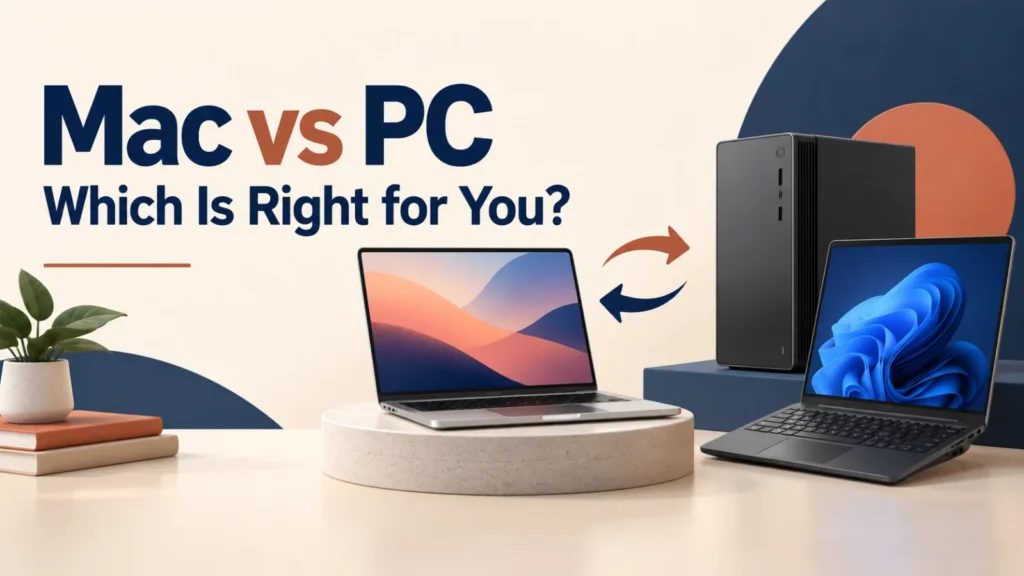
Choosing between a Mac and a Windows PC is mainly a buying decision, not a debate about which brand is “better.” Start with the programs you must run, your budget, whether you play games, and the phone or devices you already use.
Both can be excellent everyday computers. The right choice is the one that removes friction from your actual work, study, creativity, or play.
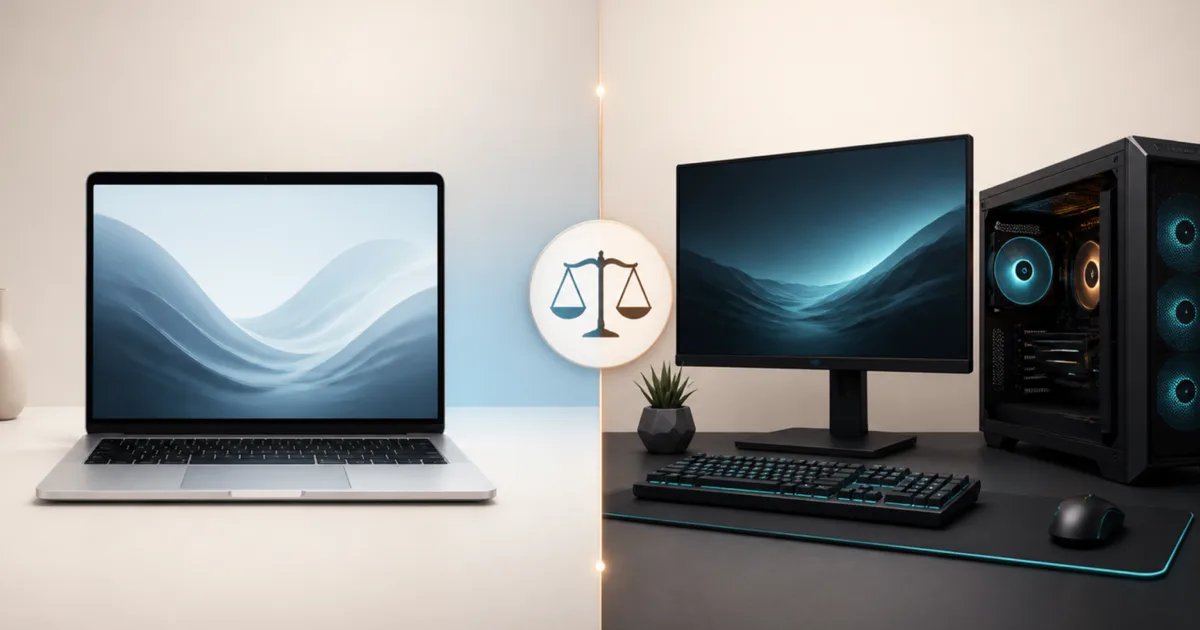
Choose a Mac if you want a consistent laptop experience, strong integration with iPhone or iPad, and macOS apps you already prefer. Choose a Windows PC if you need the broadest software and game compatibility, more price options, or the ability to choose and upgrade hardware. Check essential apps before you buy; that one step matters more than the logo.
Table of Contents
ToggleMac vs PC: Make the Decision in This Order
- List non-negotiable software and games. A required Windows-only app or game library makes the choice easy.
- Set a total budget. Include storage, memory, accessories, warranty, and any software you need.
- Choose laptop or desktop. Battery life and portability favor a laptop; upgrades and graphics options are usually better on desktops.
- Consider your existing devices. An iPhone, Android phone, work system, or shared family software can change what feels convenient.
- Compare specific models. A well-chosen Windows laptop can be a better buy than a Mac for one person, while a Mac can be the better fit for another.
When a Mac Is the Better Choice
A Mac is usually the simpler choice for someone who already uses an iPhone or iPad and wants familiar sharing, calls, messages, photos, and copy-and-paste workflows across devices. Apple’s Continuity features include Handoff and Universal Clipboard when the required settings and compatible devices are in place.
Mac laptops also appeal when you want a small, polished range instead of comparing dozens of manufacturers. Apple controls the hardware and macOS, so model choice is more straightforward. Before purchase, select enough memory and storage for the years you expect to keep it; many current Macs are not designed for later memory or storage upgrades.
- You use an iPhone or iPad and value Apple-device integration.
- Your essential apps have macOS versions.
- You prefer a lightweight laptop with predictable setup and support.
- You do not need a wide Windows game library or a user-upgradable desktop.
When a Windows PC Is the Better Choice
A Windows PC is usually the more flexible choice. You can select from many laptop styles, screen sizes, processors, graphics cards, repair options, and price levels. That choice matters if you have a fixed budget, need specialist software, or want a desktop you can improve later.
Windows also remains the safer default for broad PC gaming and for many workplace, engineering, and legacy applications. Microsoft’s Windows gaming pages emphasize choosing hardware around the games you plan to run, so check each game’s requirements instead of assuming any PC is suitable.
Windows can also work well with Android. Microsoft’s Phone Link and Link to Windows can support file, photo, and copied-content sharing on compatible Windows and Android versions.
- You need Windows-only, older, work, or specialist software.
- You play PC games or need a discrete graphics card.
- You want more models at lower and mid-range budgets.
- You want a desktop that can accept new storage, memory, or graphics hardware.
The Differences That Matter Most
Software and Games
This is the first check, not the last. Most people can use browsers, Microsoft 365, Google Workspace, Zoom, Slack, Adobe apps, and many creative tools on either platform. But a course, employer, game, plugin, accounting tool, or older peripheral may require Windows.
Do not rely on “there is probably an alternative”; confirm the exact software, version, and any device driver before buying.
For gaming, Windows normally offers the wider choice of games, stores, hardware, and graphics options. Macs can run some games, but buying a Mac specifically for broad PC gaming creates avoidable limitations.
Price, Performance, and Battery
Mac pricing is easier to understand because Apple sells a smaller set of configurations. Windows pricing is broader: entry-level laptops can cost much less, while premium Windows machines can meet or exceed Mac pricing. Compare the actual configuration, not the starting price—especially memory, storage, display, ports, warranty, and charger.
For web, office work, study, and video calls, both platforms feel fast when matched with sensible modern hardware. For laptop buyers, compare independent battery reviews for the exact model. Battery claims, screen settings, applications, and processor options can change results significantly.
Repairs and Upgrades
Many Windows desktops are easier to repair or upgrade, and some Windows laptops allow storage or memory changes. That is not universal: thin premium laptops can also be sealed. Check the service manual for the exact model before assuming parts can be replaced.
Current Macs generally require you to choose the configuration at purchase. This can be a good trade-off for someone who wants a compact machine, but it is less forgiving if your storage or memory needs grow.
Ecosystem and Support
Apple’s device integration is a meaningful advantage for people already invested in iPhone, iPad, and Apple services. Windows is a better match where Microsoft accounts, Android phones, employer management, or mixed hardware are central. Neither ecosystem should outweigh a required app or a tight budget.
Mac vs PC by Use Case
Students
Choose based on your course requirements first. For writing, research, browsing, and general study, either platform can work well. A Windows laptop often provides more choices at lower prices; a Mac can be attractive when its battery life, build, and Apple integration match the budget. Confirm required apps, remote-lab tools, and exam software with your school.
Creative Work
Both platforms can handle photo, video, audio, design, and development work. Choose the operating system and hardware that your preferred software supports best. A Mac may suit a creator who already relies on macOS apps and Apple devices; a Windows PC can provide more graphics-card and desktop-performance options. Compare the recommended specifications for your actual editing software and projects.
Work and Business
For a work computer, follow the employer’s support and security requirements. Company VPNs, management tools, line-of-business software, printers, and help-desk processes often matter more than personal preference. If you are self-employed, consider the tools you invoice with, your client formats, backup approach, and the cost of downtime.
Avoid These Buying Mistakes
- Buying by brand reputation alone: compare the exact model and configuration.
- Choosing too little storage: check how much space your current files, photos, games, and apps already use.
- Ignoring ports and accessories: confirm charging, external monitors, drives, cameras, and adapters.
- Assuming every Windows laptop is upgradeable: read the service documentation for the model.
- Assuming a Mac will run one crucial Windows app: verify a native macOS version or a supported alternative before purchase.
Essential Windows Keyboard Shortcuts for Enhanced Productivity
If you choose Windows, these shortcuts help you get comfortable faster.
Final Verdict: Mac or PC?
Buy a Mac when macOS software, Apple-device integration, and a streamlined laptop experience are your priorities. Buy a Windows PC when you need the widest compatibility, gaming, more budget choice, or practical upgrade paths.
If both fit, compare two or three real models in your budget. Choose the one with the right memory, storage, screen, ports, warranty, and software support for the way you work today—not the one that wins an abstract Mac vs PC argument.
Mac vs PC FAQs
Is a Mac or PC better for most people?
Neither is best for everyone. A Mac suits people who value macOS and Apple-device integration, while a Windows PC suits people who need broader software, gaming, hardware, or price options.
Is a PC better for gaming than a Mac?
Usually, yes. Windows offers a wider game library and more graphics-hardware choices. Check the requirements for the games you plan to play before buying a PC.
Can I use Microsoft Office on a Mac?
Yes. Microsoft provides Microsoft 365 apps for macOS, but check any specialist add-ins, macros, workplace tools, or legacy applications you rely on.
Should I choose a Mac if I have an iPhone?
It can be a strong advantage because Apple offers Continuity features across compatible devices. It should not override an essential Windows-only app, gaming need, or budget limit.
Can Windows PCs be upgraded more easily?
Often, especially desktops, but it depends on the exact model. Check the manufacturer’s service documentation before purchasing if upgrades or repairs matter to you.