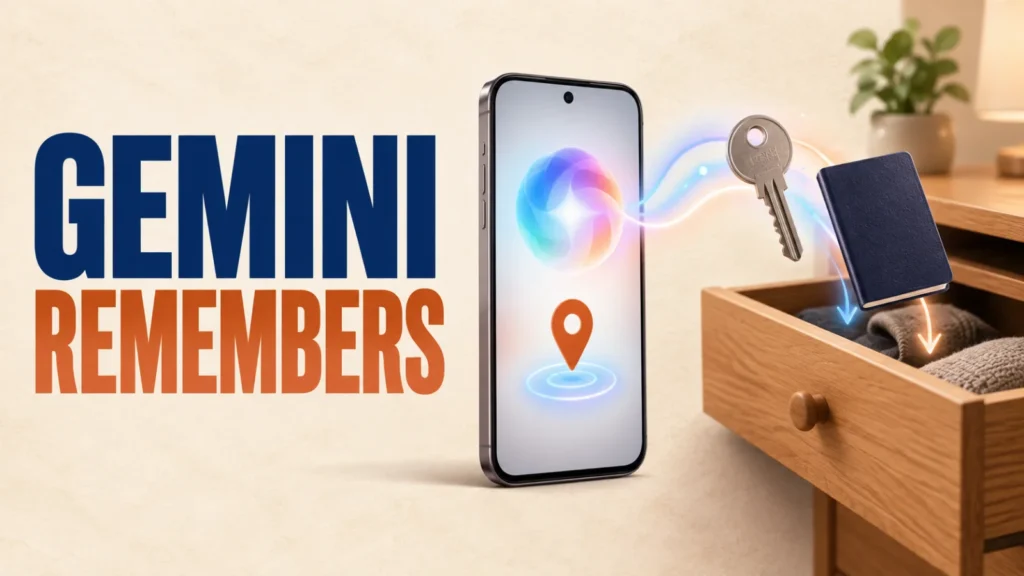
Google’s September 2026 Android Drop announced that the Gemini Find Hub feature will soon remember where you put things, without requiring a physical tracker.
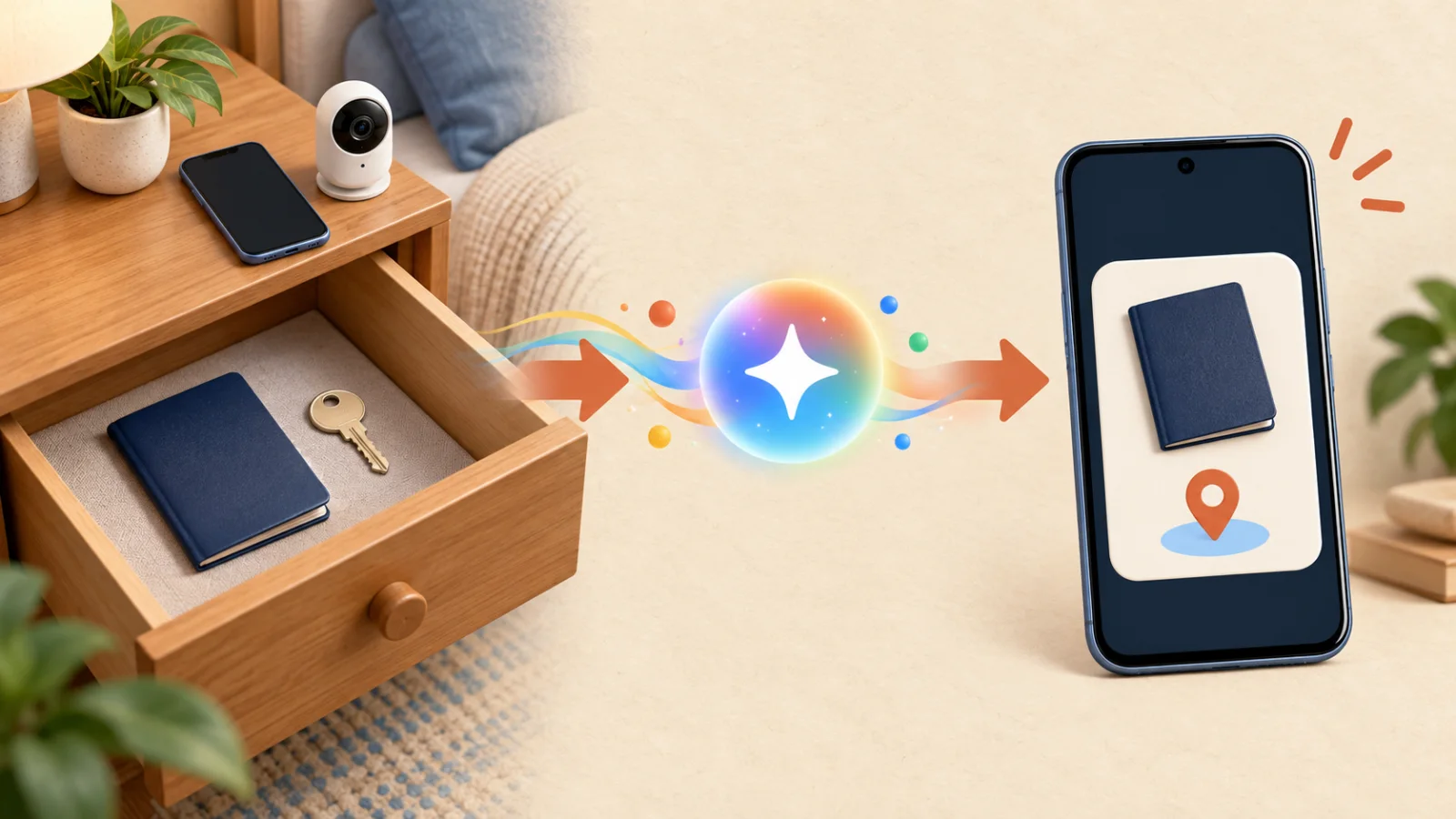
The Gemini Find Hub workflow will let you save an item’s location and optionally attach a photo. Availability is rolling out gradually.
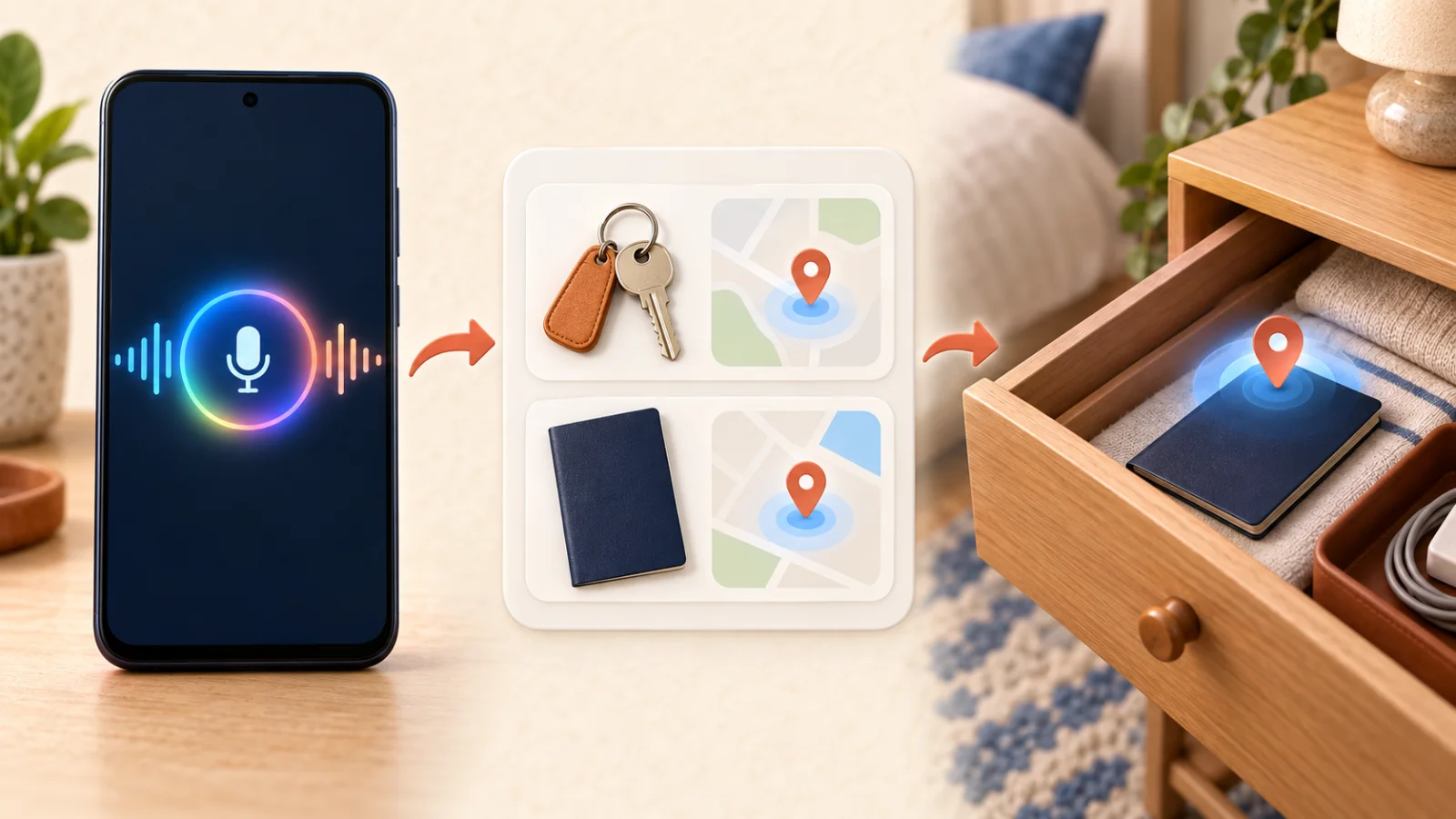
When the feature reaches your phone, say something like, “Hey Google, remember in Find Hub that I put my passport in the bedroom drawer.”
Gemini saves the location in Find Hub’s remembered-items tab. Later, ask Gemini where you put it or check the saved item in Find Hub.
Table of Contents
ToggleHow the Gemini Find Hub Feature Works
This is a memory aid, not real-time tracking. The Gemini Find Hub feature stores the location you provided for an item.
It won’t show a live location on a map the way a Bluetooth tracker tag does.
What You Need to Use It
Google says Gemini Find Hub is for Android 16 or newer in supported countries. The company announced it in the September 2026 Android Drop.
It’s rolling out gradually, so it may not appear on every eligible device immediately.
Make sure your phone is fully updated — see our guide on checking your Android security patch level.
How to Save an Item’s Location
After the feature becomes available, say “Hey Google” or open Gemini, then describe where you placed the item.
For example: “Remember in Find Hub that I put my spare keys in the kitchen drawer.”
Gemini confirms the location and saves it to Find Hub’s remembered-items tab.
Adding a Photo for Context
You can attach a photo when saving a location, which helps for items that are easy to misplace or forget.
Gemini shows the photo alongside the note when you ask about it later.
How to Ask Gemini Where Something Is
Just ask, “Hey Google, where did I put my passport?”
Gemini reads back the note you saved, along with the photo if you added one.
This feature works well alongside physical trackers, not instead of them.
Use a Bluetooth tag for things you might lose outside the house, and Gemini’s memory for items you simply forget where you put.
Privacy: What’s Saved and How to Delete It
Remembered item locations are stored through Find Hub. Review the remembered-items tab and remove a location you no longer want saved.
Avoid saving sensitive location details on a shared or unlocked phone.
Keep the rest of your phone secure too — see our full mobile device security guide.
Other September 2026 Android Drop Highlights
The September Android Drop also includes Motion Assist to help reduce motion sickness, collaborative notes in Google Messages, and other Android improvements.
If you use Android for daily tasks, it’s worth browsing our list of useful mobile apps too.
Frequently Asked Questions
Does this replace a Bluetooth tracker tag?
No. It’s a memory aid based on what you tell Gemini, not live GPS or Bluetooth tracking.
Can I use this without Android 16?
Not yet. The feature requires Android 16 or newer, with Gemini and Find Hub supported in your region.
Can I delete a saved item location?
Yes. Open the Remembered tab in Find Hub and remove any note you no longer need.
Do I need to add a photo?
No, a photo is optional but can make the note easier to recognize later.
Bottom Line
This is a small but genuinely useful addition for anyone who regularly misplaces small items.
It won’t replace a tracker tag, but it fills the gap for everything that doesn’t have one.