Knowing how to check if a link is safe is now a basic digital skill. A message arrives from a bank, a delivery company, or a coworker, and one tap on the link could cost you an account or a password.
The old advice to look for spelling mistakes no longer works. Scam messages are polished, and some use real services to carry the link. This guide gives you seven checks you can run in under a minute, plus what to do if you already clicked.
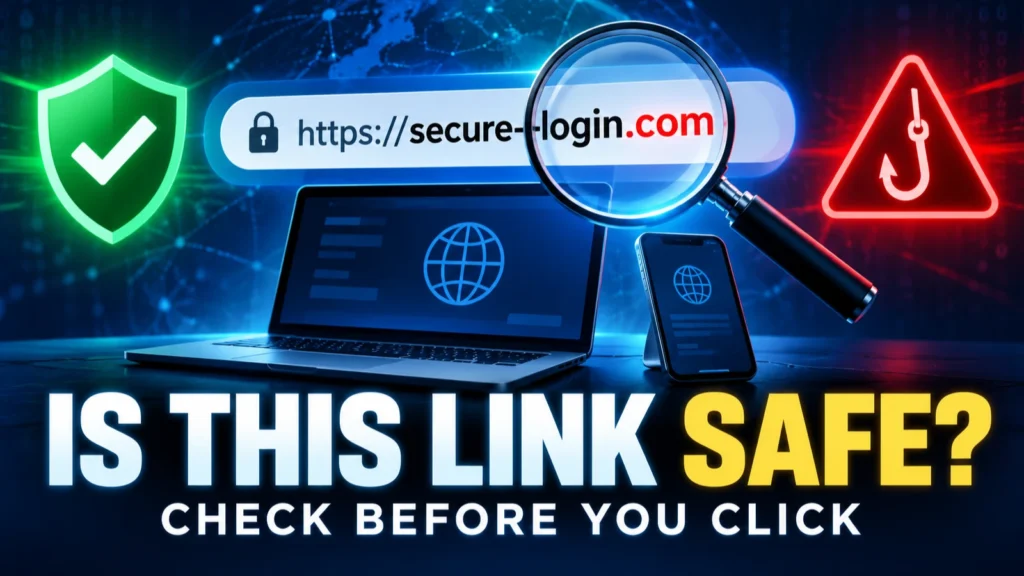
To check if a link is safe, do not open it. Read the real domain just before the first single slash, hover over or long-press the link to preview the full address, and scan it with a free URL checker. If the message is urgent or unexpected, skip the link and open the website or app yourself by typing the address.
Table of Contents
ToggleWhy it is harder to check if a link is safe now
CISA’s phishing guidance warns that polished grammar is no longer a reliable sign of safety because AI can produce clean text. Urgent or emotional language, requests for personal information, and untrusted shortened URLs remain stronger warning signs.
Attackers also hide behind familiar services and brand names. A trusted name anywhere in the address does not prove the destination is safe, so inspect the complete address and verify important requests through the company’s official app or a website you open yourself.
How a web address is built
Start with the hostname: the part after https:// and before the next slash. Read it from right to left. A genuine subdomain ends with the organisation’s real domain, such as accounts.google.com; a name such as google.com.secure-check.example belongs to secure-check.example, not Google.
Genuine-domain pattern: In https://accounts.google.com/signin, the hostname ends in google.com.
Misleading subdomain: In https://accounts.google.com.secure-check.example/login, the real site is secure-check.example. The brand name appears only in a subdomain.
At-sign trick: In a URL containing example.com@evil.example, the destination host is evil.example. Treat unexpected addresses containing an @ sign as unsafe.
Lookalike spelling: A name such as paypa1-support.example uses the number 1 to imitate a letter. Read unfamiliar domains one character at a time.
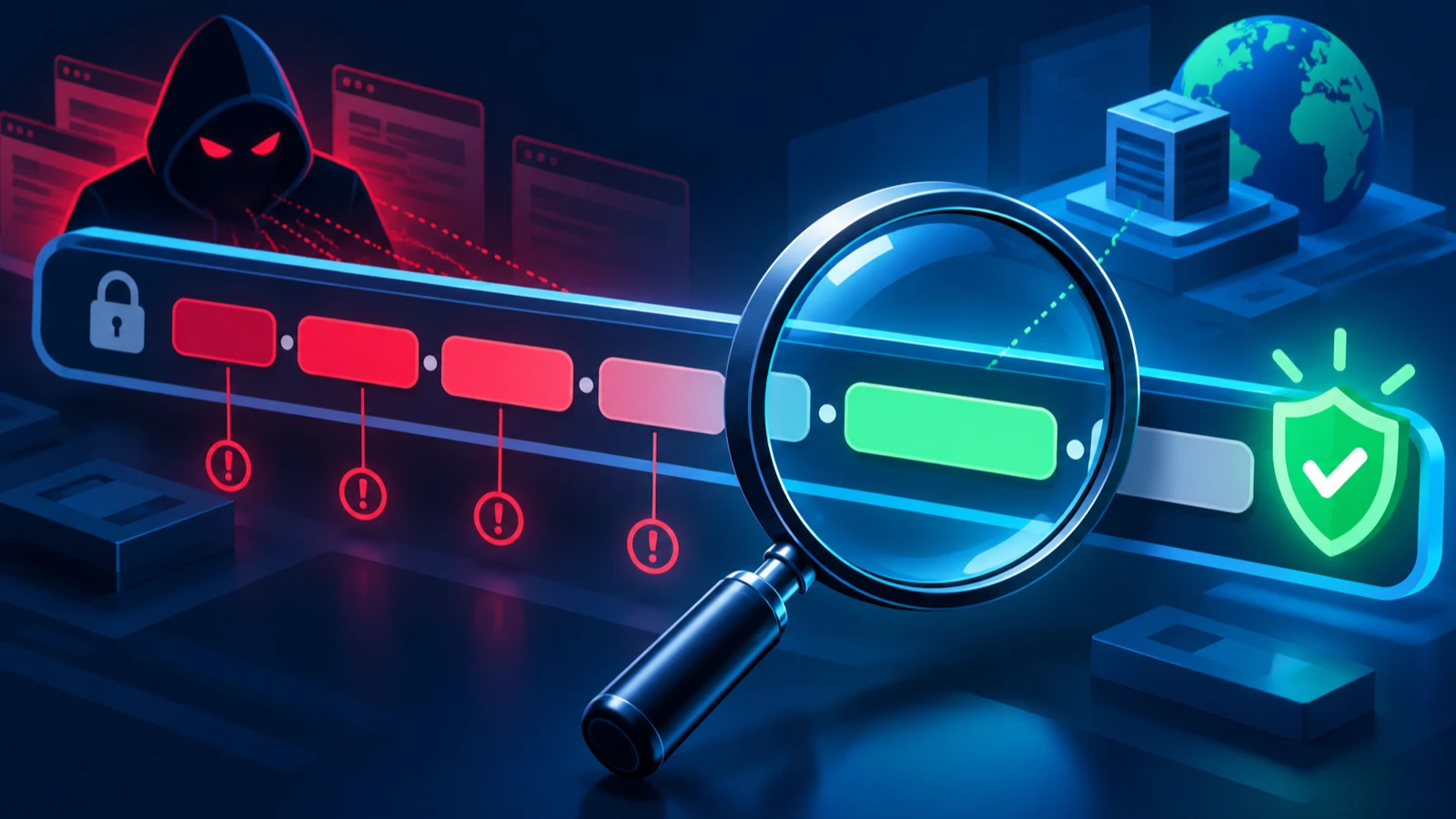
Read the address from right to left, starting at the first single slash. The last two words before it, such as google.com, tell you the owner.
7 ways to check if a link is safe
1. Ask whether you expected it
The FTC advises asking whether you have an account with the company or know the sender. If you do not, report the message and delete it. A surprise parcel, invoice, refund, or “suspicious activity” warning is the classic setup.
2. Read the real domain
Use the right-to-left method above. Watch for extra words such as “secure”, “login”, or “support” that sit in front of an unfamiliar domain. Also look for swapped letters, such as a zero in place of the letter o.
3. Preview the link without opening it
On a computer, move the pointer over the link and read the address that appears at the bottom-left corner of the browser. On a phone, touch and hold the link to see a preview menu with the full address. If the preview does not match the text on screen, do not open it.
4. Be careful with shortened links
Short links hide the real destination. CISA lists shortened URLs you do not trust among the signs of phishing. If you must check one, paste it into a link expander or a scanner so you can see the final address before visiting.
5. Scan the link with a free checker
Two useful tools are VirusTotal, which checks a URL with multiple security engines, and Google Safe Browsing’s site-status tool. Paste the address into the scanner rather than opening it. Do not submit private reset links, signed document links, or URLs containing personal tokens to a public scanner.
A clean result is not a guarantee. A brand-new scam page may not be listed yet, so combine a scan with the other checks.
6. Look at how the page behaves
If you decide to open a page, treat it carefully. Be suspicious if it asks for your password right away, asks you to “verify” by copying and pasting a command, or shows a fake “I am not a robot” check that wants you to press keys. Our guide to the fake CAPTCHA (ClickFix) scam explains that last trick.
7. Skip the link and go direct
This is the strongest check. Open a new tab, type the company’s address yourself, or use its official app, then look for the same message in your account. The FTC advises contacting the company through a website or phone number you already know is real, not the details in the message.
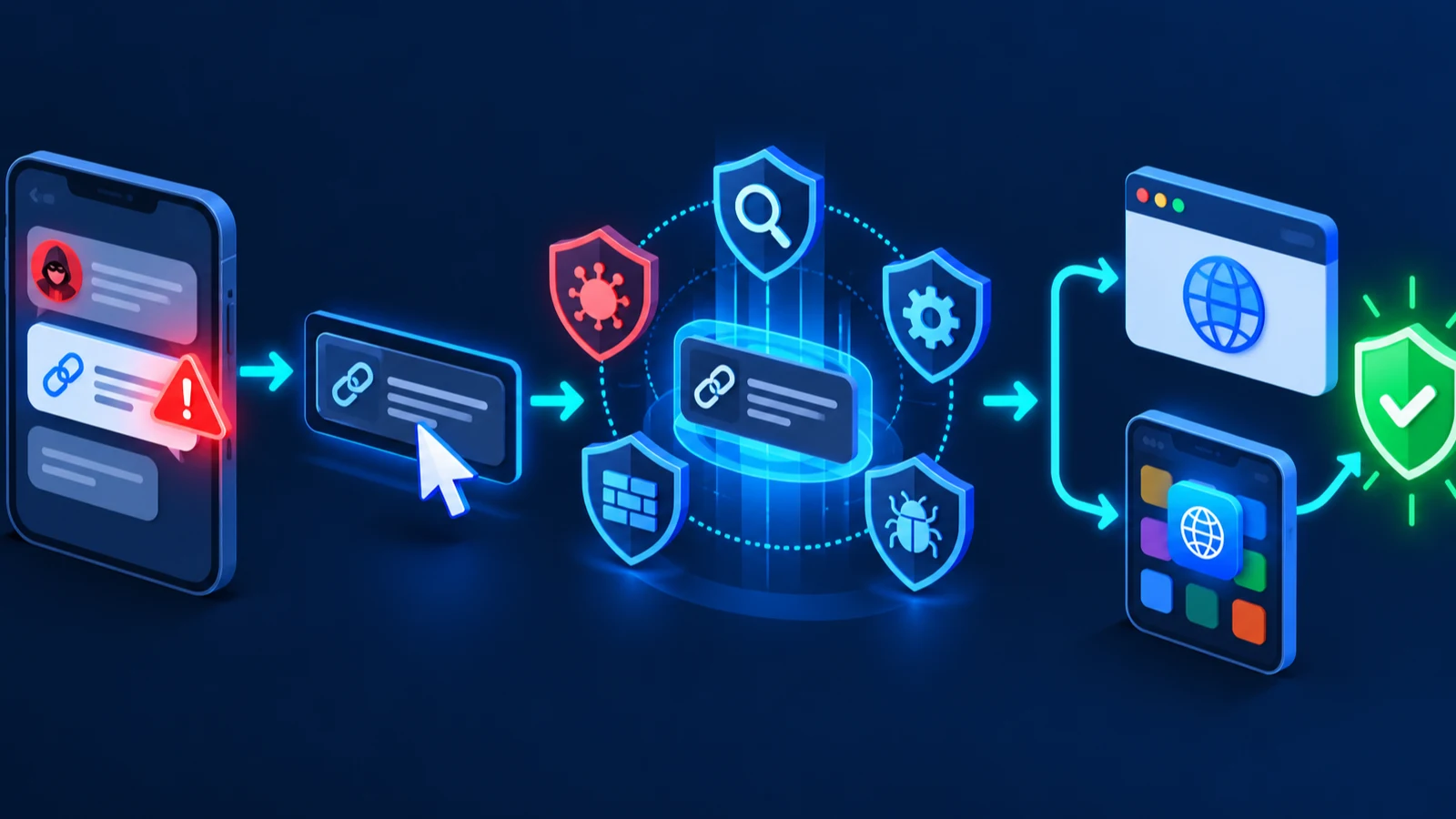
The same checks apply to QR codes, where you cannot hover to preview the address.
Where unsafe links hide besides email
Text messages and chat apps
Scam texts often claim a delivery, toll, or bank problem. In the US, forward phishing texts to 7726 (SPAM) as the FTC recommends, then delete them.
Social media messages
A link from a friend’s account may come from a hacked profile. If the message feels out of character, ask them on another channel before you open it.
Search ads and pop-ups
Scammers buy ads that look like official support pages. Pop-ups that claim your PC is infected and give a phone number are a known pattern. Read how they lead to losses in our guide to the tech support pop-up scam.
Turn on built-in protection
Your browser can warn you before you reach a risky page. Turn these on once and they work in the background.
- In Google Chrome, open Settings > Privacy and security > Security and choose Enhanced protection, which Google says alerts you to phishing sites.
- In Microsoft Edge, open Settings > Privacy, search, and services and make sure Microsoft Defender SmartScreen is on.
- Keep your operating system and browser updated, as CISA advises.
Strong account protection helps even if you slip. Use a password manager, turn on multifactor authentication, and keep software updated. Our guides to two-factor authentication and free password managers help you set this up.
What to do if you already clicked a bad link
Do not panic. What you do next depends on what happened after the click.
- Close the page. Do not enter anything else.
- Update your security software and run a full scan, as the FTC advises if a link or attachment may have installed malware.
- Change the password of any account you typed into the page, and change it anywhere else you reuse it.
- Turn on multifactor authentication for those accounts.
- If you shared a Social Security, card, or bank number, go to IdentityTheft.gov for steps based on what was exposed.
- Report the message to the FTC at ReportFraud.ftc.gov.
If a page told you to paste a command into a Windows window or run a downloaded file, disconnect from the internet, run a full antivirus scan, and change passwords from a different device.
If you need security software, see our plain-language antivirus buying guide.
Build a simple habit
You do not need to become a security expert. Pause for five seconds, read the real domain, and when in doubt, open the site yourself. For a wider checklist, read our full guide to protecting yourself from online scams.
Lookalike tricks to watch for
Typosquatting and swapped letters
Scammers register names that are one character away from a real brand. Common swaps include the number 1 for the letter l, a zero for the letter o, and “rn” for “m”. Read the domain slowly, one letter at a time.
Extra words around a real brand
Addresses such as brand-secure-login.example look official because the brand name is in them, but the owner is the whole domain before the first slash. A real company normally uses its main domain or a clearly related subdomain.
Trusted sites used as a stepping stone
Some scam links pass through a trusted service first, such as a document-sharing page or a login redirect, before landing on the fake site. That is why a familiar first address is not enough. If the page then asks for a password you did not expect, stop and use the direct route from fix 7.
Quick rules for the whole family
- If a message is urgent, slow down. Urgency is the scammer’s main tool.
- If you did not expect it, do not click it. Open the app or type the website instead.
- If a friend sends a strange link, ask them in a different chat first.
- If you are unsure, send it to someone you trust and ask before you open it.
Keep these four rules near the family computer or in a group chat. Repeating them works better than a one-time lecture.
Frequently Asked Questions
Can I check if a link is safe without clicking it?
Yes. Hover over it on a computer, or touch and hold it on a phone, to preview the full address. You can also paste it into a scanner such as VirusTotal or the Google Safe Browsing site status tool.
Does a padlock mean a website is safe?
No. The padlock only means the connection is encrypted. Scammers can also use encrypted pages, so you still need to check the real domain.
Are shortened links always dangerous?
No, but they hide the destination, so be careful with them. Expand them with a link checker before you open them, especially in unexpected messages.
What if a link comes from a friend?
Their account may be hacked. If the message looks strange or urgent, confirm with them through another channel before you click.
Where do I report a phishing link?
In the US, forward phishing emails to reportphishing@apwg.org, forward phishing texts to 7726, and report to ReportFraud.ftc.gov. You can also use the report option in your email app.