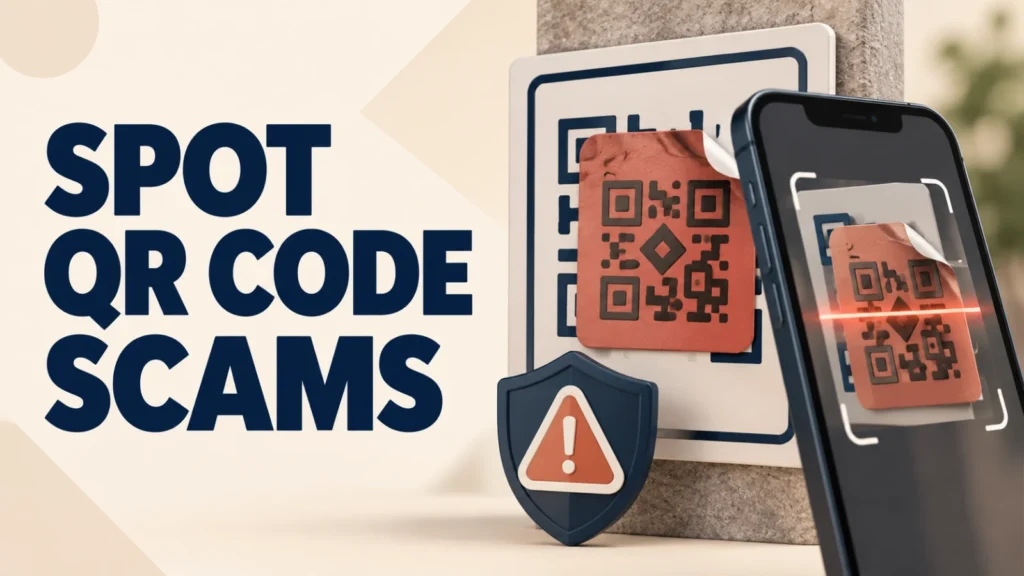
QR code scams, often called quishing or QR phishing, hide malicious links inside a scannable image. The FTC warned in September 2026 that scammers had covered legitimate parking-meter codes with their own stickers, sending drivers to fake payment sites.
A QR code can conceal its destination until your phone decodes it. That does not make every code dangerous, but it makes the source, physical sign, and destination domain important. This guide explains what to check before opening a link and what to do if you already entered information.
A QR code scam sends you to a fake site or prompts an unsafe download. Before scanning, inspect the code for a sticker, preview the full domain, and verify payment or account requests through an official app or a website you type yourself. Never share a password, verification code, or card details because an unexpected QR message demands urgency.
Table of Contents
ToggleWhat Is "Quishing"?
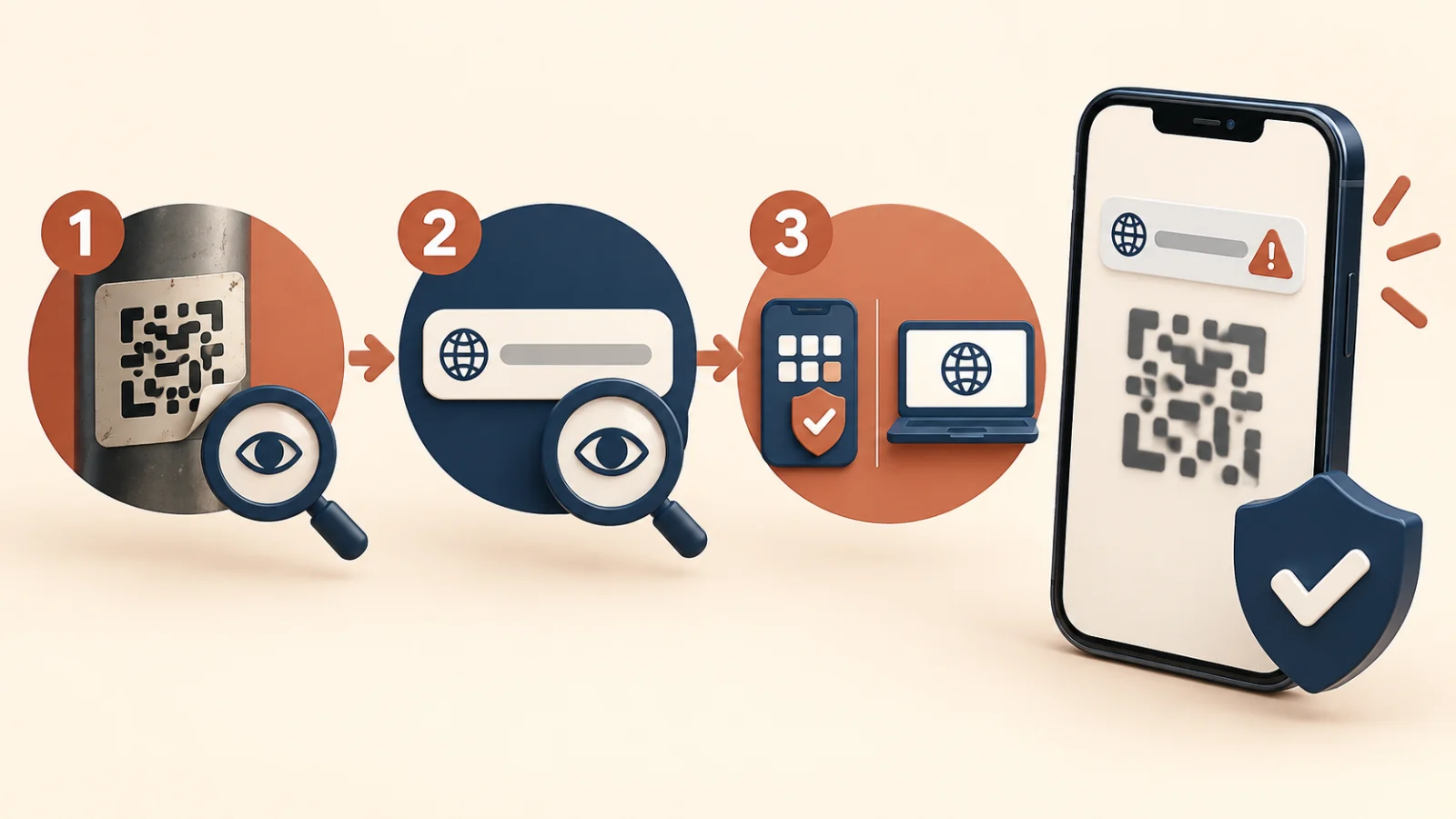
Quishing combines “QR code” and “phishing.” Instead of tricking you into clicking a malicious link in an email or text, the scammer relies on a QR code to hide the destination. Your phone camera decodes the code and shows a link, but by the time you see it, many people have already tapped through out of habit.
The FTC warns that fake QR stickers on parking meters can lead to websites designed to steal money or personal information. The FBI has also documented malicious QR codes in unsolicited packages and targeted email campaigns.
Where QR Code Scams Are Showing Up
Parking Meters and Public Payment Signs
Scammers print a sticker with a fake QR code and place it directly over the legitimate one on a parking meter or municipal payment sign. Drivers scan it expecting a normal parking payment page and instead land on a fake site that captures card details.
Fake Delivery and Package Notices
A text or a note left at your door claims a package could not be delivered and asks you to scan a QR code to “reschedule” or pay a small redelivery fee. The linked page is designed to steal card information rather than reschedule anything.
Email Invoices and "Scan to Pay" Messages
Business-style emails increasingly include a QR code instead of a clickable link specifically because QR codes pass through some email security filters that scan text-based links. Scanning the code on your phone also often bypasses the extra login and security protections available on a work computer.
Restaurant Menus and Table Tents
Public codes on tables, flyers, or posters can be covered with a scammer’s sticker in the same way parking meters are. Always check whether a code looks like it was added on top of existing signage.
How a QR Code Scam Actually Works
A QR code is simply a way to store a web address as a scannable image. When your phone reads it, it decodes the data and either opens a link automatically or shows you a preview. A scam code points to a look-alike website built to imitate a real payment page, delivery service, or login screen.
From there, the scam follows the same script as a normal phishing site: it asks for a card number, a one-time password, or account login, and passes that information straight to the scammer. Some fake pages also try to install a malicious app or profile, especially on Android where sideloading is possible.
Warning Signs Before You Scan
- A sticker looks slightly misaligned, a different size, or placed over another code on a public sign.
- The QR code arrived unexpectedly by text, email, or physical mail with pressure to act quickly.
- The message threatens a fee, fine, or missed delivery if you do not scan right away.
- The code is the only way to complete an action that should have an alternative, such as a website address or phone number.
Most phone cameras show a link preview before opening it. Read the full domain name carefully; scam pages often use a misspelled brand name or an unrelated domain ending, not the real company’s website.
How to Scan QR Codes Safely
- Use your phone’s built-in camera app rather than a third-party QR scanner app, which can add its own tracking or ads.
- Always read the full link preview before tapping it. If it looks unfamiliar, shortened, or misspelled, do not continue.
- For parking or payment codes, use the official app or website for that city or company instead of scanning if one is available.
- Avoid entering payment details on a page reached through a QR code unless you independently trust the source.
- If a code came in an unexpected text or email, do not scan it at all — verify the request through the company’s official app or phone number first.
What to Do If You Already Scanned a Malicious Code
If you entered payment information on a page reached through a suspicious QR code, contact your card issuer immediately to report possible fraud and consider requesting a new card number. If you entered a password, change it immediately on the real website, and turn on two-factor authentication if you have not already.
Do not download an app or install a profile that a QR code prompted after the fact, and do not call any phone number shown on the resulting page. Use only the company’s official app or the number on your card or statement.
Report consumer fraud at ReportFraud.ftc.gov. Suspicious cyber-enabled fraud can also be reported through the FBI Internet Crime Complaint Center.
QR code scams are one piece of a much bigger picture — see the full guide to recognizing and stopping common online fraud.
Protecting Family Members Who Are Less Tech-Savvy
Older adults and anyone unfamiliar with how QR codes work are more likely to scan without checking the link preview. A simple rule helps: if a QR code showed up somewhere unexpected or asks for money, treat it exactly like a suspicious phone call — hang up, or in this case, do not scan, and verify through a known, trusted channel first.
Frequently Asked Questions
Can scanning a QR code infect my phone?
Scanning normally decodes the content. Risk increases when you open a malicious link, grant permissions, install an app or profile, or enter information. Keep the phone updated and stop if the destination looks wrong.
How can I tell if a QR sticker is fake?
Look for a sticker placed over another code, mismatched material, poor alignment, damage around the label, or a destination domain unrelated to the organization shown on the sign.
Are restaurant QR codes safe?
A code printed as part of verified business signage may be legitimate, but public signs can be altered. Preview the destination and ask staff when the code appears to be a separate sticker.
What should I do after paying through a fake QR code?
Contact the card issuer or payment provider immediately, ask about reversing the transaction, monitor statements, and replace exposed credentials. Report the fake code to the business or authority responsible for the location.
Are iPhone and Android QR scanners completely safe?
No. Built-in scanners and browser warnings reduce friction and may flag known threats, but they cannot guarantee that a new phishing page is safe. You must still check the source and destination.