The best free password manager should store unlimited logins, sync safely across the devices you use, support passkeys, and explain which convenience or recovery features require payment. This comparison uses current vendor documentation rather than performance benchmarks or invented hands-on claims.
Free plans change, so confirm the plan page before moving your vault. The recommendations below focus on Bitwarden, Proton Pass, Zoho Vault, and NordPass because each offers a usable free tier with clear published limits.
Bitwarden is the best general free choice for unlimited passwords and devices, passkey management, transparent documentation, and sharing with one other user. Proton Pass is strongest for email aliases and simple cross-device use. Zoho Vault offers a broad free feature set, including unlimited devices and a built-in authenticator. NordPass is easy to use, but its free plan allows only one active session at a time.
Table of Contents
ToggleBest Free Password Manager Comparison
- Bitwarden: Unlimited passwords and devices, passkeys, and sharing with one other user. Its main free-plan limitation is that vault health reports and emergency access require payment.
- Proton Pass: Unlimited passwords and devices, passkeys, 10 hide-my-email aliases, and two vaults. Its integrated 2FA authenticator requires payment.
- Zoho Vault: Unlimited passwords and devices, passkeys, a security dashboard, and a built-in authenticator. Sharing and some team controls require payment.
- NordPass: Unlimited password storage, multi-device apps, passkeys, and a password generator. The free plan permits only one active session at a time.
Plan details come from the providers’ current documentation. “Unlimited devices” does not always mean unlimited simultaneous sessions, which is the important distinction for NordPass Free.
What to Look for in a Free Password Manager
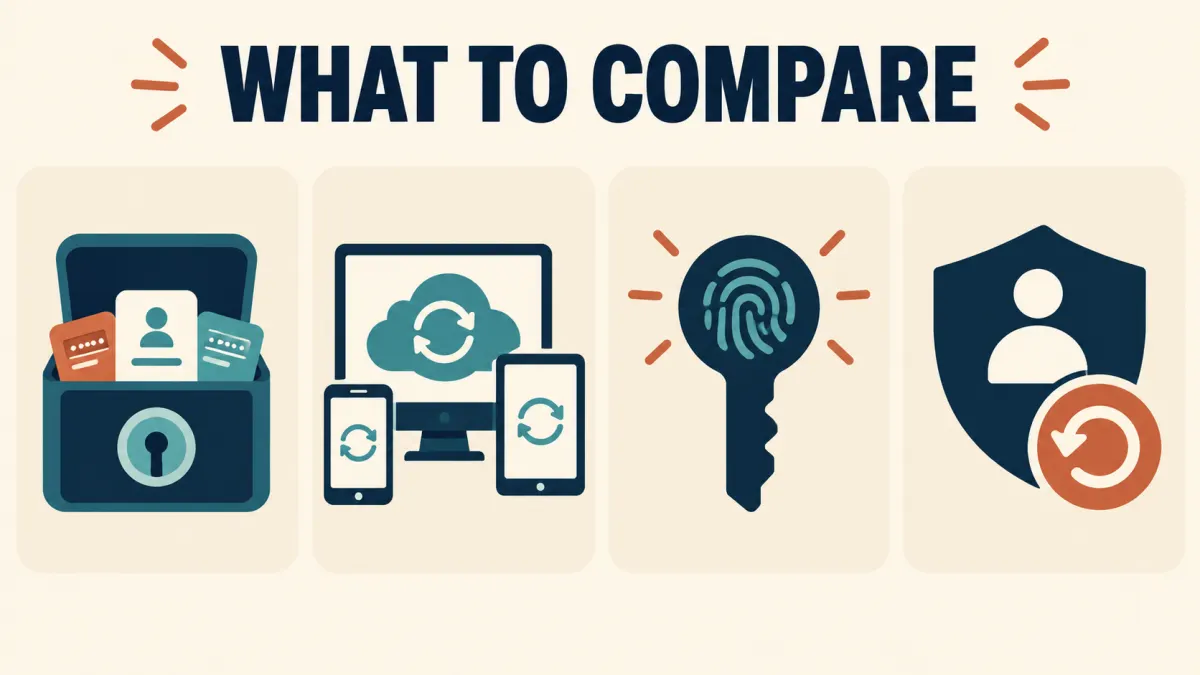
- Unlimited core storage: the free plan should not force you to choose which logins deserve protection.
- Device and browser coverage: check every operating system and browser you actually use.
- Passkey management: confirm the app can create, save, and use passkeys on your platforms.
- Account recovery: understand what happens if you forget the master password or lose every approved device.
- Independent evidence: open-source code, published audits, and clear security documentation add useful evidence, although none makes a service risk-free.
A password manager protects stored credentials, not the device itself. Keep the operating system and browser updated, enable multifactor authentication for the vault, and protect your recovery method.
1. Bitwarden: Best Free Password Manager Overall
Bitwarden’s free individual plan includes unlimited logins, notes, cards, identities, device access, sync, password generation, autofill, and passkey management. A free organization also lets two people share items in up to two collections.
The main paid upgrades are vault health reports, encrypted file storage, emergency access, the integrated TOTP authenticator, and broader family sharing. Bitwarden is a strong default when you want a mature cross-platform product with unusually transparent plan documentation.
Choose it if: you want the best balance of unlimited core features, passkeys, and limited two-person sharing. Review the official Bitwarden plan comparison.
2. Proton Pass: Best for Email Aliases
Proton Pass Free includes unlimited logins, notes, devices, automatic sync, passkeys, two vaults, and 10 hide-my-email aliases. The aliases are useful when you want a different address for shopping, newsletters, or services you do not fully trust.
The current free plan does not include Proton Pass’s integrated 2FA authenticator, unlimited aliases, dark-web monitoring, attachments, or emergency access. That corrects a common source of confusion in older comparisons.
Choose it if: email masking and a simple cross-device vault matter most. Confirm the current features on the Proton Pass pricing page.
3. Zoho Vault: Best Feature-Rich Free Alternative
Zoho Vault’s free plan currently lists unlimited passwords, passkeys, storage, and devices, plus autofill, offline access, a security dashboard, desktop and mobile apps, browser extensions, and a built-in 2FA authenticator. That is a generous personal feature set.
Zoho’s product also has a strong business orientation, so parts of the interface and documentation may feel more administrative than a consumer-first app. Password sharing, team workflows, and advanced controls sit in paid tiers.
Choose it if: you want broad free features and do not mind a business-oriented interface. Check the official Zoho Vault plan table.
4. NordPass Free: Best for a Simple Interface
NordPass stores passwords, notes, cards, personal information, and passkeys. Its apps and browser extensions can be installed on multiple devices and the vault data synchronizes, but the free plan permits only one active session on one device at a time. Moving between a laptop and phone can therefore require another login.
NordPass says passkey management works on any plan. Premium adds simultaneous sessions, the authenticator, password health, breach scanning, secure sharing, attachments, and emergency access.
Choose it if: a clean interface matters more than staying signed in everywhere. Read NordPass’s free-versus-premium documentation.
Which Free Password Manager Should You Choose?
- Choose Bitwarden for the strongest all-round free plan and simple sharing with one trusted person.
- Choose Proton Pass if email aliases and the Proton ecosystem are useful to you.
- Choose Zoho Vault for a wide free feature set that includes an authenticator and security dashboard.
- Choose NordPass for a straightforward interface when one active session is acceptable.
Do not move based on a long feature list alone. Check the browsers, phones, tablets, and computers you use, then test autofill and recovery before committing your only vault.
How to Switch From Browser-Saved Passwords Safely
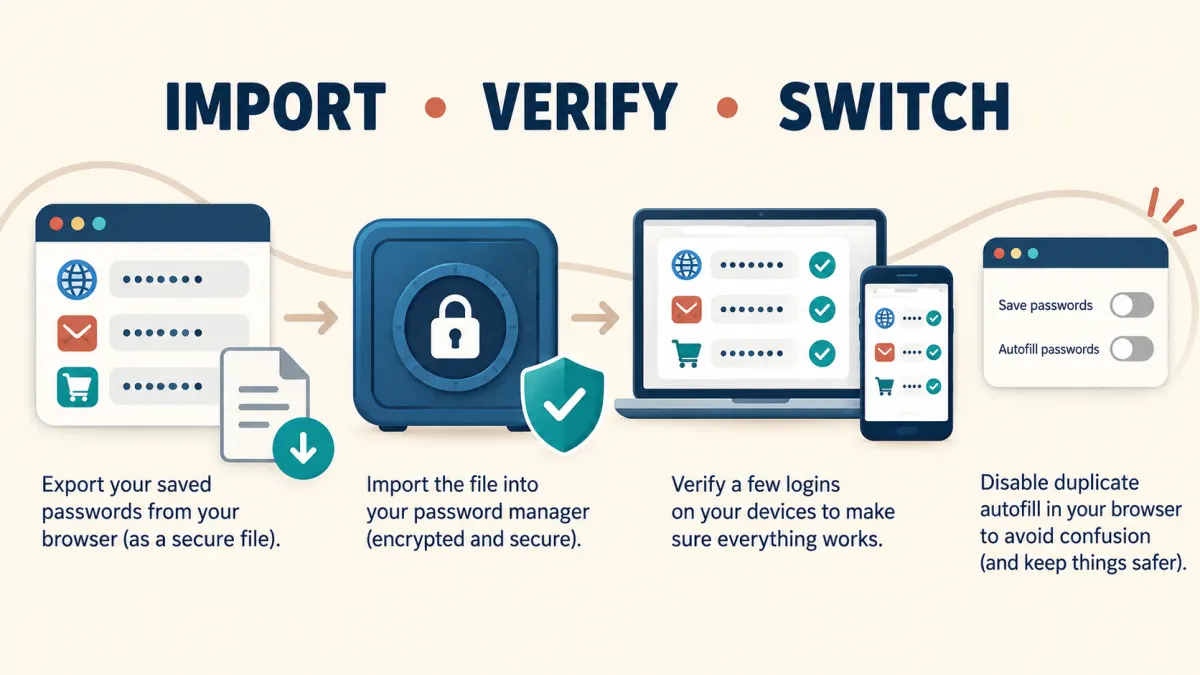
- Create the new vault with a long, unique master password and enable multifactor authentication.
- Export from the old browser or manager only on a trusted, updated device. The export may be an unencrypted CSV file.
- Import into the new manager using its official import tool.
- Verify several important logins on both desktop and mobile before changing browser settings.
- Disable duplicate autofill in the old browser or extension after confirming the new manager works.
- Delete the unencrypted export from the device and trash when the migration is complete.
Do not delete the original vault until you have tested the new copy and confirmed your recovery method. Passkeys may require separate handling because not every provider supports passkey import and export.
Your master password must be unique and memorable enough to enter accurately. Save the recovery information somewhere separate and secure. Do not store the only recovery key inside the vault it is meant to recover, and never send a password export through ordinary email or chat.
Our complete Windows 11 security checklist, with links to every security guide.
Best Free Password Manager FAQs
Are free password managers safe?
A reputable free plan can use the same encryption as its paid tier. Safety still depends on a unique master password, multifactor authentication, updated apps, a protected recovery method, and downloading from the official source.
Which free password manager supports passkeys?
Bitwarden, Proton Pass, Zoho Vault, and NordPass all publish passkey-management support. Availability can vary by browser, operating system, and website, so verify the platforms you use.
Can I use a password manager on several devices?
Yes, but plan rules differ. Bitwarden, Proton Pass, and Zoho Vault support unlimited devices. NordPass can be installed and synchronized across devices, but its free plan permits only one active session at a time.
Should I store 2FA codes in the same password manager?
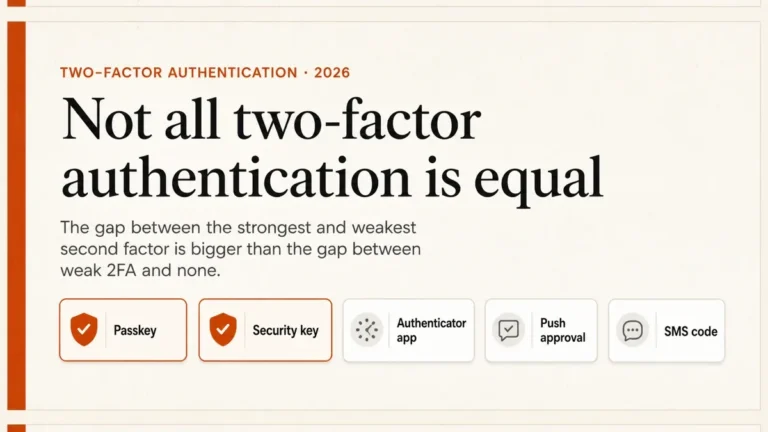
It is convenient, but it concentrates access in one vault. If the service supports an external authenticator or security key for the password-manager account, use that separate factor to avoid a circular lockout.
What happens if I forget the master password?
Recovery depends on the provider and settings. Zero-knowledge services generally cannot simply reveal the master password. Set up the available recovery method in advance and keep it separate from the vault.
Best Free Password Manager: The Bottom Line
Bitwarden is the easiest general recommendation because its free plan covers unlimited items and devices, passkeys, and limited sharing without an awkward session restriction. Proton Pass is compelling for aliases, Zoho Vault offers an unusually broad free toolkit, and NordPass remains useful when simplicity outweighs the one-session limit.
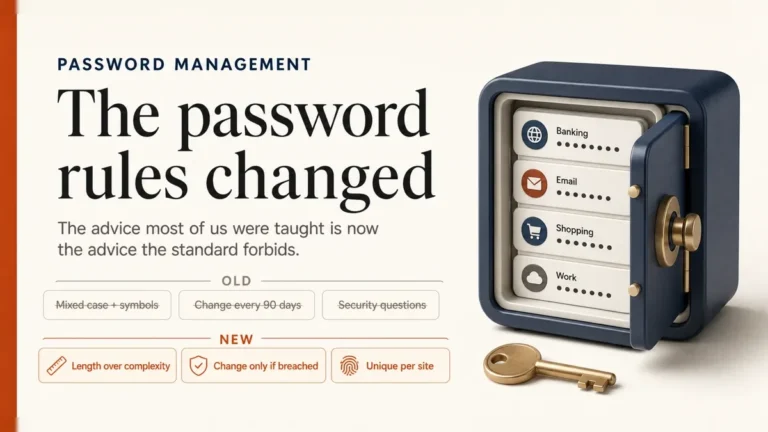
Whichever tool you choose, test recovery before you need it, keep the vault protected with multifactor authentication, and replace reused passwords gradually. For the broader habits behind a secure vault, read our password management best practices and passkeys guide.