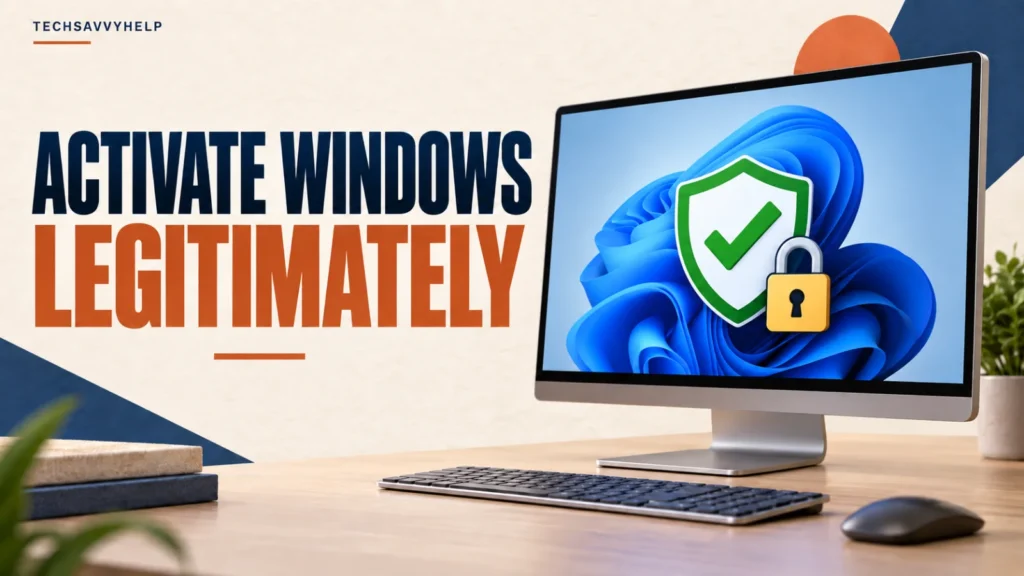
How to activate Windows 10 for free depends on whether the PC already has a genuine digital license or valid product key. An activated, eligible Windows 10 installation can also upgrade to Windows 11 without an additional license charge. There is no legitimate universal key, script, or command that creates a free license for a new, unlicensed PC.
This guide covers only Microsoft-supported activation routes. It does not include KMS emulators, copied keys, cracks, or activation-bypass scripts.
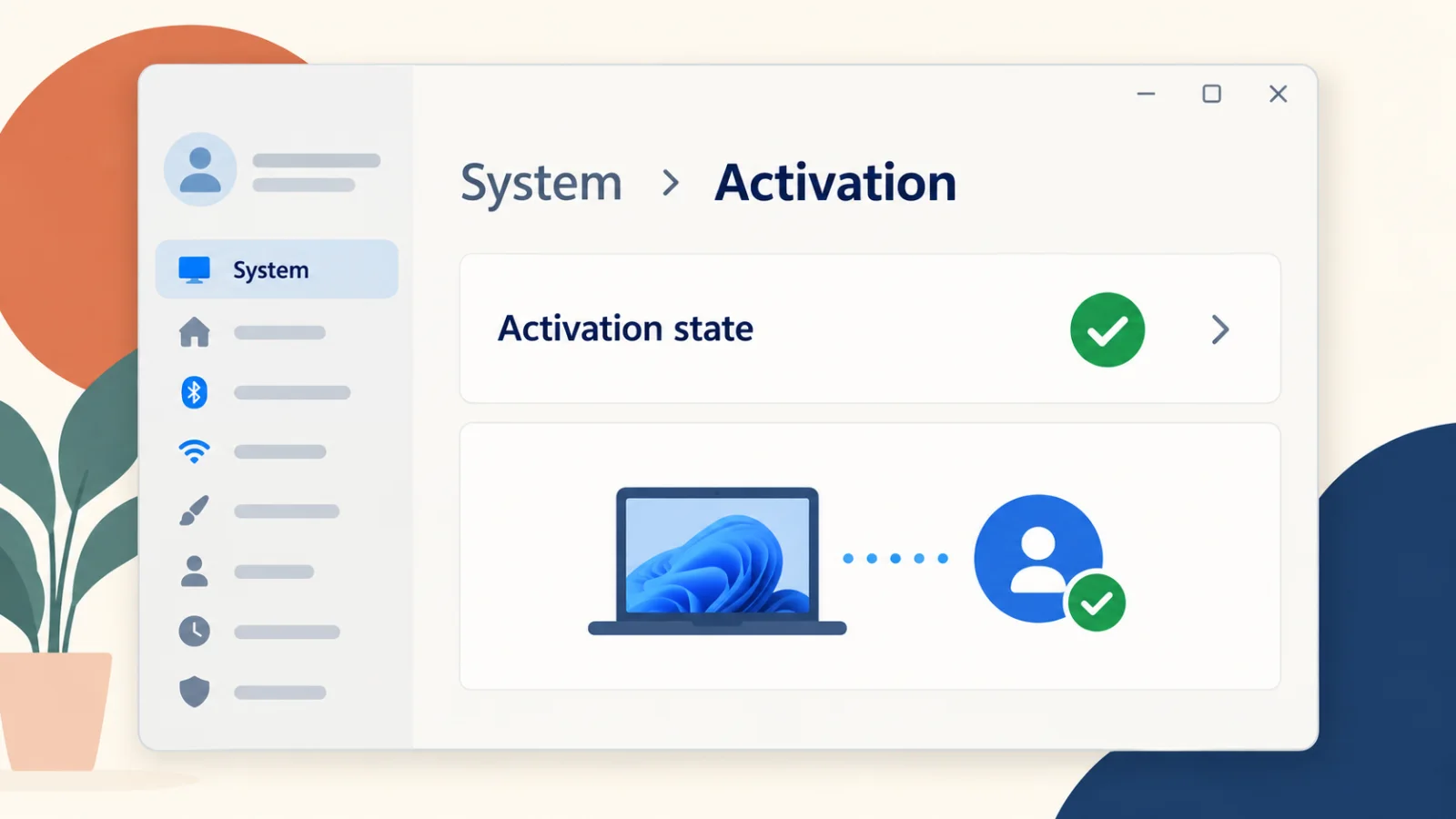
First open Settings > System > Activation. If the PC has a digital license, reinstalling the same Windows edition normally activates automatically online. An activated, eligible Windows 10 PC can still upgrade to Windows 11 free. After major hardware changes, use the Activation troubleshooter with the Microsoft account linked to the license.
Table of Contents
ToggleHow to Activate Windows 10 for Free Legitimately
Microsoft says Windows activation requires either a digital license or a valid 25-character product key. You may not need to buy another license when:
- The PC shipped with Windows and its license is stored in the device firmware.
- The same edition was previously activated on this hardware with a digital license.
- You are upgrading an activated, eligible Windows 10 installation to Windows 11.
- You replaced hardware and the existing transferable license can be reactivated.
- Your employer or school provides a valid organization license for that device.
Check the activation page before entering any key. It may already show that Windows is activated with a digital license.
Upgrade an Eligible Windows 10 PC to Windows 11
Microsoft’s Windows 11 upgrade FAQ confirms that upgrades from Windows 10 are free. The PC must meet Windows 11’s minimum requirements and the existing Windows installation must be properly licensed.
Open Settings > Update & Security > Windows Update on Windows 10 and select Check for updates. If Microsoft offers Windows 11, review the compatibility result and back up important files before starting.
Normal Windows 10 support ended on October 14, 2025. A Windows 10 PC still works, but it does not receive ordinary security updates unless it qualifies for and is enrolled in an Extended Security Updates program. Activation does not extend the support lifecycle.
Check the applicable Windows support deadline before deciding whether to upgrade or use an extended-support option.
Reinstall the Same Edition With a Digital License
If Windows 11 was already activated on the device, Microsoft says you can reinstall the same edition without entering a product key. During setup, select I don’t have a product key, install the edition that matches the license—such as Home or Pro—and connect to the internet afterward.
Windows should activate automatically when Microsoft’s servers recognize the hardware. Before reinstalling, verify the activation state and link the digital license to your Microsoft account where possible. A Home license will not activate a Pro installation.
Reactivate Windows After a Hardware Change
A major hardware change, especially a motherboard replacement, can break the association between the license and the device. Microsoft’s reactivation instructions use the Activation troubleshooter:
- Sign in as an administrator.
- Open Settings > System > Activation > Troubleshoot.
- Select I changed hardware on this device recently.
- Sign in with the Microsoft account linked to the digital license.
- Select This is the device I’m using right now, then choose Activate.
The troubleshooter appears only when Windows is not activated. Transfer rights depend on how the license was acquired; an OEM license tied to the original device may not transfer to a replacement motherboard.
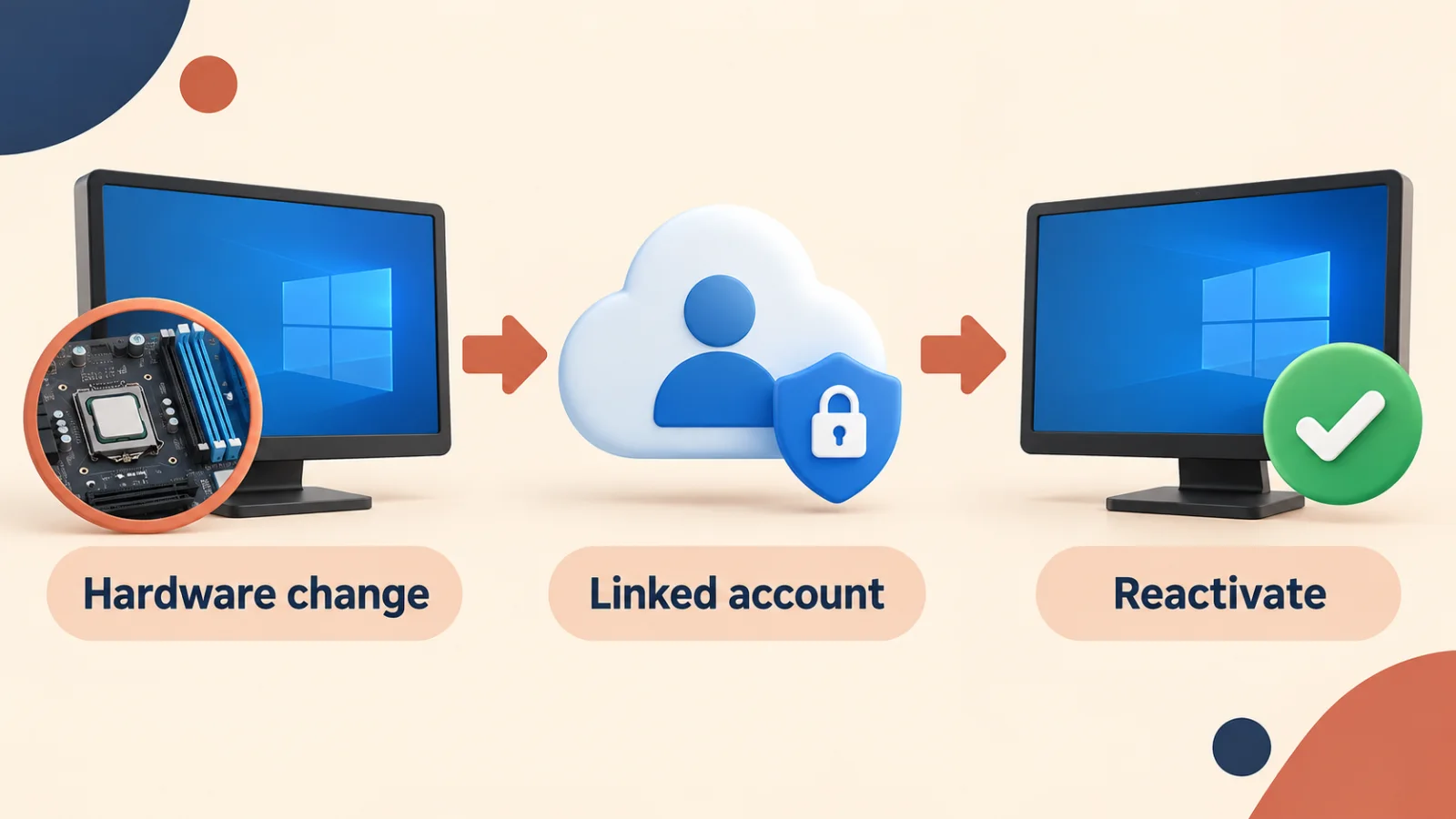
Before changing hardware, open the Activation page and confirm that it says the digital license is linked to your Microsoft account. Record the installed edition as well. These two checks prevent many reactivation problems.
What If the PC Has No License?
If the computer has never had a valid digital license or product key, Microsoft does not provide a general free activation method. Open Settings > System > Activation and select Go to Store to buy the correct edition, or use a genuine retail or OEM key supplied for that PC.
Microsoft warns that standalone keys sold through auction or classified sites may be stolen, counterfeit, already used, or blocked later. Use Microsoft, the PC manufacturer, or an authorized retailer.
What Happens If Windows Is Not Activated?
Windows can display activation reminders and may restrict some personalization options. Microsoft’s license terms also require Windows to be properly licensed and activated by a genuine key or another authorized method.
Do not confuse activation with product support. A properly activated Windows 10 installation is still outside normal support after October 14, 2025 unless it has applicable Extended Security Updates. A supported Windows 11 installation still needs a valid license.
Do not depend on an unactivated or unsupported Windows installation for security updates. Check both Activation and Windows Update, and confirm that the installed Windows version is still supported.
Why You Should Avoid Windows Activator Tools
Activator programs and copied command scripts commonly imitate an organization’s KMS server, replace licensing files, or bypass validation. Microsoft’s Windows 11 terms prohibit bypassing or circumventing activation.
Running an unknown script with administrator privileges can also change security settings, add scheduled tasks, or install unwanted software. If activation fails, use Microsoft’s activation error guide rather than downloading a workaround.
If an activator or unknown script has already been run, follow this safer malware-removal workflow.
Frequently Asked Questions
Can I activate a completely new Windows PC for free?
Not without a valid entitlement. A new unlicensed PC needs a genuine digital license or product key. Free routes apply when the device already has a license or qualifies for an upgrade.
Is the Windows 10 to Windows 11 upgrade still free?
Yes. Microsoft’s current upgrade FAQ says upgrades from Windows 10 are free for eligible PCs. The Windows 10 installation must be properly licensed and the hardware must meet Windows 11 requirements.
Can I reinstall Windows without entering a product key?
Yes, when the same edition was already activated on that device with a digital license. Select I don’t have a product key during setup, then connect to the internet after installation.
Do Windows 7 or Windows 8 keys activate a new Windows 11 installation?
Do not treat an old key as a new Windows 11 entitlement. Microsoft’s current guidance requires a valid digital license or product key for the installed device and edition.
Why did a cheap Windows key stop working?
The key may be counterfeit, already used on another PC, intended for volume licensing, or blocked after being reported. Contact the seller, then use Microsoft’s activation troubleshooting or purchase from an authorized source.
Check Your License Before Paying Again
Start with Settings > System > Activation. If the device already has a digital license, use the matching edition and Microsoft’s supported reactivation tools. If it does not, buy a genuine license rather than trusting a copied key or activator script.