

An Android phone overheating is usually reacting to heavy work, charging, a hot environment, or all three at once. Phones protect themselves when they get too hot by slowing down, dimming the screen or pausing charging.
The fixes below cool the phone down now, then stop it happening again. They follow Samsung’s and Google’s own advice.
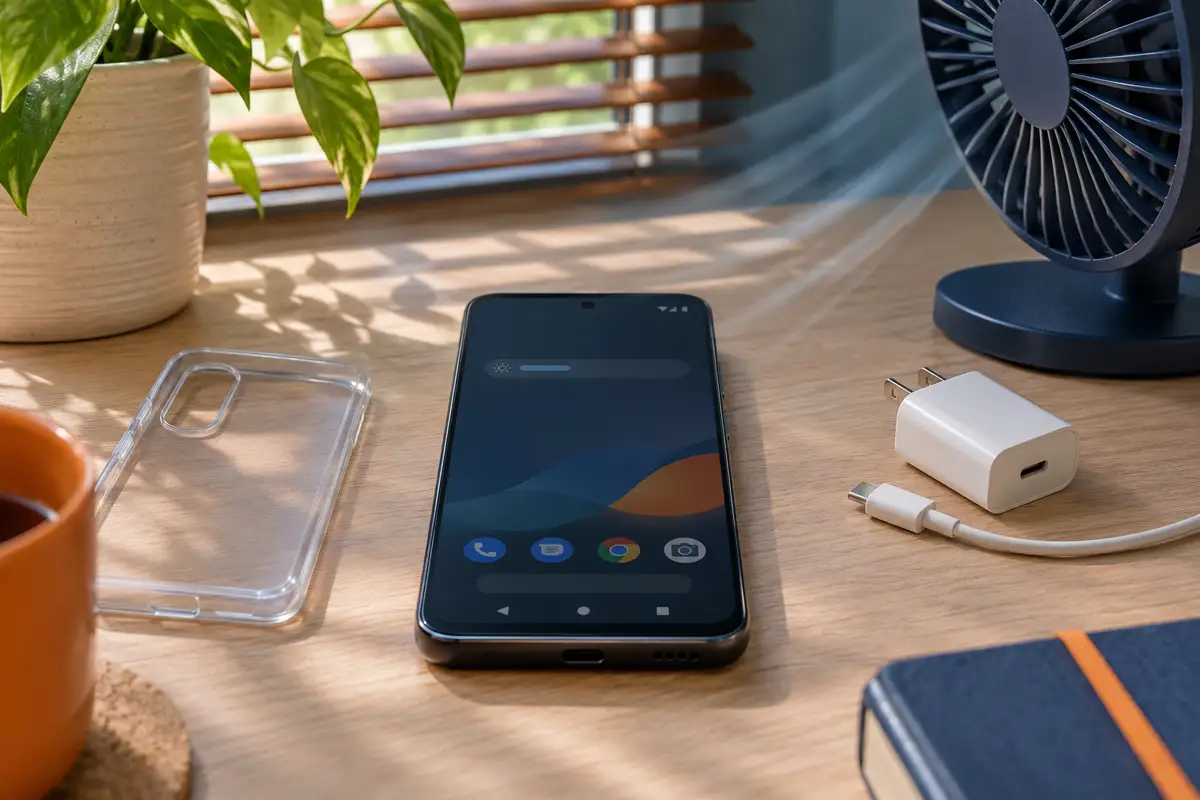
Stop what you are doing, unplug the charger and take the phone out of its case. Close heavy apps such as games, navigation and video calls, lower the brightness and move it out of the sun. Once it is cool, check Settings > Battery for apps draining power, install updates, and avoid gaming while charging. If it keeps overheating or shuts down, contact the manufacturer.

Table of Contents
ToggleFix 1: Stop and Unplug
Samsung’s first step is to stop using the phone and let it rest. Unplug the charger, including a wireless pad. Google says that if the phone is too hot, unplug it, move it somewhere cooler and do not use it until it cools.
Fix 2: Remove the Case and Get It Out of the Sun
Thick cases trap heat. Take the phone out of its case and put it somewhere shaded and ventilated. Do not put it in a fridge or freezer: sudden cold can cause condensation inside.
Fix 3: Close Heavy and Background Apps
Open the recent apps screen and close what you are not using. Google lists video calls, camera recording, streaming, long navigation and demanding games as common causes, especially while charging.
Fix 4: Lower Brightness and Turn Off What You Do Not Need
- Lower the screen brightness.
- Turn off Wi-Fi, Bluetooth, GPS and mobile hotspot if you are not using them, as Samsung suggests.
- Use Wi-Fi instead of mobile data when the signal is weak, as Google recommends.
- On supported Galaxy phones, set the screen refresh rate to Standard.
Fix 5: Check Which Apps Use the Most Battery
An app using lots of battery is also making heat. Open Settings > Battery and check battery usage by app. Update, force stop or uninstall any app that uses far more than it should.
If Google Play services is misbehaving, see our guide to Google Play Services keeps stopping.
Fix 6: Install System and App Updates
Overheating sometimes starts after a big update while the phone optimises apps in the background, and later patches often fix it. Install every update in Settings and the Play Store. Samsung owners can see our One UI 9 battery drain fixes.
Fix 7: Charge Smarter
- Avoid gaming or video calls while charging.
- Use the charger and cable made for your phone.
- Do not charge under a pillow or in direct sun.
- If the phone gets hot on a wireless pad, switch to a cable.
A phone that pauses charging when hot is protecting itself. Our guide to an Android phone charging slowly explains more.
Fix 8: Test in Safe Mode
Safe mode turns off downloaded apps. If the phone stays cool in safe mode, a recently installed app is the cause. On most phones, press and hold the power button, then touch and hold Power off or Restart until the safe mode option appears. Restart normally to leave safe mode.
Fix 9: Check the Temperature on a Pixel
On Pixel 6 and later, open Settings > Battery > Battery diagnostics and look for a Phone is very warm notice. Google’s Pixel heat guide explains what the phone does to protect itself.
Android Phone Overheating: How It Protects Itself
Google says a hot Pixel may slow the processor, slow or stop charging, turn off the flash or camera, cut mobile data or Wi-Fi, or switch to low-power mode. If it keeps heating up, it shows a warning and shuts down. Samsung lists similar steps: a warning, lower brightness and speed, paused charging and closed background apps. Emergency calls remain available. See Samsung’s overheating guide.
If the phone is swollen, the screen lifts, it smells of burning or it gets very hot while switched off, stop using it and do not charge it. Contact the manufacturer or a service centre.
Quick fixes for battery, signal, storage and app problems.
Frequently Asked Questions
Why is my Android phone overheating while charging?
Charging adds heat, and using the phone at the same time adds more. Unplug, close heavy apps and let it cool, then charge without using it.
Is it dangerous if my phone gets hot?
Warm is normal. Phones protect themselves by slowing down and shutting off. A swollen battery, burning smell or heat while switched off needs service.
Can I put my overheating phone in the fridge?
No. Sudden cold can cause condensation inside the phone. Let it cool in a shaded, ventilated place instead.
How do I stop my Android phone overheating when gaming?
Lower graphics settings, play unplugged, remove the case and take breaks. On supported Galaxy phones, a standard refresh rate also helps.