

An Android phone charging slowly is often a setting, not a fault. Samsung and Google phones both include features that cap the charge at 80% or slow charging overnight to protect the battery, and fast charging can be switched off.
Check the settings first, then the charger, cable and port. The steps come from Samsung’s and Google’s support pages.
On Samsung, open Settings > Battery > Charging settings and turn on Fast charging, then check Battery protection. On Pixel, check Settings > Battery > Battery health > Charging optimization. Then use a wall adapter with enough power and a USB-C to USB-C cable, clean lint from the port, and let a hot phone cool before charging.
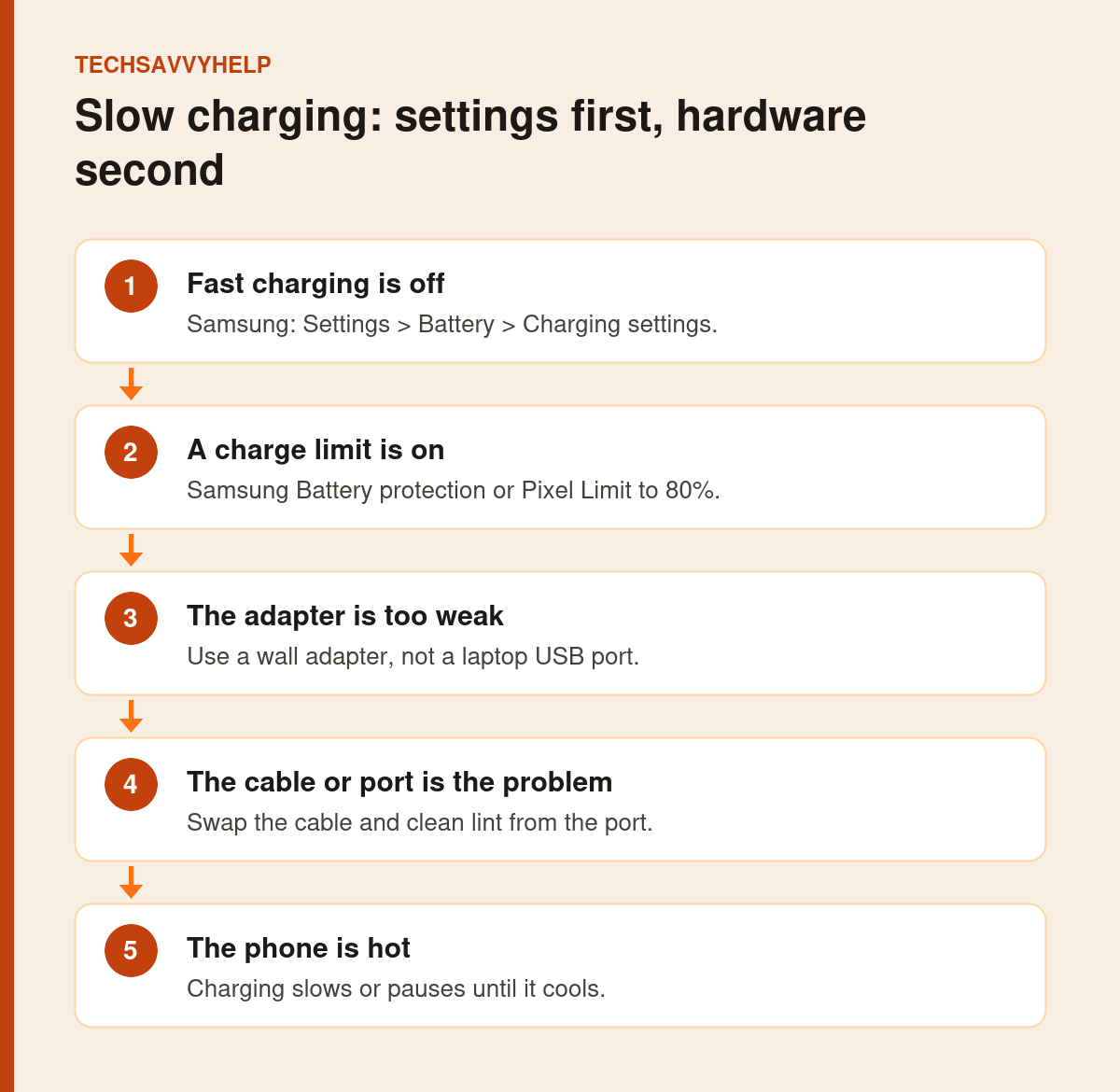
Table of Contents
ToggleFix 1: Turn On Fast Charging (Samsung)
Go to Settings > Battery > Charging settings and turn on Fast charging and Fast wireless charging. Samsung notes that from the Galaxy S23 series, Fast charging replaces the separate Super fast charging switch, and that fast charging may not work when connected to a PC.
Fix 2: Check Battery Protection or Charging Optimization
Samsung Battery Protection
Open Settings > Battery > Battery protection. Samsung’s One UI 6.1 battery protection guide lists three options:
- Basic: stops at 100% and resumes at 95%.
- Adaptive: holds the charge while you sleep, then finishes before you wake.
- Maximum: stops at 80%.
Older One UI versions only offer a limit of 85%. On supported Galaxy phones with One UI 8 or later, Samsung says Maximum protection may let you choose a limit from 80% to 95%, so the exact options can vary by model and software version.
Google Pixel Charging Optimization
Open Settings > Battery > Battery health > Charging optimization. Google’s Pixel battery guide describes Adaptive Charging, which finishes charging near the time you usually unplug, and Limit to 80% on Pixel 6a and later. Turn the limit off when you need a full charge.
Leaving an 80% limit on is good for long-term battery health. Switch it off only on days you need every percent.
Fix 3: Use a Strong Enough Wall Adapter
Laptop USB ports and old phone chargers deliver much less power. Google recommends its own 30W, 45W or 67W USB-C chargers, a PPS adapter of 30W or more, or another USB Power Delivery adapter of at least 15W for Pixels. Samsung recommends genuine Samsung chargers for its phones. Always plug into a wall outlet.
Fix 4: Swap the Cable
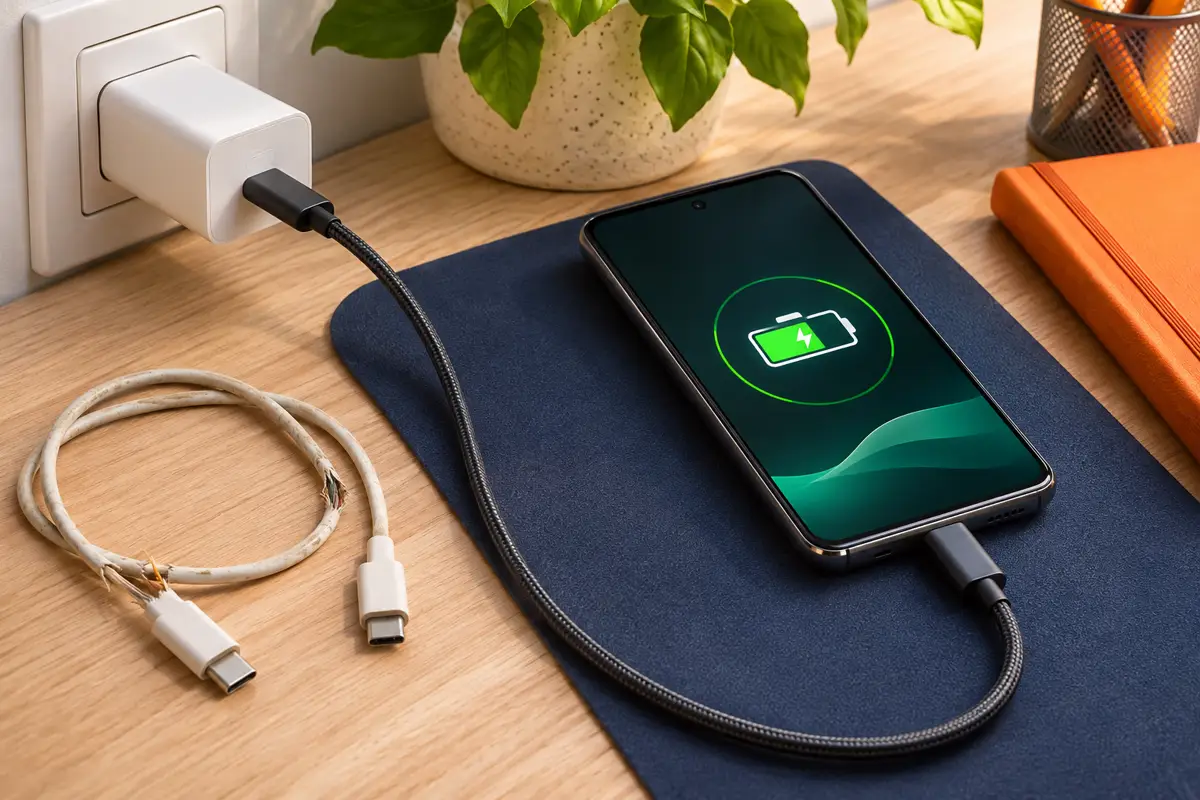
Google says a USB-C to USB-C cable works best and that a USB-A to USB-C cable charges more slowly. Try another cable you know works, and stop using one with damaged ends. A Check charging accessory warning on a Pixel points to an unsupported or damaged cable or adapter.
Fix 5: Clean the Charging Port
- Turn the phone off.
- Shine a torch into the USB-C port and look for lint.
- Gently blow into the port, or lift lint out with a soft, non-metal tool.
- Do not push pins or needles into the port.
- Plug the cable in firmly and try again.
Fix 6: Let a Hot Phone Cool Down
Both Samsung and Google slow or pause charging when the phone is hot. Unplug, close heavy apps, remove the case and wait. If heat is a regular problem, see our guide to an Android phone overheating.
Fix 7: Dry a Wet Port
If a Galaxy shows a moisture detected warning, Samsung says to shake the phone gently, wipe it, and let it dry in a ventilated place with cool air. The port must be completely dry before charging, even on water-resistant phones.
Fix 8: Fix Wireless Charging Problems
Remove thick or metal cases, centre the phone on the pad, keep it out of direct sun and avoid moving it while charging. Wireless charging is naturally slower than a cable, so switch to a cable when you need speed.
Android Phone Charging Slowly After All the Fixes?
Samsung advises a hardware inspection if charging still fails with a genuine charger and cable, or if battery life has dropped noticeably. Contact the phone maker or an authorised service centre. iPhone owners can see our guide to an iPhone not charging.
Keep your battery healthy once charging is back to normal.
Frequently Asked Questions
Why is my Android phone charging slowly all of a sudden?
Common causes are fast charging turned off, a charge limit, a weak adapter or laptop USB port, a worn cable, lint in the port, or heat.
Why does my Samsung stop charging at 80%?
Battery protection is set to Maximum. Change it in Settings > Battery > Battery protection.
Why does my Pixel stop charging at 80%?
Limit to 80% is turned on under Settings > Battery > Battery health > Charging optimization.
Does fast charging damage the battery?
Modern phones manage fast charging to protect the battery, and slow it down as the battery fills or gets warm. Charge limits help longer-term battery health.