Android 17 QPR1 update information is easy to confuse because Google’s beta pages, Pixel rollouts, Android Drops, and developer system images do not always change at the same time.
Google’s official QPR1 release notes document Pixel beta builds through Beta 7 in July 2026, with Platform Stability reached at Beta 6. Google’s beta enrollment page now advertises QPR2, so joining today does not guarantee a QPR1 build. This guide separates what Google confirms from features reported during testing.
The Android 17 QPR1 update completed its documented Pixel beta cycle through Beta 7 and reached Platform Stability at Beta 6. Google’s public beta program has now moved to Android 17 QPR2. Check Settings > System > Software updates for the stable update offered to your phone; do not join the beta program expecting QPR1.
Table of Contents
ToggleAndroid 17 QPR1 Update Status
Android 17 QPR1 is the first Quarterly Platform Release built on Android 17. Google’s official release notes list Beta 7, released July 15, 2026, as the latest documented public Pixel beta and state that QPR1 reached Platform Stability with Beta 6.
Google also published an experimental QPR1 Generic System Image dated August 17 for developer testing, while its consumer beta page has moved to QPR2. Those signals show the QPR1 development cycle is mature, but they should not be converted into an invented rollout date or an unsupported claim that every eligible Pixel has received it.
What Does QPR1 Mean?
QPR means Quarterly Platform Release. These releases refine the current Android platform with bug fixes, performance work, and selected platform capabilities between annual Android versions. Google supplies QPR builds to AOSP and uses them in Pixel update cycles.
A QPR beta is pre-release software. Platform Stability means the API surface is locked for developers; it does not mean every device has received the final consumer update.

Official Android 17 QPR1 Beta Timeline
- Beta 1: April 22, 2026
- Beta 2: May 6, 2026
- Beta 3: May 19, 2026
- Beta 4: June 10, 2026
- Beta 5: June 23, 2026
- Beta 6: July 1, 2026; Platform Stability
- Beta 7: July 15, 2026
Earlier claims that Google released nine public Pixel betas confused later developer images with the documented public-beta sequence. This article follows Google’s English release notes rather than assigning unofficial beta numbers.
What Google Confirms Changed in QPR1
Google’s QPR1 release notes focus mainly on fixes rather than a definitive consumer feature list. Beta 7 fixed Battery Share problems, an empty Quick Settings status-bar gap after Wi-Fi was turned off, and a crash in the Quick Settings font-size controller.
Beta 6 fixed spell-checker language selection, Clock volume-button behavior, Quick Settings animation problems, an app-crash issue, and a hotspot name that could revert to a generic value. Earlier betas addressed Wi-Fi disconnections, distorted audio, missing widgets, full-screen layout problems, and other reported defects.
Interface or Health Connect changes seen in preview coverage can still change, roll out separately, or depend on a Pixel Drop. They should not be promised as universal QPR1 features unless Google documents them for the final device build.
Which Devices Were Used for Android 17 QPR1 Testing?
Google’s August 17 QPR1 GSI documentation says the build was validated on Pixel 6, 6 Pro, 6a; Pixel 7, 7 Pro, 7a; Pixel 8, 8 Pro, 8a; Pixel 9 models; Pixel 10 models; Pixel Fold; and Pixel Tablet.
This validation list describes developer testing and is not a promise that every model receives an identical consumer update on the same day. Availability can vary by device, carrier, region, and update channel. Samsung, OnePlus, Motorola, Xiaomi, and other manufacturers use their own release schedules rather than Google’s Pixel beta channel.
How to Check for the Android 17 QPR1 Update
- Connect the phone to Wi-Fi and charge it.
- Open Settings.
- Select System > Software updates. On some builds, the label may appear as System update.
- Follow the on-screen instructions if an update is available.
- After restarting, open Settings > About phone > Android version to check the Android version, security patch, Google Play system update, and build number.
Google notes that update schedules vary by device, manufacturer, and carrier. Seeing “Your system is up to date” does not prove that a staged update is unavailable everywhere.
Should You Join the Android Beta Program?
Do not enroll merely to obtain QPR1. Google’s Android Beta for Pixel page currently advertises Android 17 QPR2 Beta. Enrollment places the device on the active beta track and future beta updates can contain errors.
Google warns that leaving the beta program and returning to the current stable public build usually wipes locally saved data. A no-wipe exit is available only during a limited window after installing the matching stable release and before accepting the next beta.
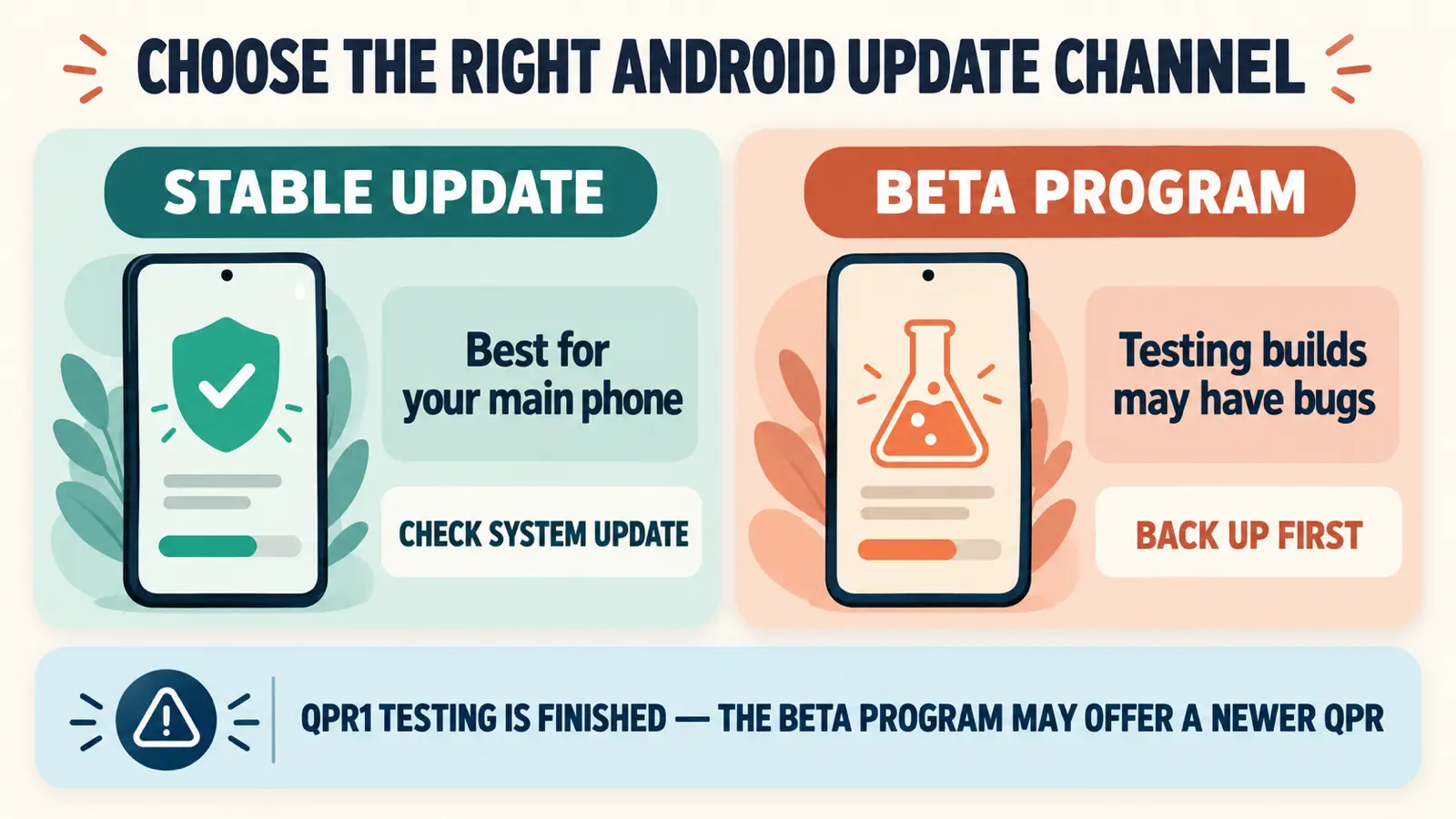
Before installing a large system update, connect to Wi-Fi, charge the phone to at least 75%, and confirm that important photos, messages, and files are backed up.
Check the Android version, security update, Google Play system update, and build number installed on your phone.
Android 17 QPR1 Frequently Asked Questions
Is Android 17 QPR1 stable?
Google’s QPR1 developer cycle reached Platform Stability at Beta 6. Check your device’s System update screen and Google’s current release documentation before describing a particular consumer build as stable.
What is the latest documented QPR1 beta?
Google’s English QPR1 release notes list Beta 7, released July 15, 2026. A later experimental GSI dated August 17 is a developer image and should not automatically be called Beta 8 or Beta 9.
Can I join the beta program to get QPR1?
Not specifically. Google’s public enrollment page has moved to Android 17 QPR2 Beta, so enrolling now places an eligible Pixel on the currently offered beta track.
Which phones receive Google’s QPR builds?
Google distributes its QPR betas and Pixel updates to eligible Pixel devices. Other manufacturers incorporate Android platform changes through their own software and schedules.
How do I check my installed Android build?
Open Settings, select About phone or About tablet, then Android version. Google says this screen shows the Android version, security update, Google Play system update, and build number.
Check the Official Update Channel First
The Android 17 QPR1 update is real, but the safest article is precise about which stage Google has documented. Use the official release notes for beta history, your phone’s Software updates screen for actual availability, and the Android Beta page for the currently active preview track. Avoid installing developer GSIs or joining QPR2 simply because you were looking for QPR1.