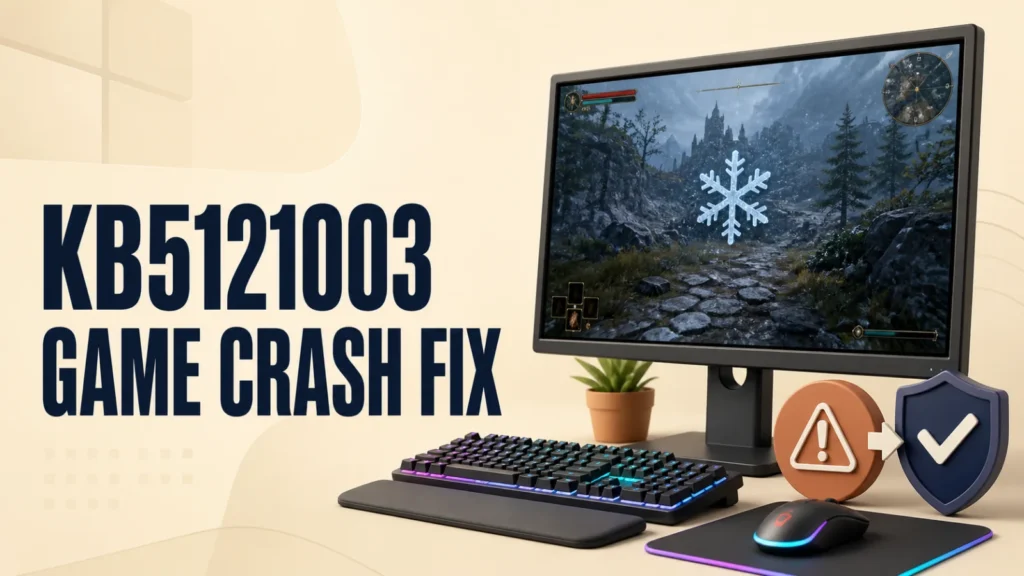
KB5121003 Problems: Fix Windows 11 Game Crashes and Update Errors
KB5121003 game crashes are linked to an RGB-related inpoutx64 driver. See Microsoft’s resolved status, safe fixes, and installation repair steps.

KB5121003 game crashes are linked to an RGB-related inpoutx64 driver. See Microsoft’s resolved status, safe fixes, and installation repair steps.
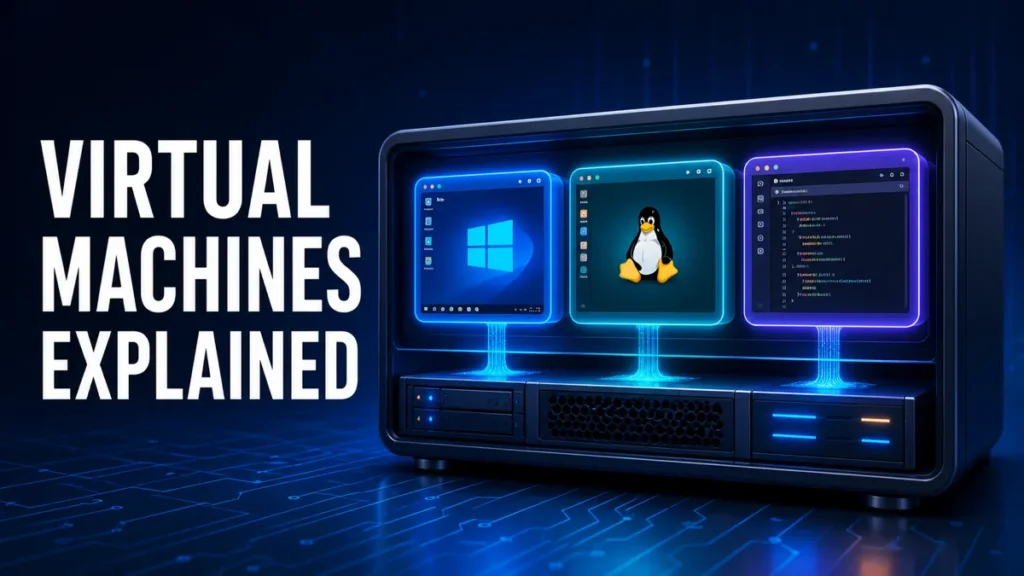
A virtual machine (VM) is a software-based computer that runs inside your physical computer. It has its own operating system, apps, storage, memory, and…

Choosing between a Mac and a Windows PC is mainly a buying decision, not a debate about which brand is “better.” Start with the…

Virtual desktops in Windows give you several separate workspaces on one screen. Work apps can live on one desktop, personal apps on another, and…
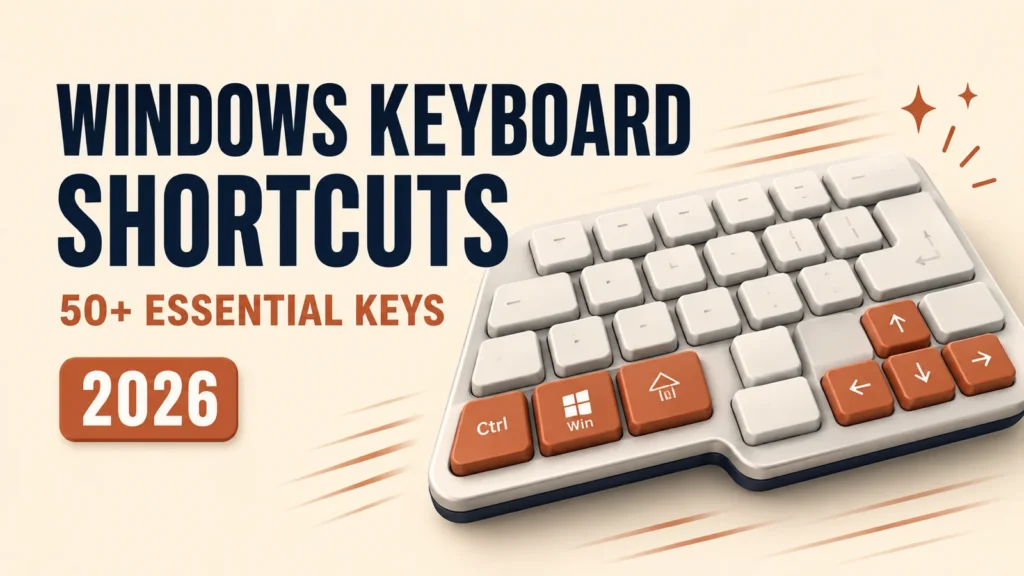
Quick Answer Windows keyboard shortcuts let you control your PC without touching the mouse, so everyday jobs like switching apps, snapping windows, and taking…
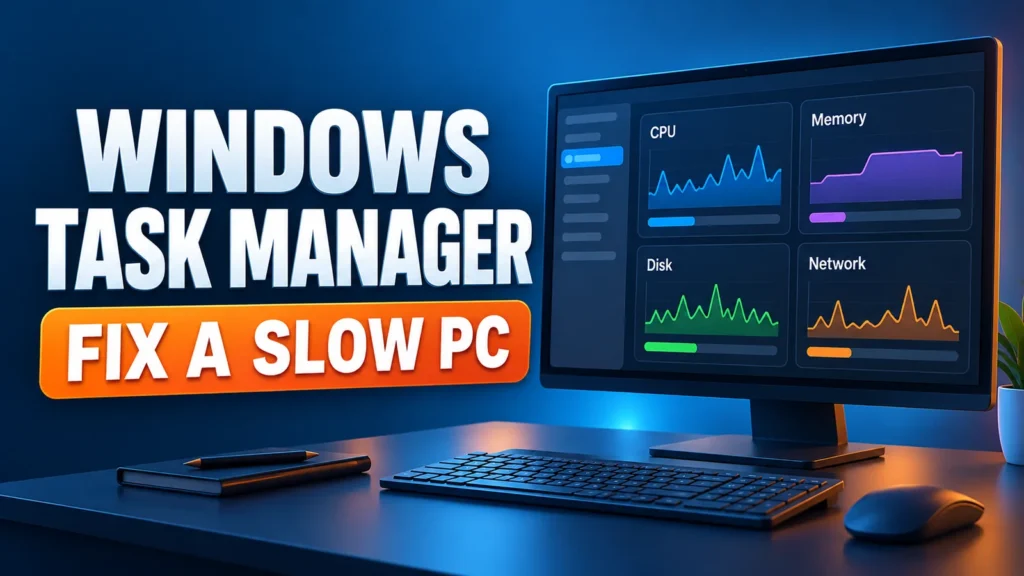
Windows Task Manager is the first place to look when your PC slows down, freezes, or the fan spins loudly for no reason. It…
Quick Answer Record the stop code and any "What failed" name. Remove newly added hardware, then use Safe Mode if Windows will not start…

Free Windows utilities are most useful when they solve a specific problem: finding what filled a drive, identifying a process, checking a startup entry,…

Quick Answer Windows data recovery works best when you stop using the affected drive immediately. Check the Recycle Bin, File History, and OneDrive first.…