Table of Contents
ToggleWhat's Actually Happening
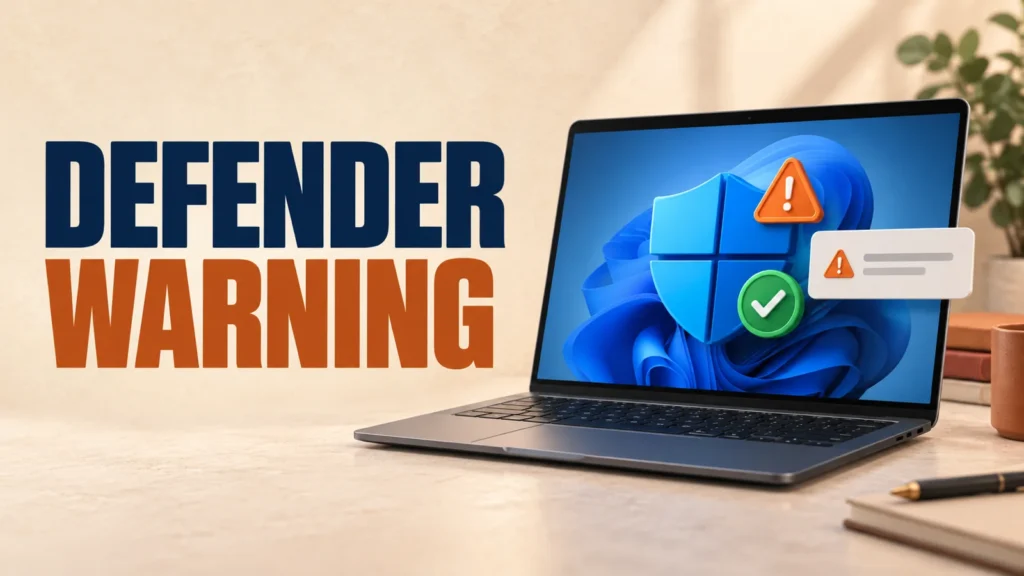
If you see a Microsoft Defender is turned off warning even though Windows Security shows protection is active, you may be seeing Microsoft’s confirmed false-notification bug.
Microsoft confirmed the issue on August 28, 2026 after recent Microsoft Defender Antivirus updates. Verify protection before dismissing the alert; a genuinely disabled antivirus needs attention.
Microsoft has confirmed that a Microsoft Defender is turned off warning can appear while antivirus protection remains active. Open Windows Security, confirm Virus & threat protection reports no action needed and Real-time protection is on, or verify the status with PowerShell. If those checks fail, treat the warning as real.
Not sure your antivirus setup is even the right one for you? Here’s how to choose.
Microsoft Confirmed This Is a Bug, Not a Security Problem
Microsoft logged this on its official Windows release health page for Windows 11 and Windows 10, marking it a confirmed known issue on August 28, 2026.
Microsoft says notifications may incorrectly report that Defender Antivirus is off even though the antivirus is functioning and its settings show it as active. (Microsoft Learn, Windows 11 26H1 release health)
Microsoft says the notification can appear when Windows starts and intermittently afterward, and may persist even when notifications are disabled. Use the protection checks below instead of relying on the alert alone. (Microsoft Windows release health)
How to Verify Defender Is Actually Protecting You
Don’t take the pop-up’s word for it either way. Check for yourself in under a minute.
- Open Windows Security from the Start menu.
- Go to Virus & threat protection.
- Look under Virus & threat protection settings — confirm Real-time protection shows On.
- Check the top of the page reads “No actions needed.”

For a more technical check, open PowerShell as administrator and run the official Defender status command.
Run Get-MpComputerStatus in PowerShell. If AntivirusEnabled, RealTimeProtectionEnabled, and AMServiceEnabled all show True, Defender is working normally. (Microsoft Learn, Get-MpComputerStatus)

Why This Is Happening
Microsoft attributes the false alerts to a recent Microsoft Defender Antivirus update, not to a specific Windows build.
That’s why it’s hitting such a wide range of systems at once — Windows 11 23H2 through 26H1, Windows 10 21H2 and 22H2, and several Windows Server versions. (Microsoft Learn)
If a recent update is behind other odd Windows behavior on your PC, this fix list is worth a look.
What to Do About the Microsoft Defender Is Turned Off Warning
If your checks confirm protection is active, the Microsoft Defender is turned off warning is the confirmed false notification and there is nothing to repair. Microsoft says a permanent patch is coming in a future Defender update, with no confirmed release date yet.
If the Microsoft Defender is turned off warning returns after your checks show protection is active, you can dismiss it while waiting for Microsoft’s Defender update. The false notification itself does not disable protection.
Don’t download third-party “Defender fixer” or “antivirus repair” tools in response to this alert. Scammers use real Windows bugs like this one as bait for tech-support scams. If in doubt, verify only through the built-in Windows Security app.
Frequently Asked Questions
Is my PC actually unprotected right now?
Not necessarily. Microsoft has confirmed a false-notification bug, but you should still verify the status in Windows Security or with Get-MpComputerStatus before dismissing the warning.
When will Microsoft fix this?
As of this writing, Microsoft has not given a release date. Its official release health page says a fix is planned in “a future Microsoft Defender Antivirus update.”
Should I reinstall or reset Windows Defender?
No. Microsoft has not recommended reinstalling or resetting Defender for this issue — doing so will not resolve a bug that lies in the update itself, not your configuration.
Does this affect Windows 10 as well as Windows 11?
Yes. Microsoft’s known-issue listing covers Windows 11 (23H2 through 26H1), Windows 10 (21H2, 22H2), and several Windows Server versions.
What if Get-MpComputerStatus shows protection as actually off?
Then treat it as a real issue, not this bug — turn real-time protection back on from Windows Security, restart your PC, and run a quick scan.