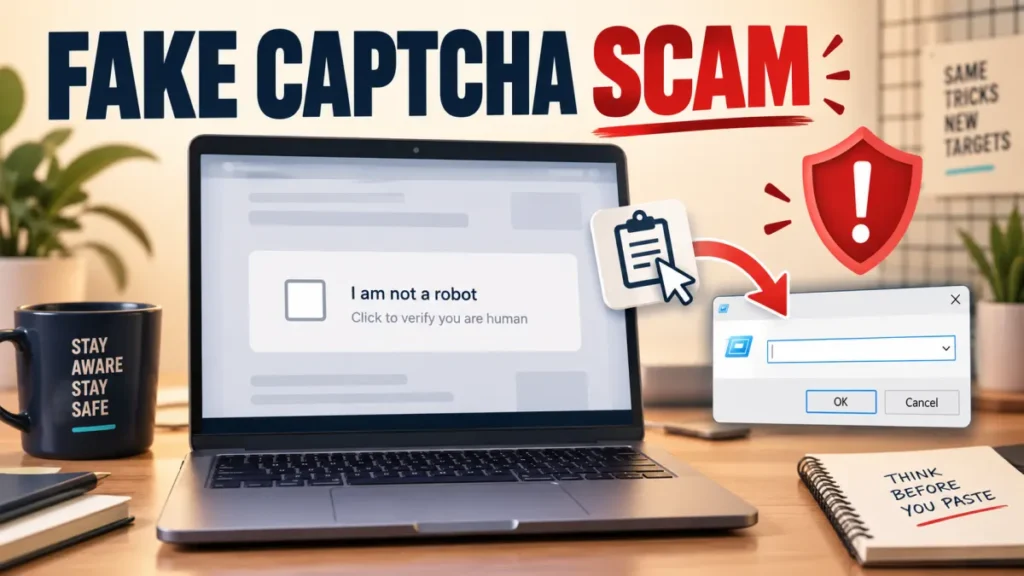
Fake CAPTCHA Scam (ClickFix): What to Do If You Ran It
A fake CAPTCHA scam, often called ClickFix, makes a malicious instruction look like a normal “verify you are human” check. The page tries to…

A fake CAPTCHA scam, often called ClickFix, makes a malicious instruction look like a normal “verify you are human” check. The page tries to…

The best free password manager should store unlimited logins, sync safely across the devices you use, support passkeys, and explain which convenience or recovery…

The best free VPN is not simply the service with the word unlimited on its download page. A useful free plan needs a clear…
Passkeys replace your password with a credential unlocked by your fingerprint or face. Here is how they work and how to set one up…
Spyware and stalkerware can run silently on a phone. Here are the warning signs on Android and iPhone, how to check, and how to…
QR code scams, or quishing, use fake codes on parking meters, delivery notices, and emails to steal money and data. Here is how to…
AI scams now include two different risks: criminals using AI to make familiar scams more convincing, and malicious content trying to redirect an AI…

Why Websites Block Your VPN If a site suddenly refuses to load, shows a CAPTCHA loop, or tells you to "turn off your proxy"…
To verify UAE government messages, pause before clicking a link, making a payment or approving a UAE Pass request. Fake texts, calls and links…