Choosing a laptop for students means balancing what your course needs against a tight budget. The right machine is light enough to carry all day, lasts from the first lecture to the last, and still feels quick in your final year.
This guide covers the specs that matter, which operating system to pick, and how to avoid paying for power you will never use.
For the complete decision process, start with our laptop buying guide.
For most students, get a 13 to 14-inch laptop under about 1.5 kg with at least 256 GB of SSD storage for Windows or Mac, or 128 GB for a Chromebook Plus, plus all-day battery and a Full HD screen. Choose 16 GB of RAM for a Windows laptop you want to last a full degree; 8 GB is fine for a Chromebook. Check your course’s software list before you pick Windows, Mac, or ChromeOS.
Table of Contents
ToggleLaptop for Students: The Specs That Matter
- Memory (RAM): 16 GB for Windows or Mac if you can; 8 GB for a Chromebook.
- Storage: at least 256 GB of SSD storage for Windows or Mac, or 128 GB for a Chromebook Plus. Choose 512 GB if you keep large files offline, and avoid hard drives.
- Processor: a recent mid-range chip such as Intel Core Ultra 5, AMD Ryzen 5, Snapdragon X, or Apple M-series.
- Screen: Full HD (1920 × 1080) or better, ideally anti-glare, at 13 to 14 inches for easy carrying.
- Weight: about 1.5 kg or less if you will carry it every day.
- Battery: enough for a full day of classes. Judge it by independent reviews, not the maker’s claim.
- Ports and webcam: at least one USB-C that charges, a USB-A or adapter, and a 1080p webcam for online classes.
How Much RAM Does a Student Laptop Need?
Windows 11 runs on 8 GB, but a browser full of tabs, a video call, and an office app will fill it quickly. Many thin laptops also have memory soldered to the board, so you cannot add more later. For a Windows laptop meant to last three or four years, 16 GB is the safer choice.
If the budget only stretches to 8 GB, a Chromebook or a light-use Windows laptop is fine, but do not expect it to handle heavy creative or engineering software.
See which budget laptop specs are worth paying for.
Windows, Mac, or Chromebook?
Windows laptops
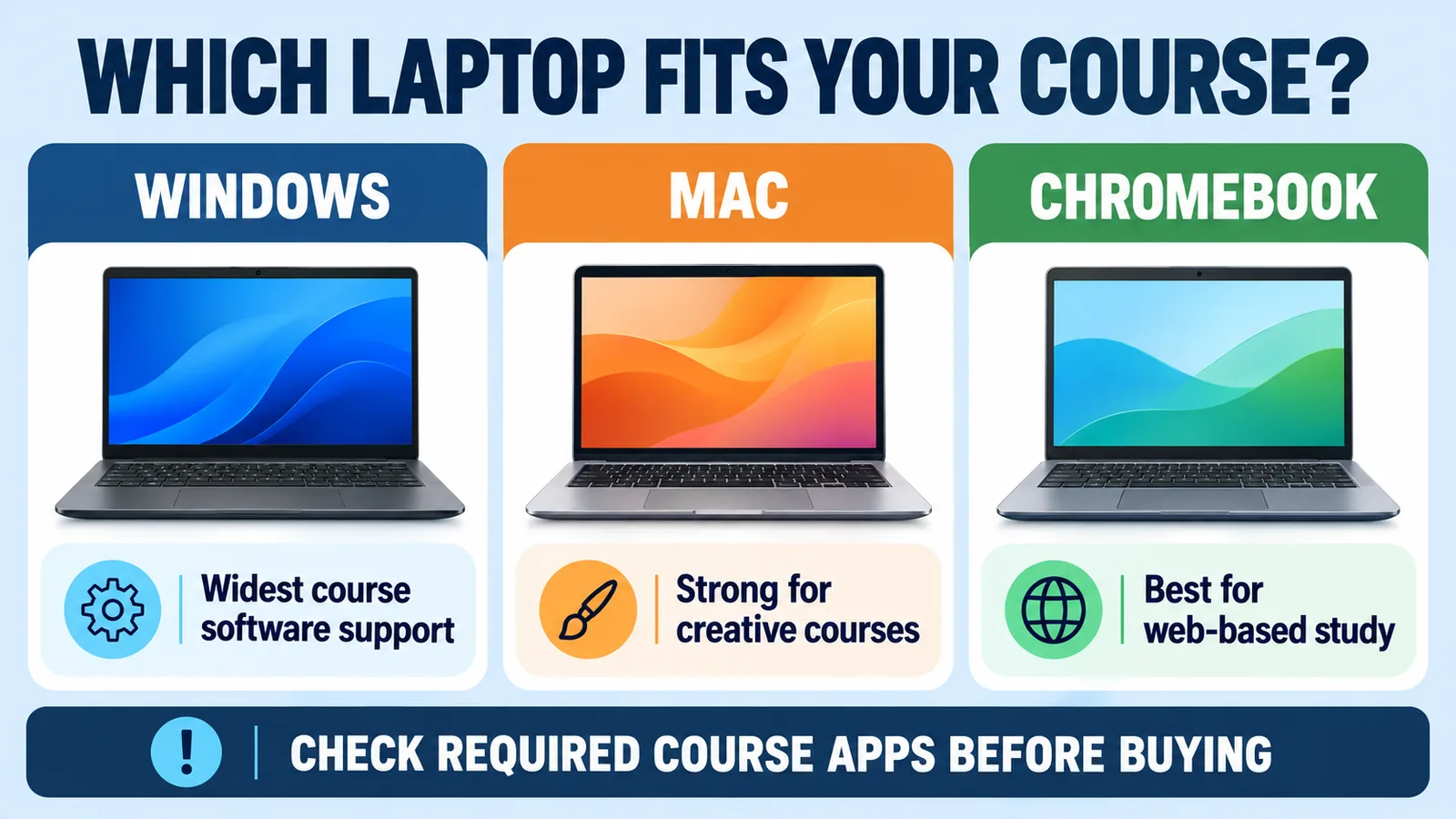
The safe default. Windows runs the widest range of course software, including engineering, statistics, and CAD programs that are often Windows-only. It also covers the widest price range, from budget to high-end.
MacBooks
Excellent battery life, build quality, and resale value, and popular for design, music, and film. Apple’s MacBook Neo comes with 8 GB of unified memory, while the MacBook Air starts at 16 GB. Check Apple’s education store for student pricing.
Chromebooks
Cheap, simple, and quick to start, with long battery life. They suit web-based study using Google Docs, Microsoft 365 on the web, and learning platforms. Chromebook Plus models set a higher minimum spec, including 8 GB of RAM. Chromebooks cannot run full Windows programs, so rule them out if your course needs specialist desktop software.
Check Your Course Requirements First
Before you buy, look for a recommended-spec page from your school or department. It settles most decisions quickly.
- Engineering, architecture, and 3D: usually Windows, 16 GB or more, and sometimes a dedicated graphics card.
- Design, photography, and video: a colour-accurate screen, 16 GB or more, and 512 GB or more storage. A MacBook Air or a mid-range Windows laptop both work.
- Computer science: 16 GB and a fast SSD; any operating system works for most courses.
- Humanities, business, and general study: almost any light laptop with an SSD, or a Chromebook.
Laptops with Arm processors, including Snapdragon X models, run most everyday apps well, but compatibility can vary with specialist course software and exam tools. Confirm every required app with your school before choosing one.
Studying computer science? See what a programming laptop needs.
How to Save Money on a Student Laptop
- Use education pricing. Apple, Microsoft, and most big laptop brands offer student discounts, and back-to-school sales add more.
- Get software free. Many schools give students Microsoft 365 for free with a school email address, so do not pay for Office separately.
- Consider certified refurbished. A refurbished model from the manufacturer or a reputable seller with a warranty can get you better specs for less.
- Spend on the right things. RAM, an SSD, and battery life matter more than a touchscreen or thin bezels.
For a Windows laptop, skip 4 GB of RAM, eMMC storage, or a hard drive instead of an SSD. For a Chromebook, use Chromebook Plus specifications as a safer baseline. Avoid refurbished listings with no warranty.
Set Up Your New Laptop for Study
- Install all updates before term starts.
- Turn on cloud backup, such as OneDrive or Google Drive, so a lost or broken laptop never costs you an assignment.
- Turn on Find my device in case the laptop is lost or stolen.
- Use a strong sign-in, such as a PIN or fingerprint, and keep the built-in security on.
- Add a padded sleeve. It is the cheapest protection you can buy.
Set up a simple backup plan for your coursework.
Student Laptop Checklist
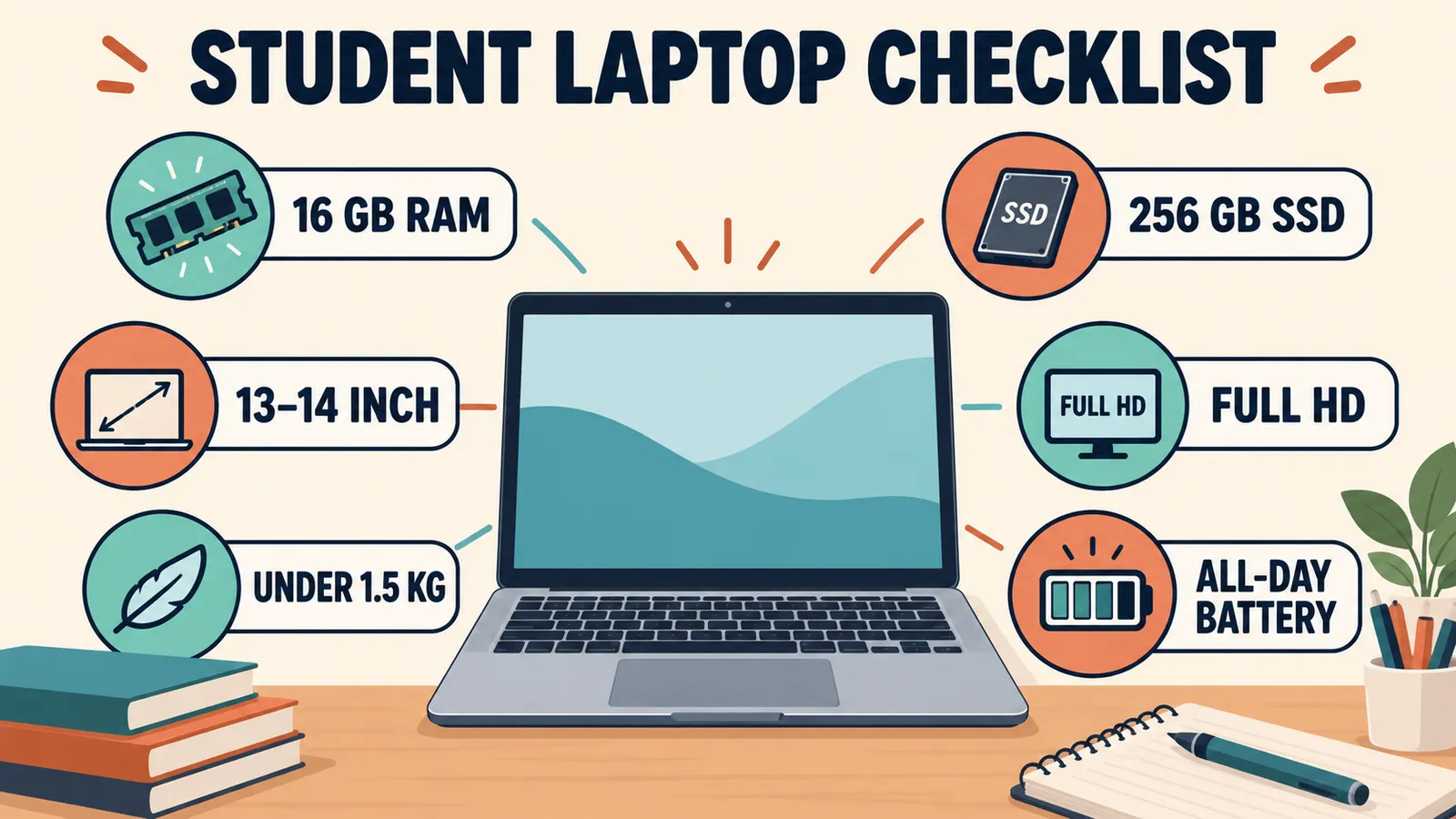
- 16 GB RAM for Windows or Mac, 8 GB for a Chromebook
- At least 256 GB SSD for Windows or Mac, or 128 GB for Chromebook Plus
- Recent mid-range processor
- Full HD screen, 13 to 14 inches
- About 1.5 kg or lighter
- All-day battery in independent reviews
- Runs every program your course requires
Frequently Asked Questions
What is the best laptop for students?
There is no single best model. A light 13 to 14-inch laptop with 16 GB of RAM, an SSD, a Full HD screen, and all-day battery suits most students. Match the operating system to your course software.
Is 8 GB of RAM enough for a student laptop?
For a Chromebook or light web-based study, yes. For a Windows laptop you want to last a full degree, 16 GB is the safer choice, especially as memory is often soldered and cannot be upgraded.
Is a Chromebook good for college or university?
For writing, research, and web apps, yes. Chromebooks cannot run full Windows programs, so check your course does not need specialist desktop software first.
Do students get Microsoft Office for free?
Many schools provide Microsoft 365 free to students with a valid school email address. Check with your school before buying it separately.
Is a refurbished laptop a good idea for a student?
Yes, if it is certified refurbished by the manufacturer or a reputable seller and comes with a warranty. Avoid private listings with no return option.