
An Instagram account hacked is stressful, especially when the attacker has changed the email address and phone number so password resets go to them. You can often still get it back, because Instagram keeps a record of your original details.
Act fast and use only Instagram’s official routes. Anyone offering to recover your account for a fee is almost certainly a second scammer.
Look in your email for a message from Instagram about the change and select Revert this change. If that is not there, go to instagram.com/hacked, enter your details and follow the prompts. You may be asked for a video selfie to confirm it is you. Once back in, change the password, remove unknown devices in Accounts Center and turn on two-factor authentication with an authenticator app.
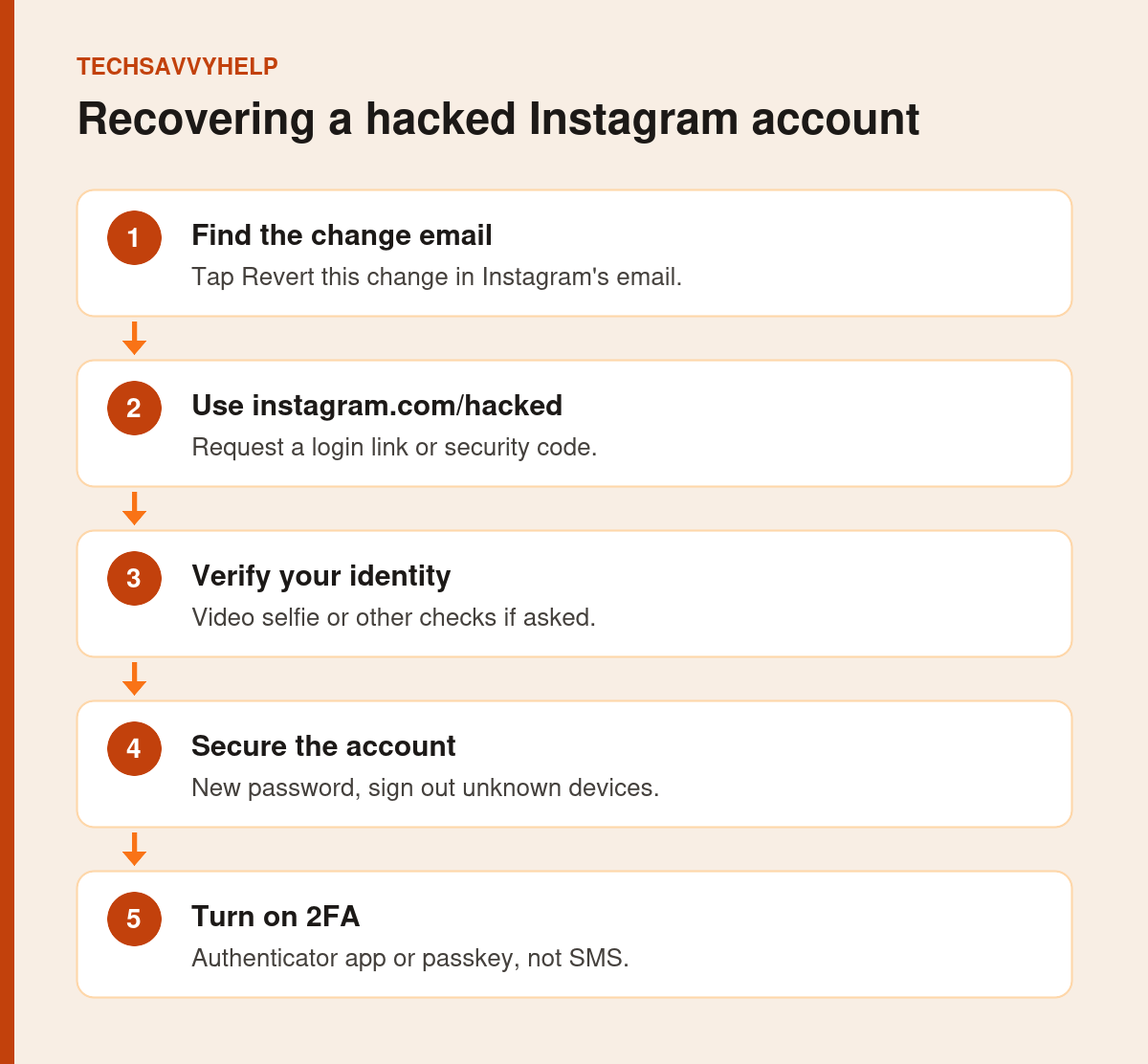
Table of Contents
ToggleStep 1: Use the Revert Email
When the email address on your account changes, Instagram emails the old address. ESET’s Instagram recovery guide says this message may include a Revert this change link that you can use straight away to take control back.
Search your inbox, spam and promotions folders for the message, and check that it really comes from Instagram before you tap anything.
Fake Instagram security emails are common. Do not enter your password from an email link you are unsure about. Open the Instagram app or go to instagram.com directly instead. Our guide to checking if a link is safe shows how to spot fakes.
Step 2: Go to instagram.com/hacked
If there is no revert email, or it did not work, go to instagram.com/hacked on a phone or computer. Enter your username, email or phone number and request a login link or security code. Choose the option that matches your situation, such as the email or phone number being changed.
Step 3: Complete Identity Checks
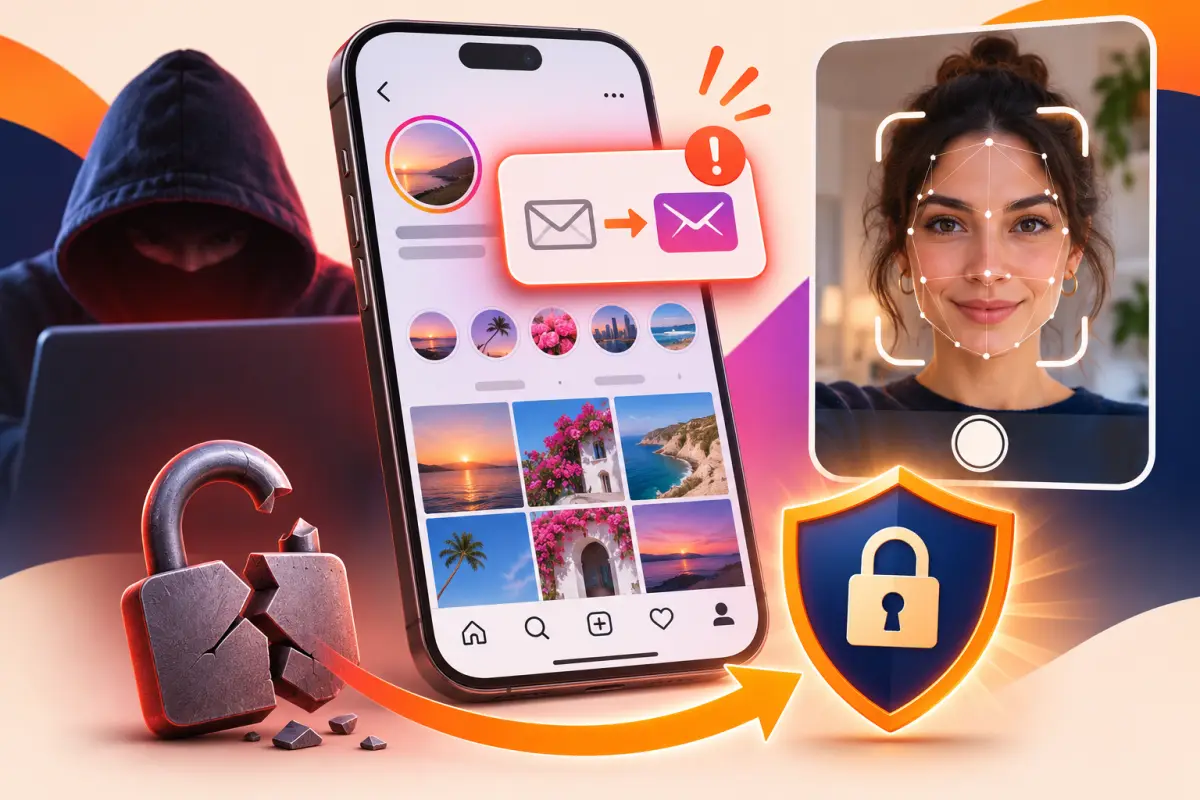
Instagram may ask you to verify that the account is yours. ESET notes this can include a short video selfie that is matched to photos on the account. Follow the prompts exactly and submit one request only. Sending many requests from different devices does not speed things up and can look like bot activity.
Use a phone or computer you have logged in to Instagram from before, on your usual Wi-Fi. That helps Instagram recognise you.
Step 4: Secure Your Email First
If the attacker got into your email too, recover that first, or they can take Instagram back again. Follow our guide for an email account hacked.
Step 5: Lock the Account Down
- Change your Instagram password to one you do not use anywhere else.
- Open Accounts Center in Instagram settings and review where you are logged in. Log out of any device you do not recognise.
- Check that the email address and phone number on the account are yours.
- Remove any third-party apps or websites you do not recognise.
- Check your posts, messages and profile for anything the attacker added.
Step 6: Turn On Two-Factor Authentication
Turn on two-factor authentication in Accounts Center. ESET recommends an authenticator app or a passkey rather than SMS, because text codes can be intercepted. See our guide to two-factor authentication methods.
Instagram Account Hacked and Deleted or Disabled?
If the account has been disabled for activity the attacker carried out, follow the appeal link Instagram shows when you try to log in. If it has disappeared entirely, use the same instagram.com/hacked route quickly, because recovery gets harder over time.
Avoid Recovery Scams
People who comment on hacked-account posts or message you offering to recover your Instagram for money are not Instagram staff. Instagram does not charge to recover accounts. Our guide on protecting yourself from online scams covers the common tricks.
If Recovery Stalls
- Try signing in with Facebook. If your Instagram account is linked to a Facebook account that you still control, choose Log in with Facebook on the Instagram login screen.
- Use only official pages. Start recovery at instagram.com/hacked and check Instagram’s own account security advice. Support never asks for your password, and Instagram does not contact you through comments or random direct messages.
- Give it time and do not repeat requests. Identity checks such as a video selfie are reviewed after you submit them. Sending the same request again and again from different devices can slow things down.
- Warn the people who follow you. Attackers often message followers asking for money or login codes. Tell friends through another account, WhatsApp or text that your Instagram was hacked and that they should ignore requests from it.
When to stop: if Instagram cannot verify you and the account stays out of reach, do not pay anyone who offers to get it back. Secure your email and other accounts, ask friends to report the hacked account if it is impersonating you, and start a new account with two-factor authentication turned on from day one.
Secure the phone you use for Instagram too.
Frequently Asked Questions
How do I recover a hacked Instagram account if the email was changed?
Look for Instagram’s email to your old address and tap Revert this change. If it is not there, use instagram.com/hacked and complete any identity checks.
How long does Instagram account recovery take?
It varies. A revert link works immediately, while identity checks can take longer. Submit one request and wait for Instagram’s reply.
Can I recover a hacked Instagram account without the email or phone?
Often yes, through instagram.com/hacked and a video selfie or other check that confirms the account is yours.
Should I pay someone to recover my Instagram?
No. Instagram does not charge for recovery, and paid recovery offers are almost always scams.