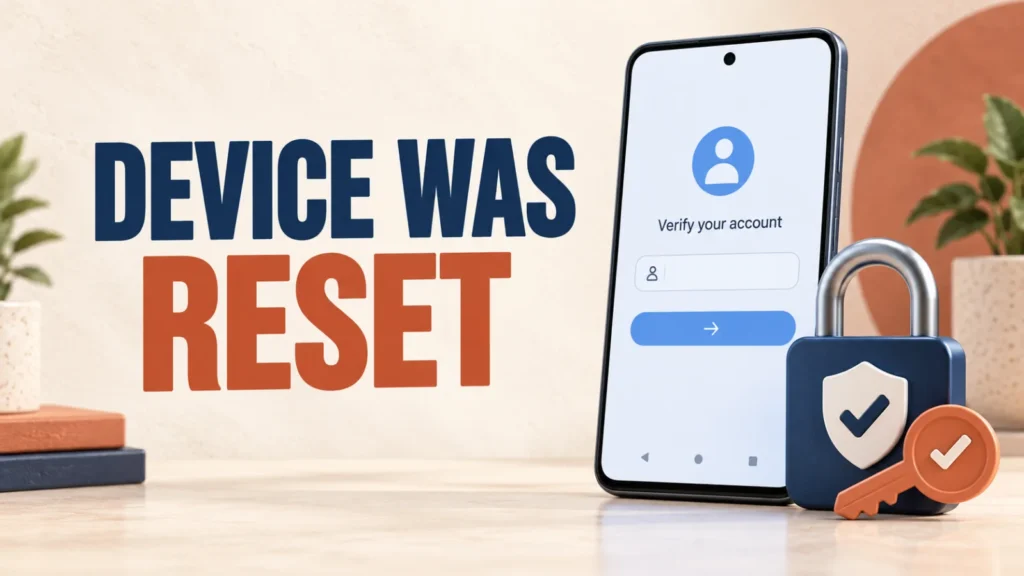
This device was reset is an Android ownership-verification message shown after some factory resets. It is part of Factory Reset Protection (FRP), an anti-theft feature designed to stop someone from erasing a lost or stolen phone and setting it up as their own.
If the phone belongs to you, the safe fix is to verify a Google Account that was previously added and synced to the device, recover that account if needed, or contact the manufacturer with proof of purchase. Do not install bypass APKs or follow exploit videos.
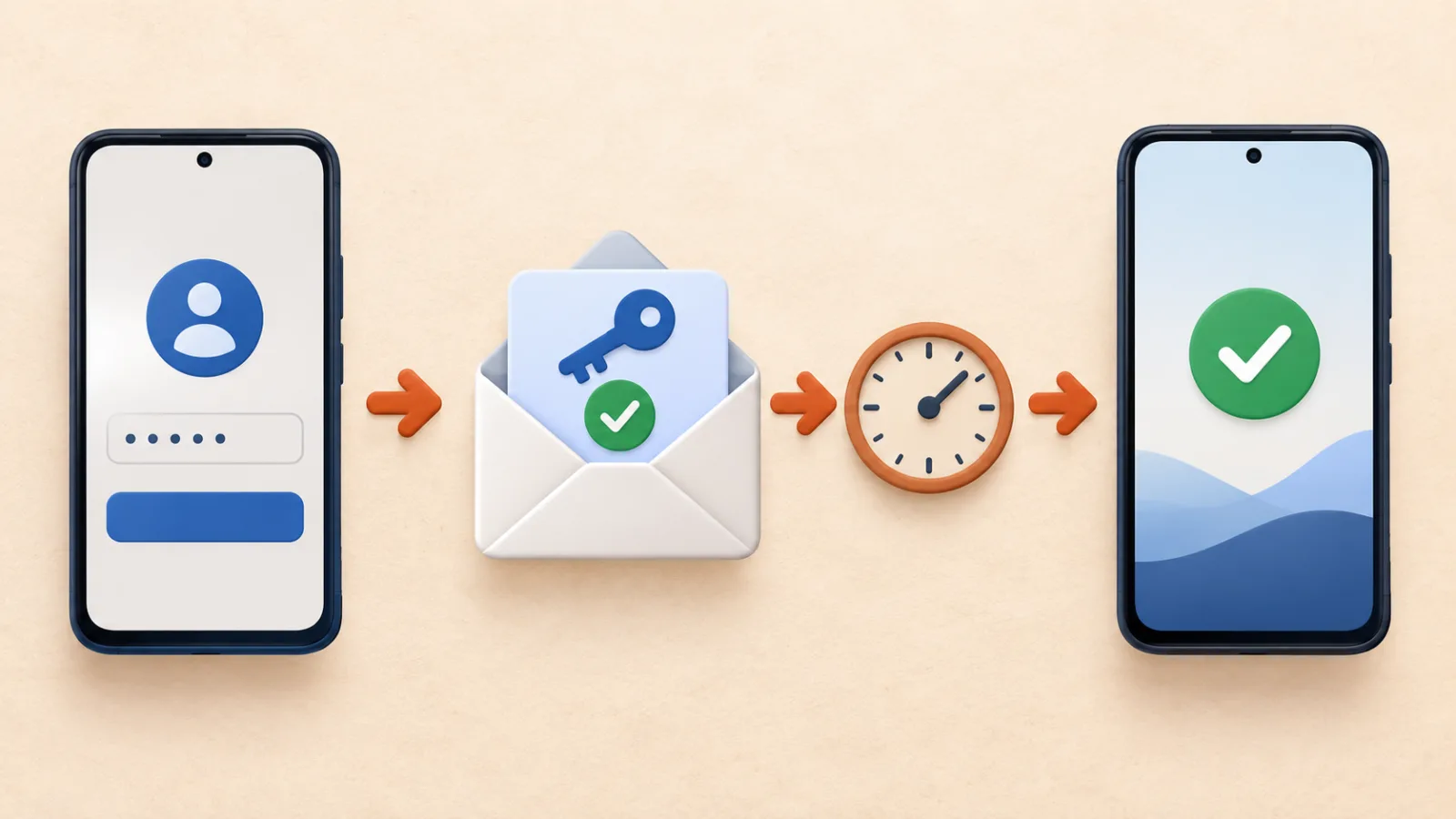
Connect the phone to Wi-Fi, then sign in with any Google Account that was previously added and synced to it. If you forgot the email or password, recover the account on another device first. After changing the Google password, wait at least 24 hours before trying setup again. If recovery fails, contact the phone manufacturer or an authorized service center with proof of purchase.
Why Android Says “This Device Was Reset”
Google calls this protection device protection. It is enabled when a Google Account and screen lock are added to a supported Android device. A reset performed through Recovery mode, Find Hub, or another method outside the normal Settings flow can trigger ownership verification.
Google states that setup may accept any Google Account previously added and synced to the device as an account or user, but not a guest account. A newly created Google Account will not satisfy this check. (Google Android Help)
How to Fix “This Device Was Reset” Safely
- Connect to a reliable network. Complete the initial language and Wi-Fi steps. Incorrect date, unstable Wi-Fi, or a captive portal can prevent sign-in.
- Enter a previously synced Google Account. Use an address that was on this phone before it was reset. If several accounts were used, try the one you normally used for Google Play or device backups.
- Recover a forgotten email address. On another phone or computer, open Google’s username-recovery page. You will need the recovery phone number or email address and the name on the account. (Find your Google Account)
- Recover a forgotten password. Use Google Account Recovery and answer the ownership questions as accurately as possible. Google warns that it does not work with third-party account-recovery services. (Google Account Recovery)
- Wait after a password change. Google advises waiting 24 hours after resetting your Google Account password before performing a factory reset. Samsung also notes that a 24-hour cool-down may apply before the new password unlocks a reset Galaxy device.
- Restart setup and sign in again. Use the recovered account and current password. If the message persists, confirm that the account was actually synced to this device before the reset.
Do not download QuickShortcutMaker, Google Account Manager APKs, “FRP tools,” modified firmware, or remote-unlock software from videos and file-sharing sites. These methods may contain malware, steal account credentials, damage the phone, or bypass a protection intended to deter theft.
If You Bought the Phone Second-Hand
If you bought the phone second-hand and it requests the previous owner’s Google Account, contact the seller. The previous owner should complete verification or, if they still have normal access before a reset, remove their Google Account from the device through Settings.
Do not ask the seller to send you their password. If the seller cannot prove ownership or refuses to help, use the marketplace’s return or buyer-protection process. A receipt from an unknown seller may not be enough for a manufacturer to remove an account lock.
Samsung Galaxy and Proof-of-Purchase Support
Samsung says a Galaxy phone reset through the Recovery menu may request the last Google Account used on the device. Depending on Android version, it may also accept the previous screen-lock PIN or password.
If you cannot recover any previously synced Google Account, Samsung directs owners to an authorized service center with proof of purchase. Service availability and required documents vary by region, so contact Samsung Gulf or your local manufacturer before travelling. (Samsung Google Device Protection guidance)
If your problem is a disabled Samsung login rather than Google FRP, follow our Samsung account recovery guide.
How to Prevent FRP Before Selling a Phone
Before selling, gifting, or trading an Android phone:
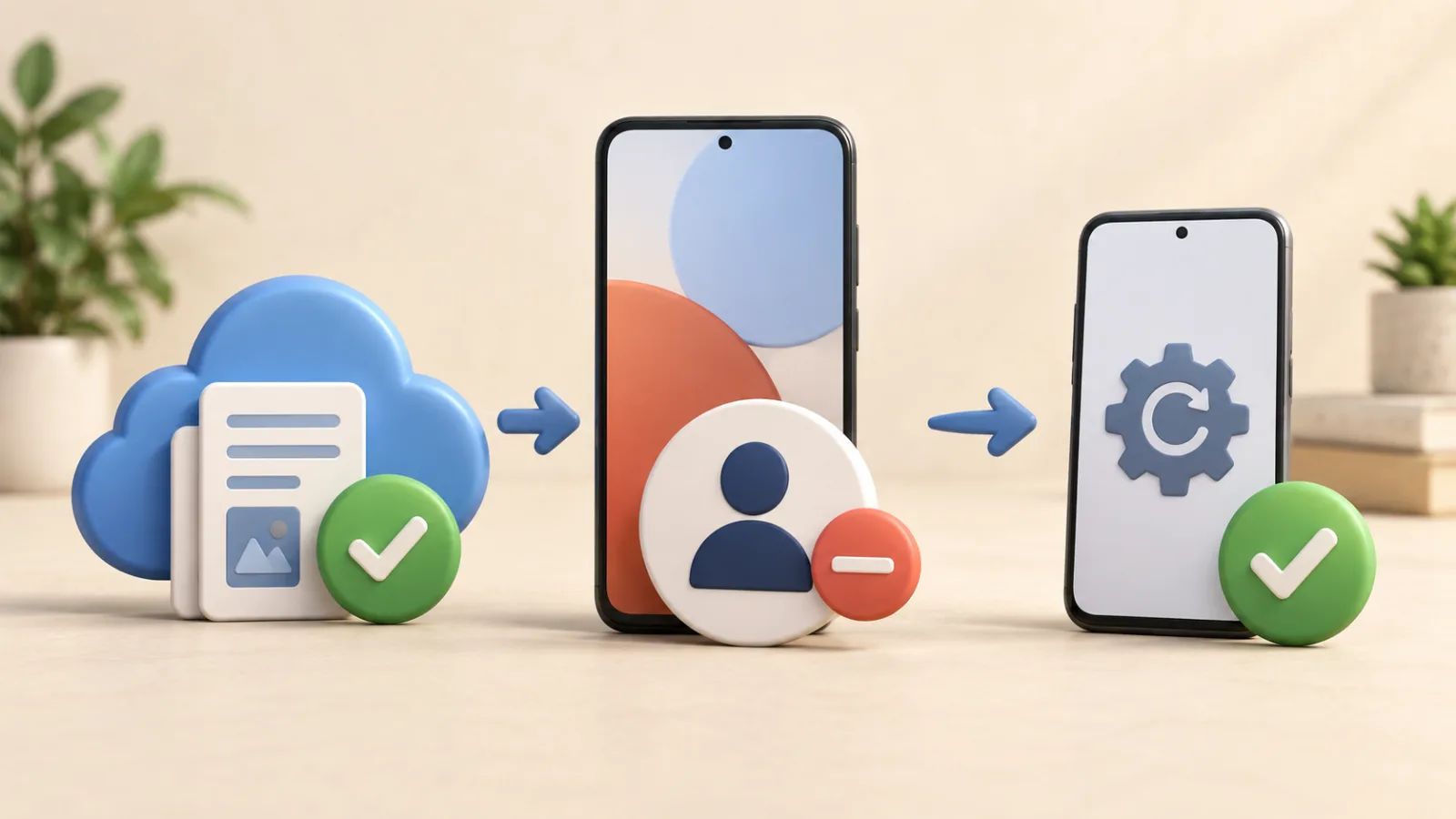
- Back up photos, messages, authenticator data, and important files.
- Remove every Google Account through Settings > Accounts or your manufacturer’s equivalent menu.
- Remove the Samsung or other manufacturer account where applicable.
- Perform the factory reset from Settings, not the Recovery menu.
- After restart, confirm that setup no longer asks for the previous account before handing over the device.
Google notes that a factory reset erases local data and recommends confirming your Google credentials before resetting. (Google factory-reset preparation) For more protective settings, see our mobile device security guide.
Frequently Asked Questions
Can I use a new Google Account after the phone was reset?
Not for FRP verification. Use an account that was previously added and synced to that device. You can add a new account after ownership verification and setup are complete.
How long should I wait after changing my Google password?
Google documents a 24-hour wait before performing a factory reset after a password change, and Samsung says a 24-hour cool-down may apply before the new password unlocks a reset Galaxy device.
Can a repair shop bypass Google verification?
An authorized service center may help a legitimate owner according to the manufacturer’s policy and proof-of-purchase requirements. Avoid shops offering unofficial APK, exploit, or remote bypass methods.
Will another factory reset remove the Google account check?
Usually no. Repeating the reset does not prove ownership and can return you to the same verification screen. Recover the previously synced account instead.
What if the phone belonged to a company or school?
Contact the organization’s administrator. The device may also be enrolled in mobile-device management, and only the organization can remove its management or account requirements.