
Troubleshooter
Common Windows Errors: How to Diagnose and Fix Them Safely
Common Windows errors are easier to fix when you start with the exact symptom instead of trying random repair commands. A blue screen, failed…

The guide library
Step-by-step fixes for Windows, phones, security, software and laptops, written in plain English and kept up to date.
Common Windows errors are easier to fix when you start with the exact symptom instead of trying random repair commands. A blue screen, failed…
Software errors can cause a program to crash, freeze, or display an error code, but reinstalling is rarely the best first step. It usually…
Quick AnswerCommon computer problems — slow performance, freezing, no internet, or startup issues — have simple fixes like restarting, updating, freeing space, and checking…

Error code 0xc0000225 appears when Windows Boot Manager cannot load the operating system using the expected boot configuration or required files. The screen may…
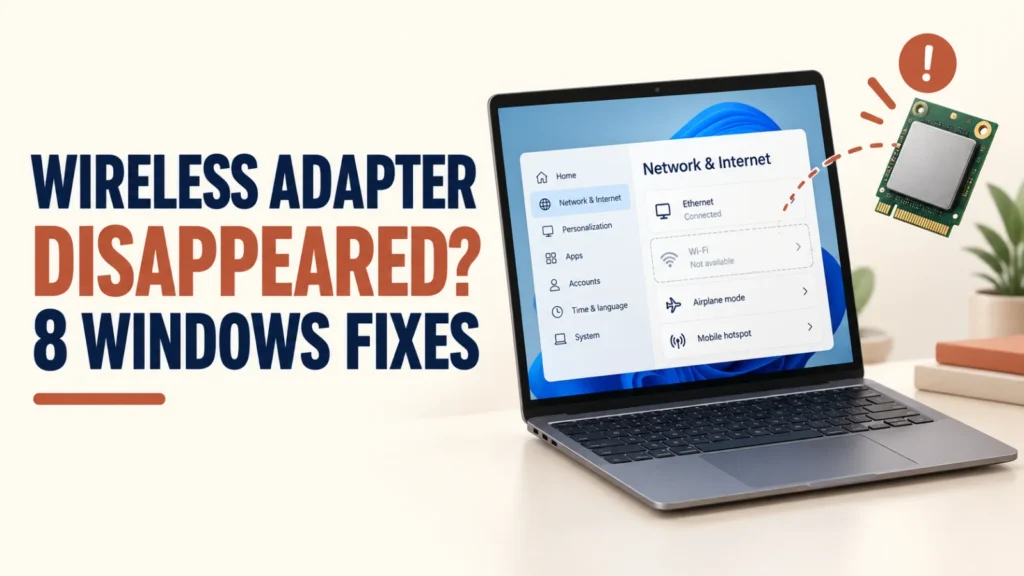
Quick Answer If your wireless adapter disappeared, restart and check the Wi-Fi switch, then open Device Manager. If the adapter is listed, enable it…

Seeing a message that your Windows license will expire soon can be alarming, especially when the PC seems to be working fine.The wording is…
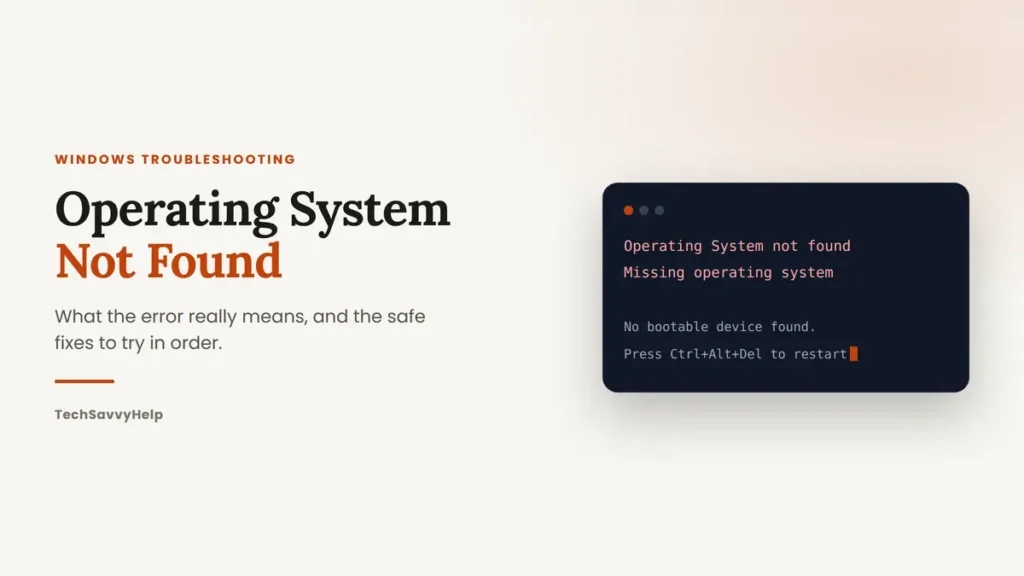
A black screen that reads Operating System Not Found or Missing operating system looks like the worst kind of computer problem. Most of the…
Windows Store not working usually means the Microsoft Store will not open, gets stuck loading, or refuses to download apps. It often starts right…
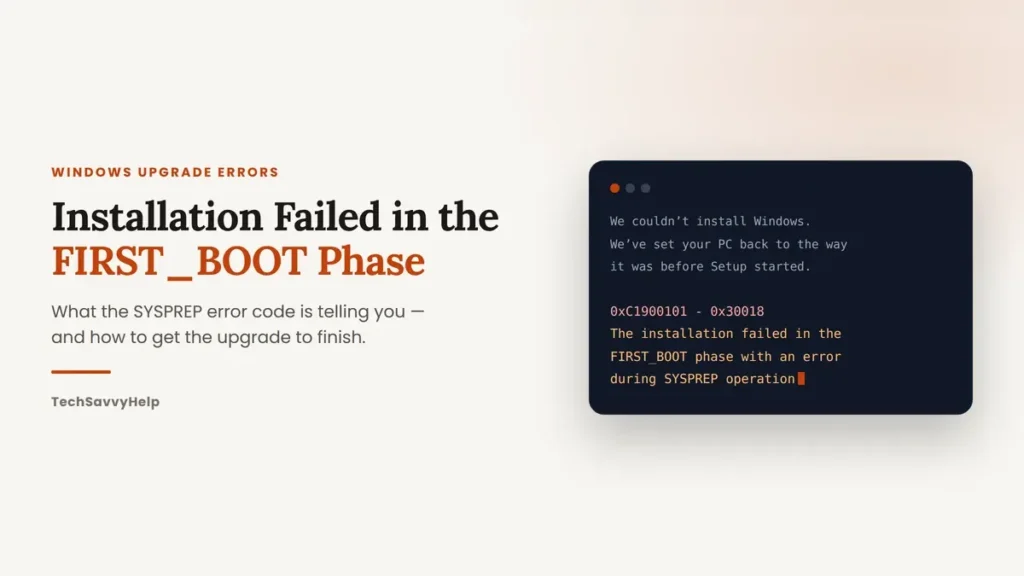
An upgrade that runs for an hour, restarts, and then drops you back into your old Windows with “The installation failed in the FIRST_BOOT…

Quick Answer If Disk Management could not start Virtual Disk Service, first decide whether the error is local or remote. On your own PC,…