
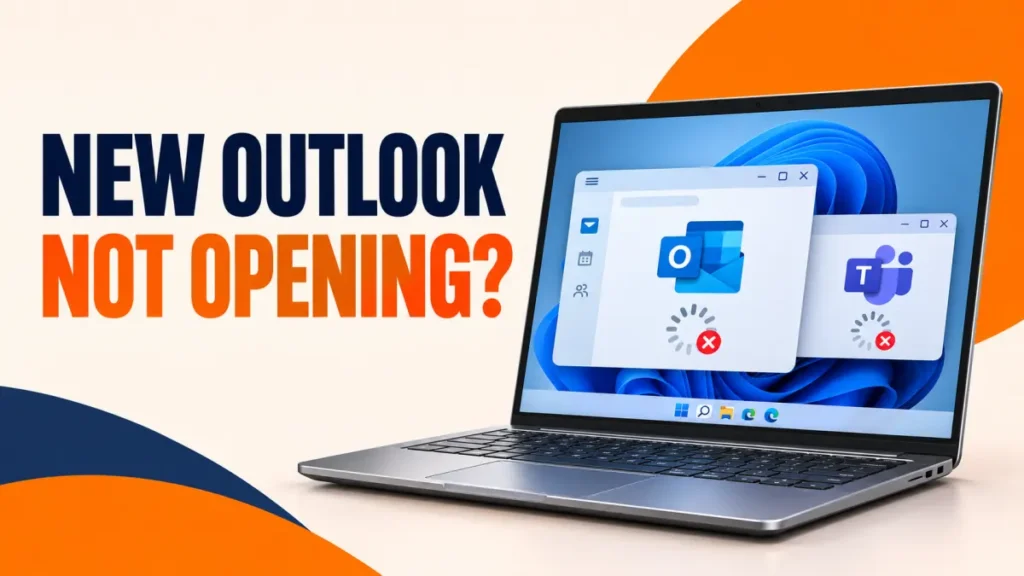
New Outlook not opening, or opening and closing straight away, became a common problem in 2026, and Teams often fails at the same time. On some Arm-based Windows PCs it was caused by a Windows update. On other PCs it is usually a damaged app cache or a stuck sign-in.
Start with the update fix, then repair the apps. Use this “new Outlook not opening” checklist in order, stopping when the app launches normally.
Install the latest Windows update first. Microsoft says the Arm PC bug that stopped new Outlook and Teams opening was fixed by Windows updates released on 8 September 2026 and later—KB5124012 for Windows 11 26H1 and KB5124008 for 24H2/25H2. Then update both apps from the Microsoft Store. If they still fail, go to Settings > Apps > Installed apps, open Advanced options for each app and select Repair, then Reset.
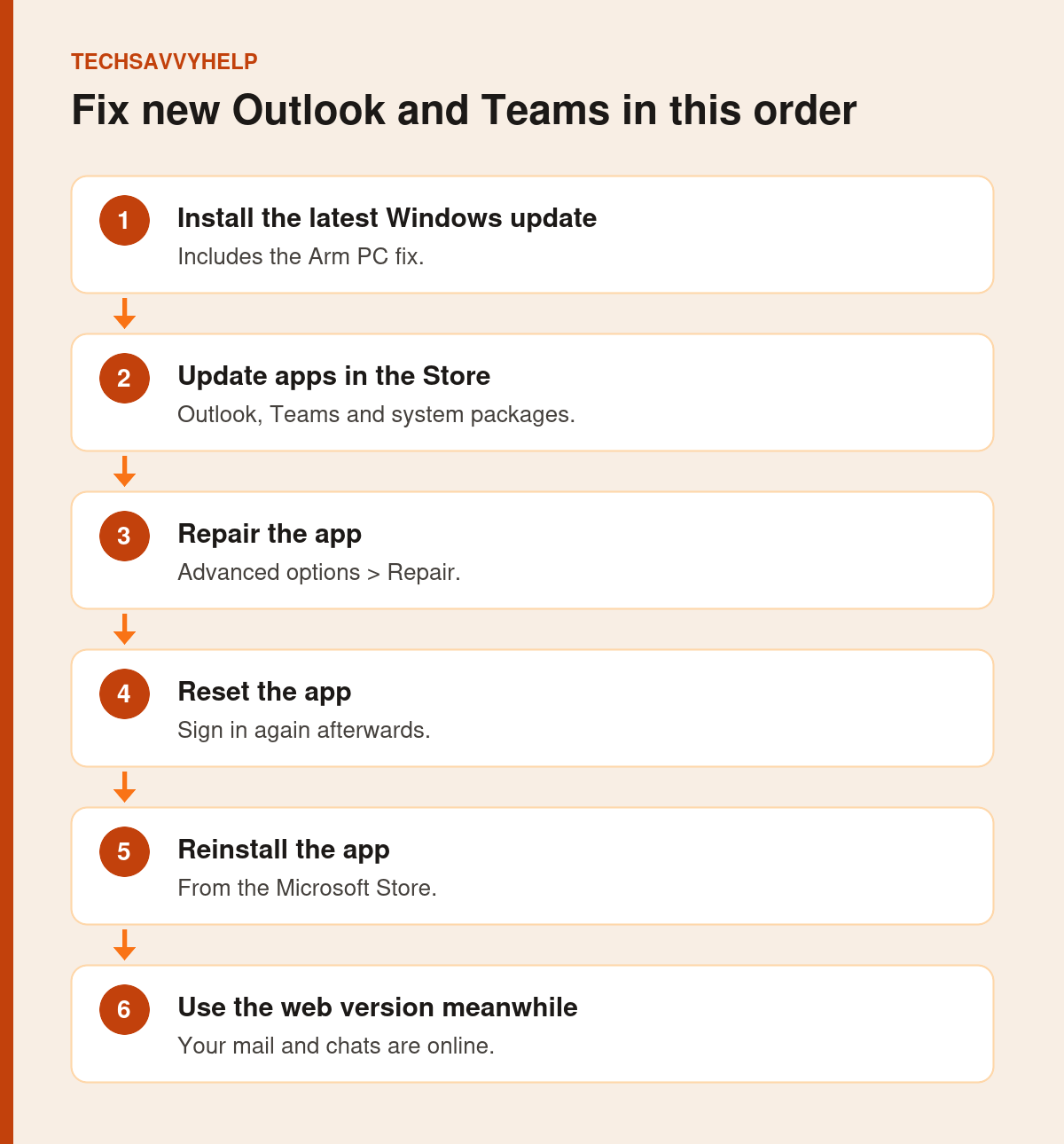
Table of Contents
ToggleIs It the Arm PC Bug?
Microsoft reported that after Windows security updates released on or after 11 August 2026, Teams and the new Outlook could fail to launch or close unexpectedly on Arm-based PCs, such as the Surface Pro 11 and Surface Laptop 7. The affected update was KB5121003 on Windows 11 24H2/25H2 and KB5121000 on 26H1. Classic Outlook, Word and Excel were not known to be affected.
Microsoft says the issue was resolved by Windows updates released on 8 September 2026 and later. The KB number depends on the Windows version: KB5124012 for 26H1 and KB5124008 for 24H2/25H2. To check if your PC uses Arm, open Settings > System > About and look at System type for ARM-based processor.
Fix 1: Install the Latest Windows Update
Open Settings > Windows Update, select Check for updates, install everything and restart. This is the fix for the Arm bug and for many other launch problems.
Fix 2: Update Apps in the Microsoft Store
Open the Microsoft Store, go to your Library or Downloads page and select Get updates. Before the permanent fix, Microsoft’s workaround for the Arm bug was updating the Auto Super Resolution Package to version 1.0.19.0 or later this way, which shows how much these background Store packages matter.

Fix 3: Repair New Outlook When It Is Not Opening
If the “new Outlook not opening” problem remains after updates, Repair is the safest app-level fix.
- Open Settings > Apps > Installed apps.
- Find Outlook (new), select the three dots and choose Advanced options.
- Select Repair and try opening Outlook.
- Repeat for Microsoft Teams if it also fails.
Fix 4: Reset Outlook or Teams
On the same Advanced options page, select Reset. This clears the app’s local data, including its cache, so you sign in again. Your mail, calendar and Teams chats are stored in your Microsoft account, so they come back after sign-in.
Fix 5: Sign Out of Other Microsoft Accounts
Open Settings > Accounts > Email & accounts. If old work or school accounts are listed that you no longer use, remove them. Stale accounts can make Outlook and Teams loop at sign-in and then close.
Fix 6: Reinstall From the Microsoft Store
Uninstall Outlook (new) or Microsoft Teams from Installed apps, restart, then install it again from the Microsoft Store. If other apps also refuse to open, follow our wider guide to Windows 11 apps not opening.
Fix 7: Use the Web Version or Classic Outlook Meanwhile
You do not have to wait. Use Outlook on the web at outlook.com or outlook.office.com, and Teams at teams.microsoft.com. If you have Microsoft 365, classic Outlook is still available and was not affected by the Arm bug.
Work PC? Your IT team may control updates. Tell them the device model and that it is Arm-based, so they can push the fixed update.
For most PCs, the “new Outlook not opening” issue ends after updating or repairing the app.
Frequently Asked Questions
Why is new Outlook not opening on my Windows 11 PC?
On Arm-based PCs, an August 2026 Windows update caused it, fixed by 8 September 2026 updates. On other PCs the usual causes are a damaged app cache, an outdated app or a stuck sign-in.
Will resetting new Outlook delete my email?
No. Reset removes local app data. Your email and calendar are stored in your Microsoft account and download again after you sign in.
Was classic Outlook affected by the Arm bug?
No. Microsoft said classic Outlook, Word and Excel were not known to be affected.
How do I know if my PC is Arm-based?
Open Settings, System, About and check System type. Arm PCs show an ARM-based processor.