KB5121003 Problems: Fix Windows 11 Game Crashes and Update Errors
KB5121003 game crashes are linked to an RGB-related inpoutx64 driver. See Microsoft’s resolved status, safe fixes, and installation repair steps.

KB5121003 game crashes are linked to an RGB-related inpoutx64 driver. See Microsoft’s resolved status, safe fixes, and installation repair steps.
Quick Answer Record the stop code and any "What failed" name. Remove newly added hardware, then use Safe Mode if Windows will not start…

Printer problems on Windows and Mac usually come from one of four places: the printer itself, the connection, a stuck print queue, or the…

Quick Answer Windows data recovery works best when you stop using the affected drive immediately. Check the Recycle Bin, File History, and OneDrive first.…
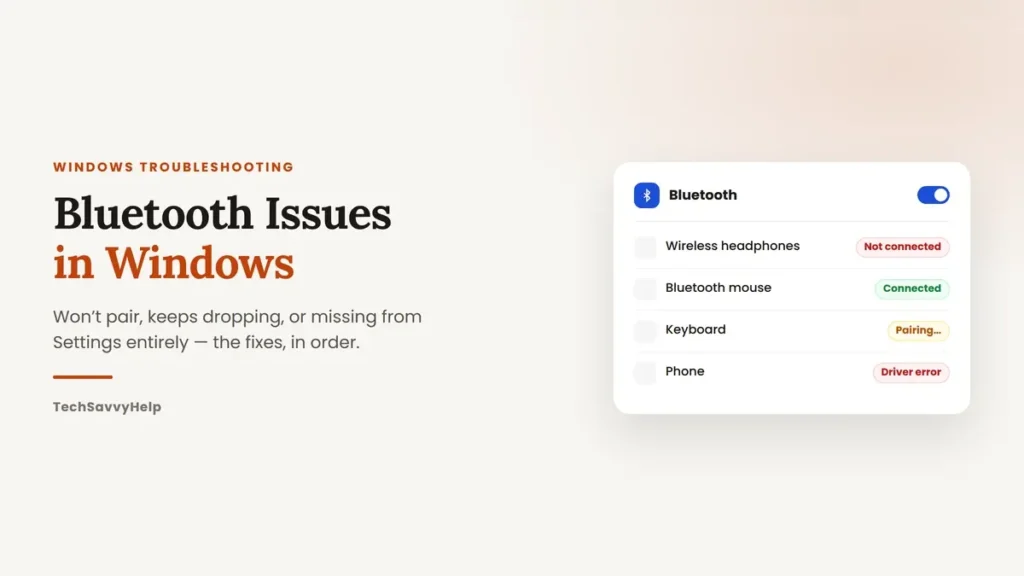
Struggling to fix Bluetooth issues in Windows? Our complete guide helps you troubleshoot and resolve common issues effortlessly.

Common Windows errors are easier to fix when you start with the exact symptom instead of trying random repair commands. A blue screen, failed…
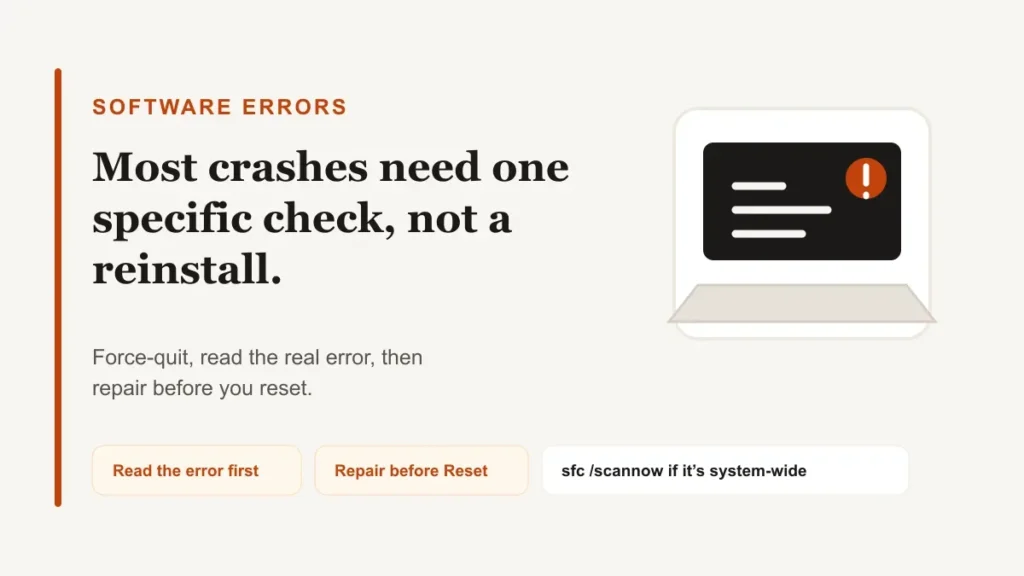
Software errors can cause a program to crash, freeze, or display an error code, but reinstalling is rarely the best first step. It usually…
Quick AnswerCommon computer problems — slow performance, freezing, no internet, or startup issues — have simple fixes like restarting, updating, freeing space, and checking…

Error code 0xc0000225 appears when Windows Boot Manager cannot load the operating system using the expected boot configuration or required files. The screen may…