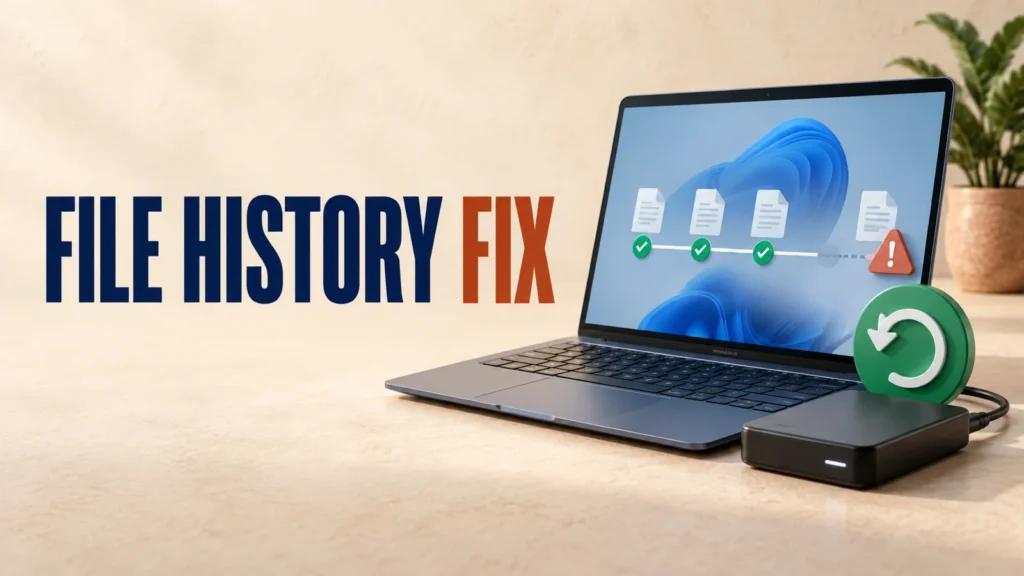
File History Not Working After Windows Update? Easy, Proven Fixes
File History not working after a Windows update is, this time, a confirmed bug rather than something you set up wrong. Microsoft has acknowledged…

File History not working after a Windows update is, this time, a confirmed bug rather than something you set up wrong. Microsoft has acknowledged…
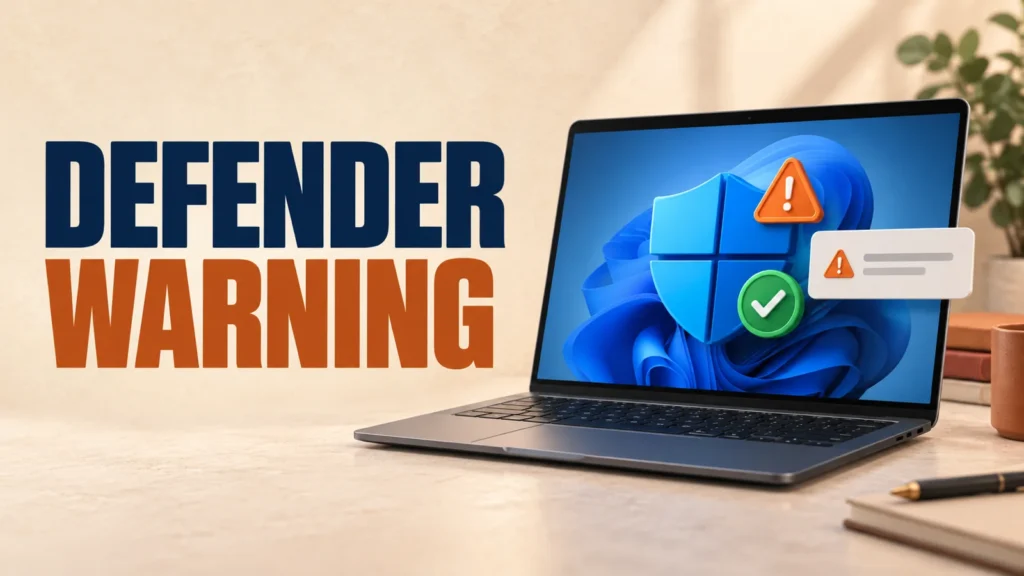
What's Actually Happening If you see a Microsoft Defender is turned off warning even though Windows Security shows protection is active, you may be…
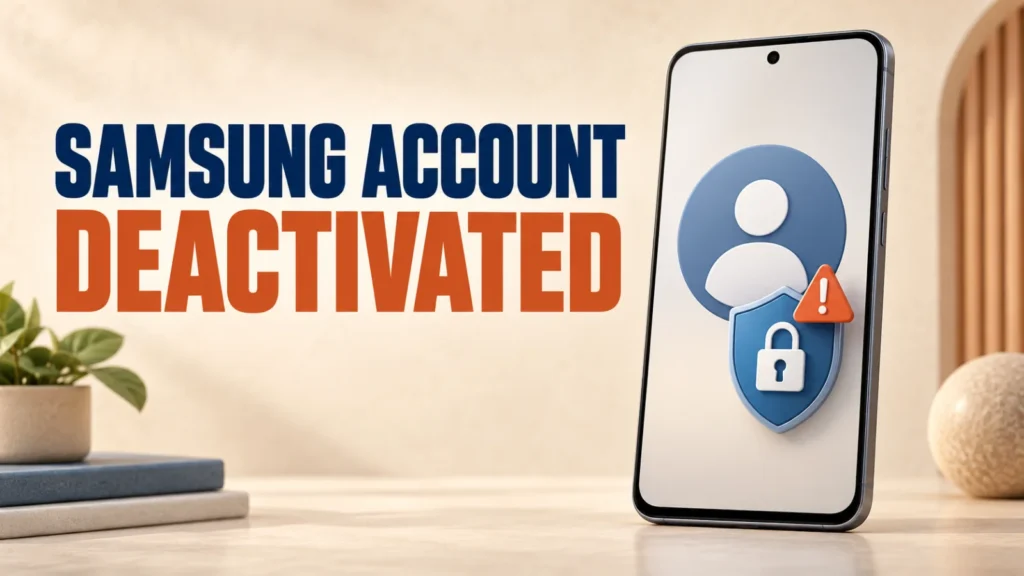
A Samsung account deactivated for security reasons cannot always be restored with a password reset alone. Samsung has now acknowledged that some accounts may…

Since Android 17 started rolling out to Pixel phones, one complaint stands out: the touchscreen missing taps or briefly stopping responding.It's been widely reported…
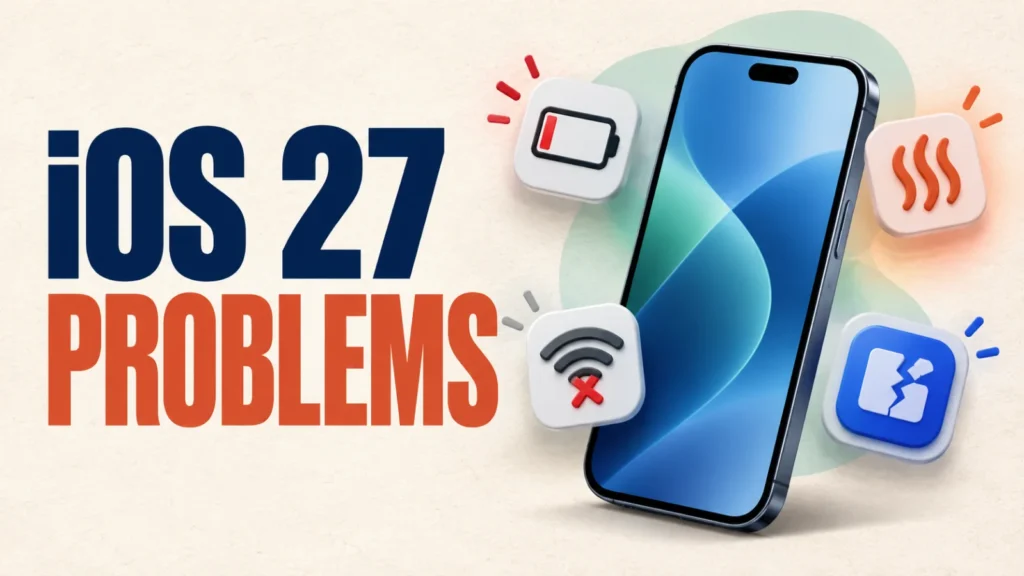
Apple released iOS 27 on September 14, 2026. This guide explains what to check if battery life drops, the iPhone feels warmer, Wi-Fi stops…
Windows 11 can make File Explorer slow, unresponsive, or prone to freezing. Start with the low-risk fixes below. Microsoft is actively improving Explorer performance,…

A Windows/.NET update from August 2026 broke printing and PDF export in some desktop apps.If you cannot print PDF after update installation in a…

Windows 11 wallpaper black after update? Install the latest Windows cumulative update. Microsoft resolved the personalization problem in updates released on or after September…

Windows Update error 0x80073712 usually appears when Windows cannot find or use a file required to install an update. Microsoft describes the likely cause…