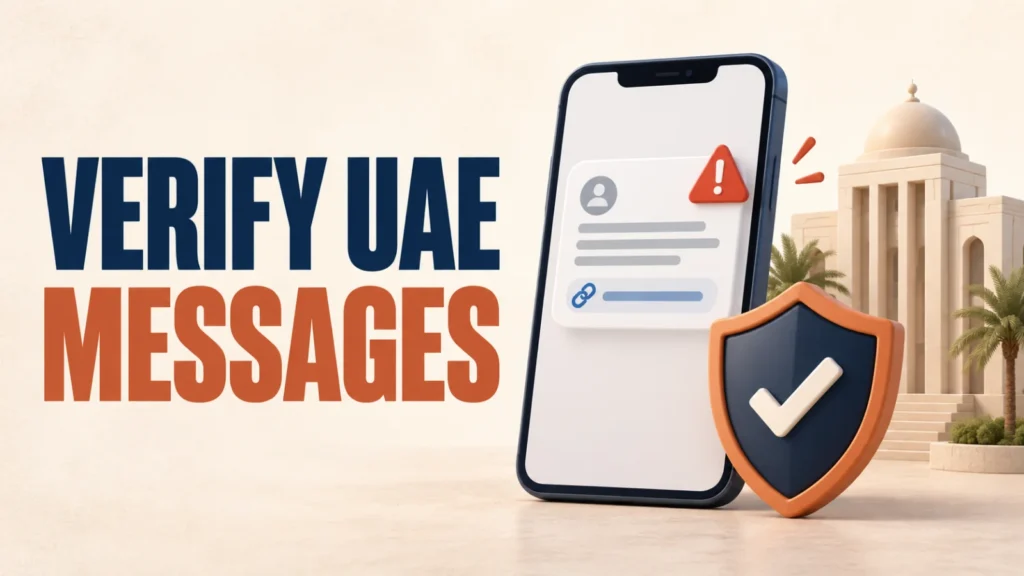
To verify UAE government messages, pause before clicking a link, making a payment or approving a UAE Pass request. Fake texts, calls and links impersonating public authorities are an officially acknowledged problem.
The UAE Government cyber-safety guidance and a March 2026 advisory from Digital Dubai and TDRA provide practical checks for separating a genuine service request from phishing.
To verify UAE government messages, do not use the link or phone number inside an unexpected message. Open the authority’s official app or type its official website address yourself. Cancel any UAE Pass request you did not initiate, never share credentials or verification codes, and report suspected cybercrime through an official police channel.
Table of Contents
ToggleHow to Verify UAE Government Messages
On 19 March 2026, Digital Dubai and TDRA issued a joint statement warning of phishing campaigns targeting UAE Pass users.
The statement said official authorities will never ask users to share login credentials or verification codes.
It also flagged that scammers may attempt SIM-card-replacement requests or manipulate facial recognition procedures to gain unauthorised account access.
Per the official statement: authorities will never ask you to share a login credential or verification code, under any circumstance.
- Verify the sender independently. Find the authority through its official website or app—not through the message.
- Inspect the destination. Check the full website address before entering credentials or payment details.
- Cancel unexpected UAE Pass requests. Digital Dubai and TDRA say to reject login or verification requests you did not initiate.
- Protect credentials and codes. Official authorities will not ask you to share login credentials or verification codes, according to the March 2026 advisory.
- Report suspicious messages. Use UAE Pass support or an official cybercrime-reporting channel.
Use this same process whenever you need to verify UAE government messages delivered by SMS, email or a messaging app.
Fake Traffic-Fine and Government-Fee Text Messages
Dubai’s Roads and Transport Authority (RTA) has separately warned about fake texts threatening an unpaid traffic fine, as reported by Gulf News.
One example RTA shared read: “The traffic management department has notified you that your unpaid traffic fine (50 dirhams) is due soon,” with a threat of an added 500-dirham penalty.
RTA advised residents to be cautious of unauthorised messages or links impersonating official entities, and to use official platforms for any government transaction.
A text urging urgent payment through a link, with a specific penalty threat, matches the pattern RTA itself flagged as fraudulent.
Check any fine or fee directly through the relevant authority’s own official app or website — never through a link inside the message.
How the same impersonation pattern plays out with Emirates ID, biometric data, and UAE Pass OTPs — and how officials say to protect yourself.
Warning Signs Your Phone May Already Be Compromised
The UAE government’s own cyber safety guidance lists specific warning signs of a phone affected by fraud-related malware.
These include unusually fast battery drain, noticeably slower performance, unexplained overheating, and the device automatically sending texts or downloading apps without your input.
This list comes directly from the UAE government’s official cyber safety page. It does not tie these symptoms to one specific scam campaign — treat them as general warning signs, not confirmation of any particular attack.
What to Do and Where to Report It
The UAE Government cyber-safety guidance says victims must not give in to threats and should report incidents to official authorities immediately. When you verify UAE government messages, use the organisation’s independently located official app, website or telephone number.
- Do not click any link, call back any number, or reply to a message you weren’t expecting from a government body, bank, or telecom provider.
- Go directly to the organisation’s own official app or website to check whether the claim — a fine, a fee, an account issue — is real.
- Report the message through the UAE’s eCrime platform or to your local police, per the official cyber safety guidance.
- If you’re checking whether a document or certificate is genuine rather than a message, UAE Verify (uaeverify.gov.ae) is the official platform for that — it verifies digital documents, not messages or calls.
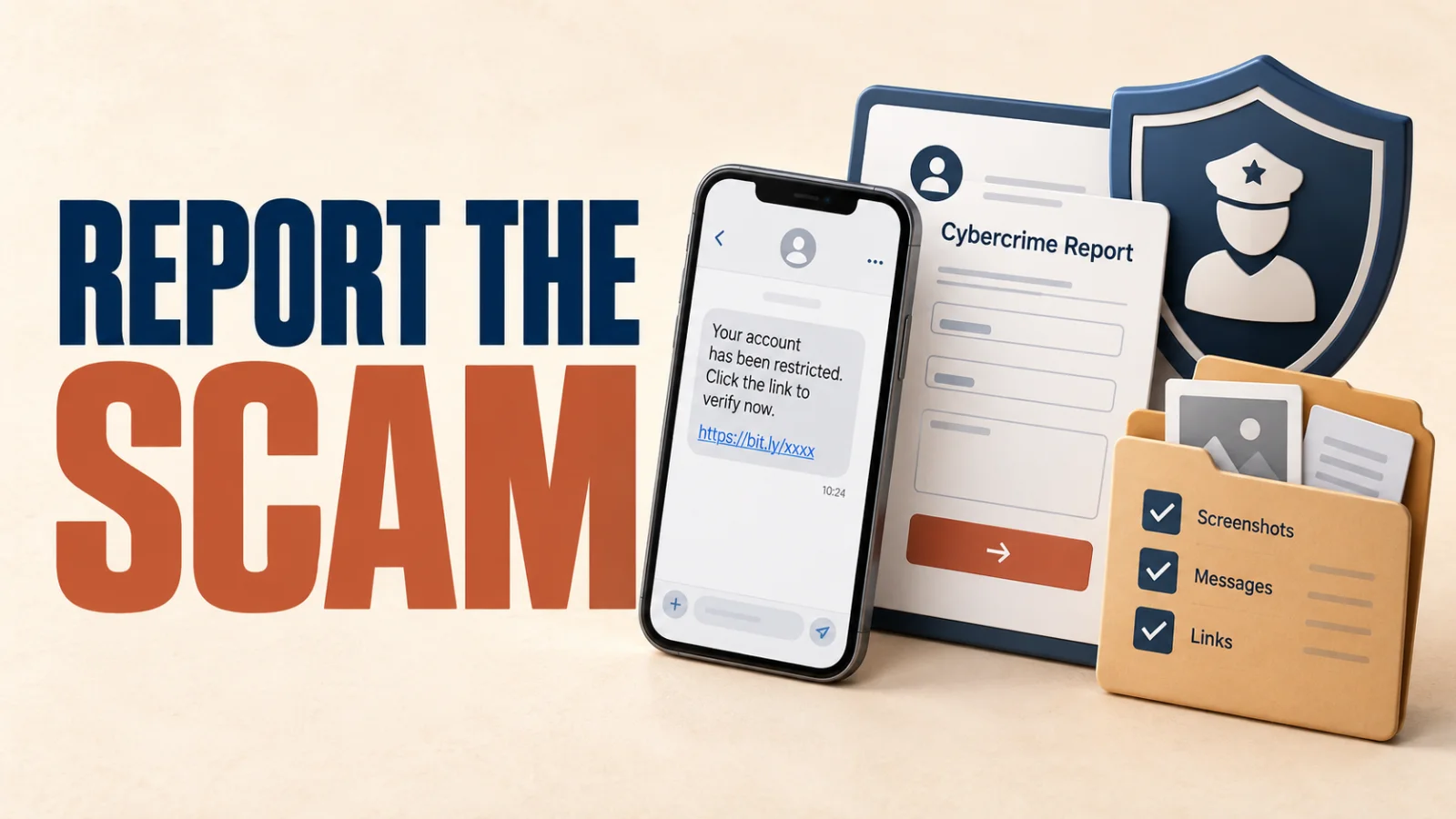
A broader guide to spotting and stopping online scams generally, beyond the UAE-specific patterns covered here.
Frequently Asked Questions
Will a real UAE government message ask for my UAE Pass code?
On its own, a face or fingerprint scan can’t unlock your Emirates ID or UAE Pass account the way a password can. The confirmed scam pattern uses it as one piece of a larger set — alongside your passport and Emirates ID details — collected together to impersonate you.
Is an urgent traffic-fine payment link trustworthy?
No. Both ICP and TDRA, which runs UAE Pass, have stated publicly that their staff will never ask for an OTP or verification code by phone, text, or call, under any circumstance.
What signs can indicate electronic fraud on a phone?
Only at an official, government-approved location — an ICP-authorised typing centre, an Amer or Tasheel service centre, or a bank branch handling your application directly. Never to an individual agent outside an official facility.
Where can I report a suspicious government message?
Contact your bank to watch for unauthorised accounts or loans, report the incident to Dubai Police or ICP, and if you’re a foreign national, alert your embassy or consulate — several run dedicated fraud-reporting helplines.
Does UAE Verify check text messages and calls?
Only use icp.gov.ae or the official ICP smart app for any service. Treat any unsolicited call, message, or link asking for personal or biometric information as fraudulent, even if it displays the ICP name or logo.