
Per-app internet control
Netcurb lets you choose which apps may use the internet. Turn one app off while everything else keeps working, without an account, ads or data collection.
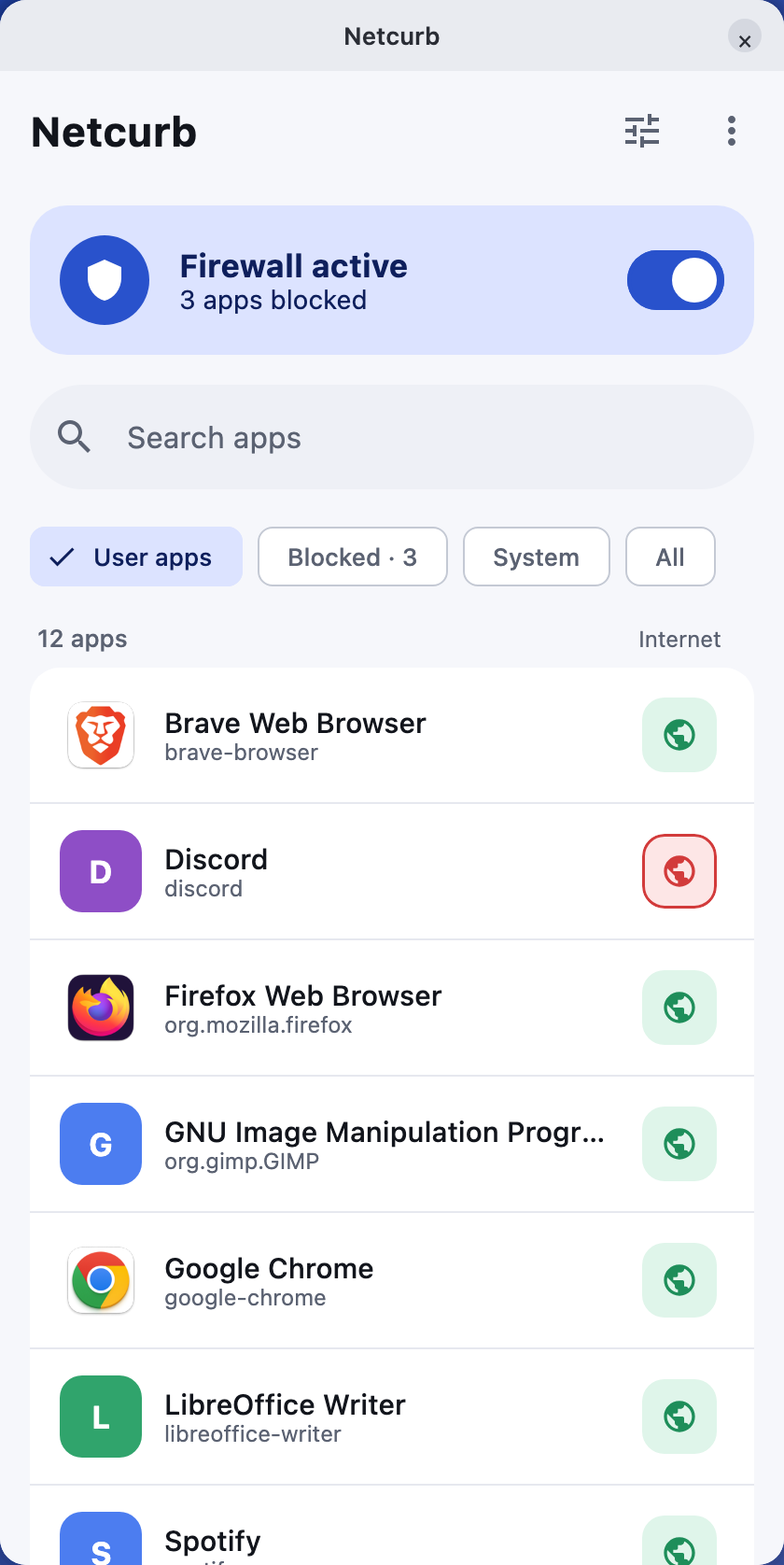
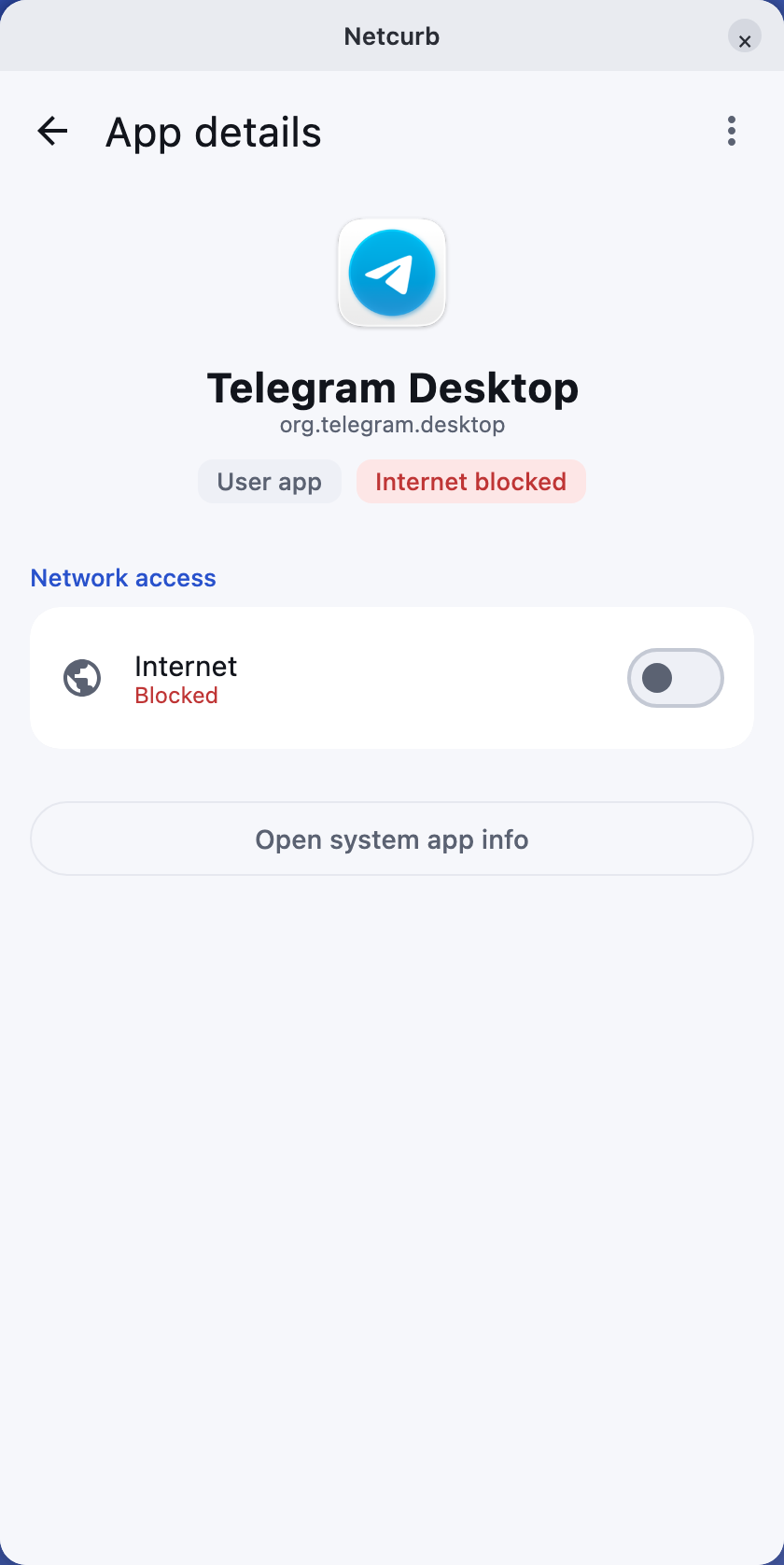
Firewall activeYour rules stay in place
Choose your platformCurrent downloads and what’s coming next.
Windows 10 / 11
Microsoft Store or MSI
Linux
Ubuntu, Debian, Fedora, Arch
Android
Coming soon to Google Play
In progress
macOS
Planned
On the roadmap
Simple control, built in
Netcurb uses the firewall already built into your system and turns its controls into a clean, app-by-app switchboard.
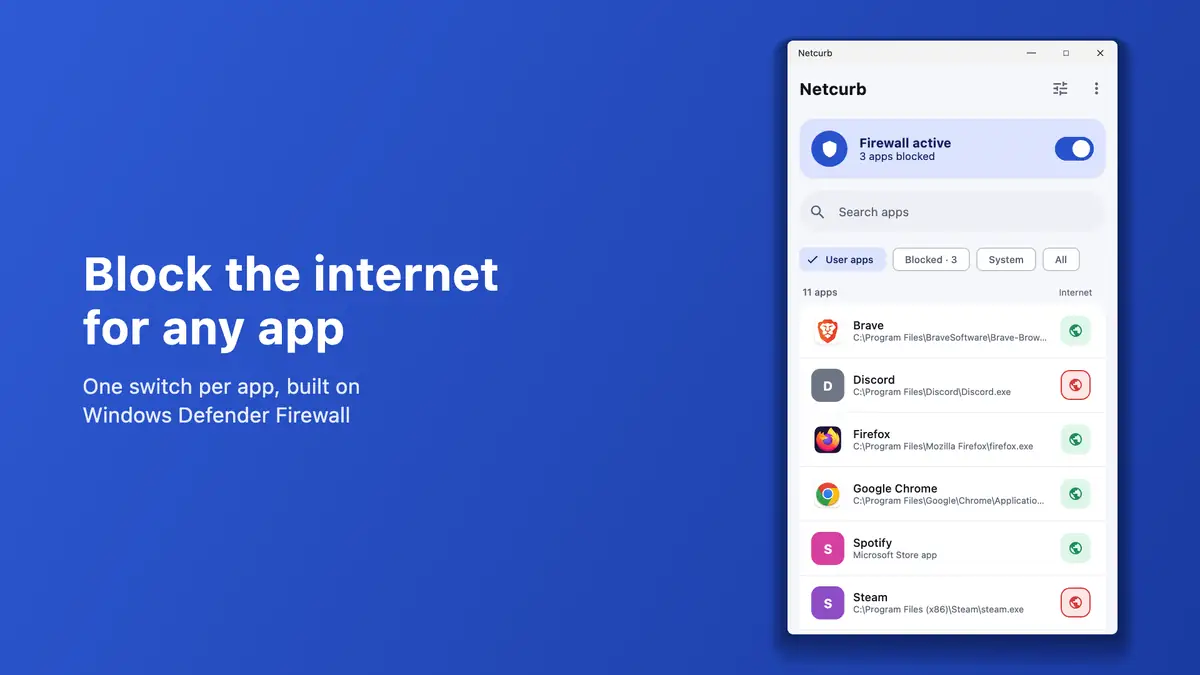
Block or allow internet access for each installed app without interrupting anything else.
Includes Microsoft Store apps on Windows and Snap or Flatpak apps on Linux.
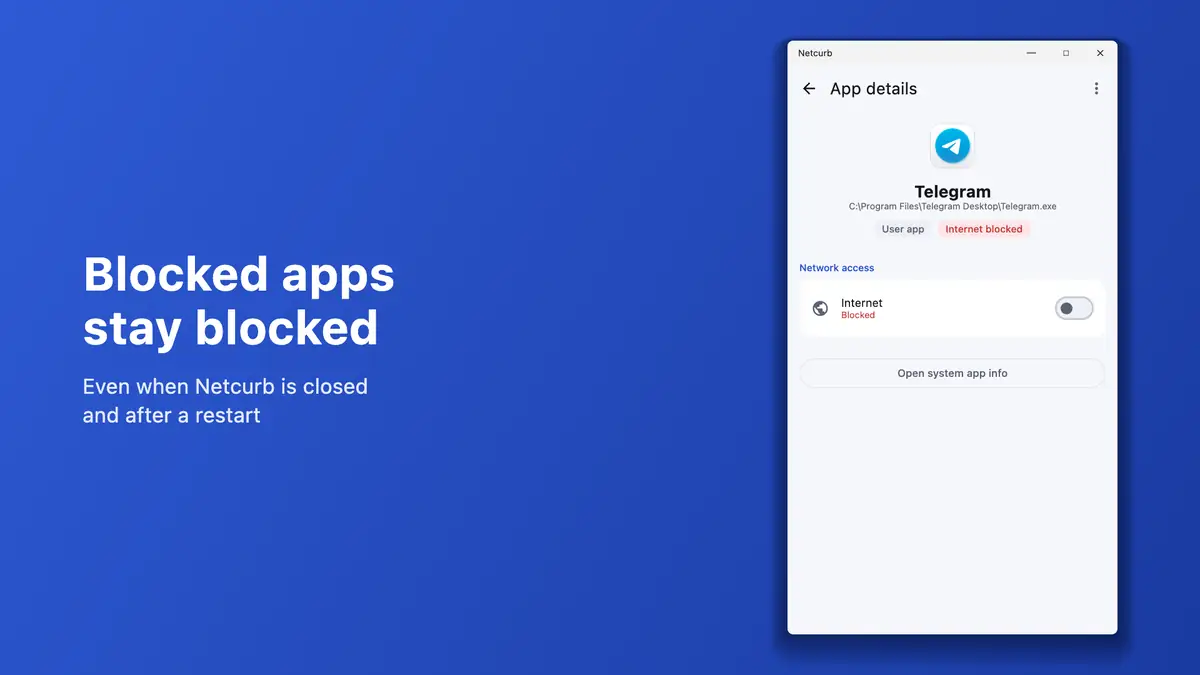
Blocked apps stay blocked after you close Netcurb or restart your computer.
Other users on the same computer cannot simply unblock the apps you chose.
Use search and filters to find apps quickly in a clean interface that fits your setup.
Removing Netcurb also removes its firewall rules and background service.
Netcurb on Windows
A focused app list and clear details make each rule easy to understand.
How it works
Netcurb does not replace the protection built into your operating system. It gives you a simpler way to control it.
The first time, your system asks once for administrator permission so Netcurb can set up its small background service.
Flip its switch to block or allow internet access. Netcurb uses Windows Defender Firewall on Windows and nftables on Linux.
Your selection remains active after Netcurb closes and after a restart.
Tip: restart an app after blocking it. Connections already open, such as browser tabs, can stay active until then.
Privacy by design
FAQ
Yes. Netcurb is free to download and use. It has no account and no ads.
No. Netcurb never inspects, logs or sends your traffic, and it makes no network requests of its own. It only tells your system’s firewall which apps to block.
Yes. A small background service and your system firewall keep your rules in place, so blocked apps stay blocked after you close Netcurb or restart your computer.
Yes. On Windows, Netcurb lists Microsoft Store apps alongside regular desktop programs, so you can block either kind. On Linux, it also covers Snap and Flatpak apps.
Uninstalling removes Netcurb’s firewall rules and background service, so every app gets normal internet access again. On Windows and Linux your settings folder is kept, so a reinstall keeps your rules; delete that folder to remove them too.
Blocking stops new connections. Connections an app had already opened, such as a browser’s open tabs, can stay active until you restart that app.
No. Netcurb works through Windows Defender Firewall, adding rules in a group called “Netcurb” that you can see in Windows Firewall settings. Your existing firewall protection stays as it is.
Tell us your operating system and what happened. You can also report a technical issue on GitHub.